




Murphy
Members
-
Joined
Everything posted by Murphy
-
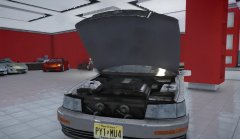 Thanks for your comment. Sorry, I will not be uploading this model at this time, as I have not been able to fix a few of its shader issues. However, there is a Celsior model (Japanese version of the LS400) available for GTA SA: http://gta0.blog106.fc2.com/blog-entry-1825.html Also, I do very much admire your appreciation of the car and your choice of a username.
 -
 That is correct, sir!
 -
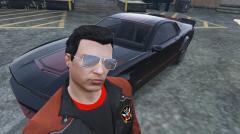
 Wow, I can't believe it's finally here!... 'There's a new guy in Los Santos... His name is Robocop.'
 -
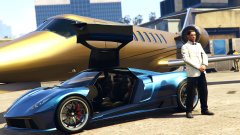 Really love that car and the other gullwing models. Haven't been in V in a while!
 -
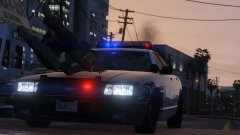 Nor did he likely survive.
 -
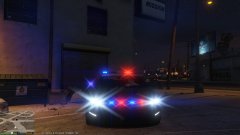 Very interesting particles!
 -
Please expand all sub directories under the hierarchy for the vehicle and post a picture or pictures of what you see here. It's a bit hard to help without this visual information. Also, if there are no brake lights on the vehicle, tail lights are automatically used by the game as both brake lights and tail lights (brake during day and night, and tail during night only).
-
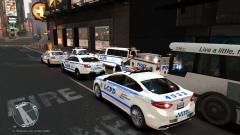 Nice!
Nice! -
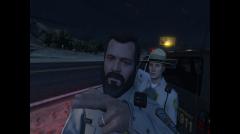 "Word to your motha"
 -
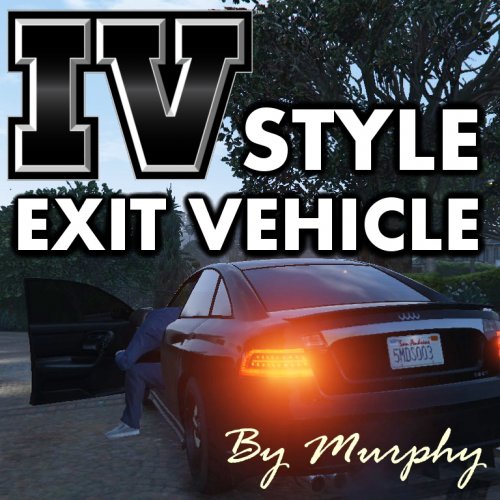
Thank you for the reviews, OfficerFive0 and vynlthrash! In this updated verison, gamepad support has been added, thanks to suggestions by mds818 of gta5-mods.com! Keysticks profile is included in the download with instructions. If a new method in GTA V LUA scripting for gamepad input is discovered, this file will be updated.
-
GAMEPAD SUPPORT ADDED! Keysticks no longer required!All gamepads and controllers that have a key mapped to the 'Exit Vehicle' function in GTA V are now supported!NO MORE GLITCHES! No diving out of car animation glitchNo need to remap the key binding for 'Exit Vehicle'This mod enables you to leave your car running by pressing the 'Exit Vehicle' key when you exit, or to turn it off by holding the 'Exit Vehicle' key... Just like in Grand Theft Auto IV! How to Install: Install Script Hook V: http://www.dev-c.com/gtav/scripthookv/Install the LUA plugin: http://gtaforums.com/topic/789139-vrelhook-lua-plugin-for-script-hook-v/Extract the "scripts" folder from the archive to your Grand Theft Auto V directoryDefault Hotkeys: Press the 'Exit Vehicle' key to leave vehicle with engine running (lights & radio will remain on)Hold the 'Exit Vehicle' key to leave vehicle and turn engine offNotes: Always back up your files before modifying your game! I am not responsible for any issues that may occurYou may not upload or distribute this file on any other siteEditing of this script should only be for personal use. If this code is re-released in your mod/script, proper credits should be listed. Thanks!
-
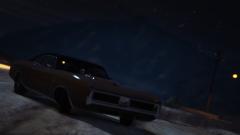 The Duke O'Drift!
 -
Eh, I don't care about winning. Just having fun. :D Besides, there's no way I can be on the Hall of Fame list. I had to look to figure out #1. Haha
-
Seems like the opposite. c: Notice how when mine says posted 2 minutes ago, yours says 1 minute. You missed me by seconds. Hehe.
-
Last try for me. Heh.
-
1. N/A - too hard to identify. Too generic. 2. Cadillac Escalade 3. Mercedes-Benz S-Class 4. Chevrolet Tahoe 5. Lincoln Navigator 6. Mercedes-Benz M-Class 7. Ford Taurus 8. Dodge Durango 9. Chevrolet Caprice 10. Vapid Stanier Police Interceptor - LCPD
-
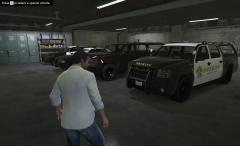 Looks like my garage. Although, mine is only the sedan cruisers. :P
 -
 Thank you. I hope you've been enjoying it! Thank you for your comment! I'm very glad that you've been having a good time with my ENB. :)
- 54 comments
- 10 reviews
-
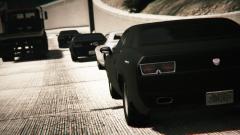 This reminds me of the Fast and the Furious. Just 'cause.
 -
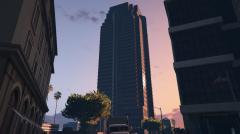
-

From the album: Grand Theft Auto V Album
"Welcome to the party, pal!" - John McClane (Die Hard) http://rsg.ms/71567e8© 2015
-
-
-
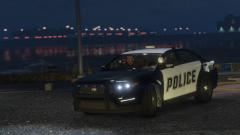 Are they Docking with Jay Norris?
 -
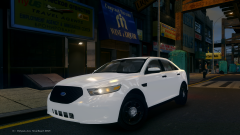 Looks good! Any plans to share this edit?


