billiarboy
Members
-
Joined
Everything posted by billiarboy
-
Well leave some links for the man then!!! Well leave some links for the man then!!!
-
Do you have ELS?
-
Look here! http://www.lcpdfr.com/profile/940-bxbugs123/content/?type=downloads_file
-
 Nice job,THANKS for sharing!!!
 -
-
thanks
-
Is there a way to add plates thru a trainer when the skins do not have any?
-
-
-
It fills those slots with cars on his pack police5=16 fpiu police6-tahoe k9 police7-11 FCV
-
LOL.PRESIDENTS ARE PUPPETS.Bankers own our world and governments!
-
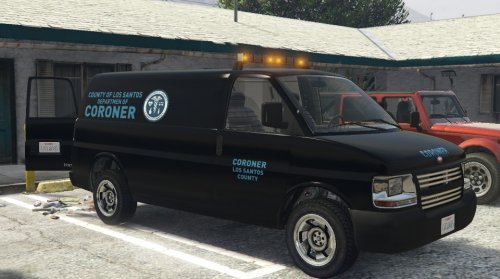 Look http://images.akamai.steamusercontent.com/ugc/165905884869475473/A90D25BF132F5E4B52112FFE0A304F64D60BD2C4/ http://images.akamai.steamusercontent.com/ugc/165905884869475181/4A3070A788B35AB2E2905E3703B30F2A2BB1F982/
- 62 comments
- 5 reviews
-
 Nice, Thanks For Sharing!!!
 -
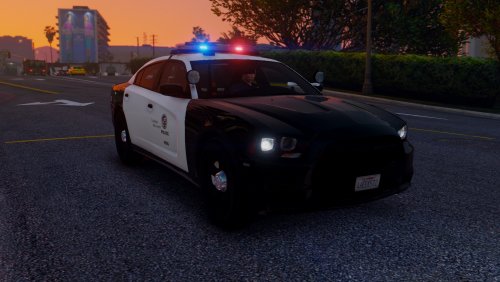 Awesome Job. I have been looking for this. This will be in police2 for a very long time. Thanks For sharing!!
- 56 comments
- 22 reviews
-
yea .But after doing this i think I prefer using the Tahoe with lights (red and blue)and sirens.Unmarked also.Shit happens sometime for the better. I use Capt14's FBI pack. It looks sharp coming down the street.Different color each time. So its all good! Thanks for the help though Kilyin.I do appreciate it!
- 62 comments
- 5 reviews
-
-

- 1
-
-
I used FBI2 so it come with lights and sirens.Its a Tahoe .Our local corner uses a tahoe. I mean changed it to FBI2 in arrest mgr
- 62 comments
- 5 reviews
-
-
-
-
 Awesome,Awesome,Awesome. This really helps alot.Thanks for your hard work and sharing!
- 161 comments
- 23 reviews
-
-
- 1
-
-
Followed the instructions.The light-bar does not work! Did you get this figured out?
- 62 comments
- 5 reviews
-
I installed #4 all of them work except cinematic.
-
-
-