Creators: Due to background reprocessing of files, approvals and file security checks may be delayed. Thanks for your patience.

billiarboy
Members
-
Joined
Everything posted by billiarboy
-
Does anybody have a fix for Captain14's Crown Vics Rear Back up lights,they are too bright. For his LSPD & Sheriff packs. Any help would be appreciated!
-
-
-
Benjamin Franklin once said: "Those who would give up essential Liberty, to purchase a little temporary Safety, deserve neither Liberty nor Safety."
-
Hopefully this will wake most of you sheep up.Most news is PROPAGANDA.All around the world! Research Operation Mockingbird. Propaganda is legal in the USA http://www.businessinsider.com/ndaa-legalizes-propaganda-2012-5 Most NEWS is PROPAGANDA
-
-
 I got it too work, I uninstalled it and reinstalled it! Thanks for the help anyways!!!
- 1,743 comments
- 172 reviews
-
-
Yes, that is how it is installed. No images show only a gray pic no images.
- 1,743 comments
- 172 reviews
-
-
Do I put them next to the background images? If so I did this ,I get gray pic!
- 1,743 comments
- 172 reviews
-
-
-
-
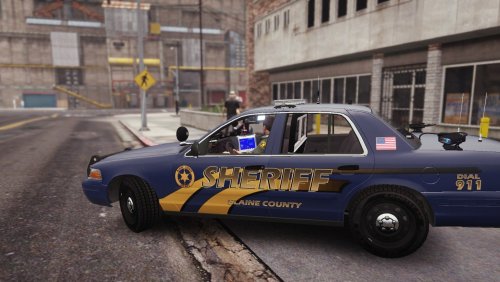 Ok ,Cool!
 -
Looks nice,but no plates!
-
-
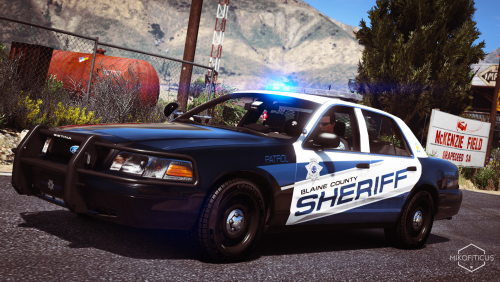 Yea OPEN IV was being a Jerk!!!! LOL Would like to see some for Capt 14's Sheriff Pack! Great Job !!! Thanks!!!!
- 25 comments
- 10 reviews
-
Nice skins and variations. Great Job!!! Thanks For Sharing! Would like to see some for Capt14's Sheriff pack.
- 25 comments
- 10 reviews
-
-
-
-
-
Ok.I thought that might be it
-