ThisIsntMyName
Members
-
Joined
-
Last visited
Everything posted by ThisIsntMyName
-
-
 lol ok :)
 -
-
 @Shad0c0nspiracy why you had to leave a review instead of a comment, i will never know. But in the future, i think eveyone would appriciate it if you just PMed the author about not having the files instead of leaving a 1 star because of a simple mistake. It agitates me since clearly SgtGoetz worked very hard on this, and for someone to leave a 1 star because of literally a couple files he forgot to include, basically people look at it on the main screen and think it is bad because of your single 1 star.
- 9 comments
- 1 review
-
-

- 3
-
-
 great! thanks!
 -
what the OpenIV LC mod? Sorry if i never heard of it, so any info would be phenomenal :)
-
Just found this picture on a website that i though some people might think was a bit funny also. I found it a little funny to think that this is what some firefighters were doing instead of trying to save a home (even though this home looks like it was done for anyways). Tell me what you think! I love the little rainbow in the top right xD
-
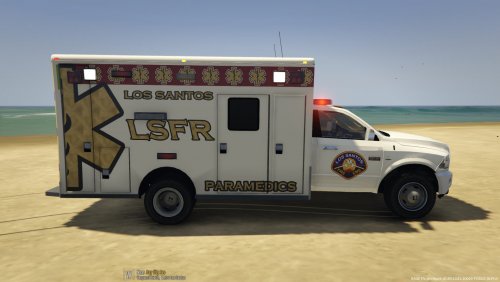 I appreciate the time you put into this to make it. Personally, to much detail and what not but i'm sure others love it! Maybe base a rambulance skin off of a real department? that would definitely be intriguing for me at least lol.
 -
where is the alpr? :)
-
-
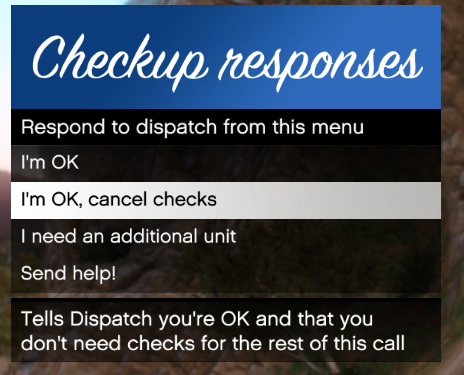 Love it! The only thing i would change is add the police codes. For example for "I'm ok, cancel checks", maybe make it read Code 4 (I'm Ok, Cancel Checks) or the other way "I'm Ok, Cancel Checks (Code 4).
- 82 comments
- 22 reviews
-
-
- 2
-
-
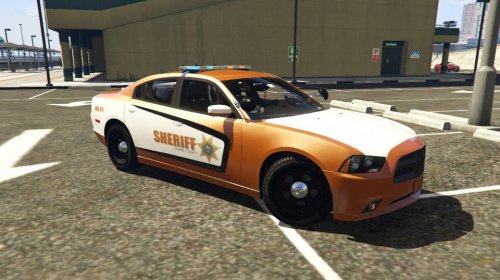 make sure you add in the title [TEXTURE]. This allows us users to know that it isn't a car before we click on it and open a new page.
- 4 comments
- 1 review
-
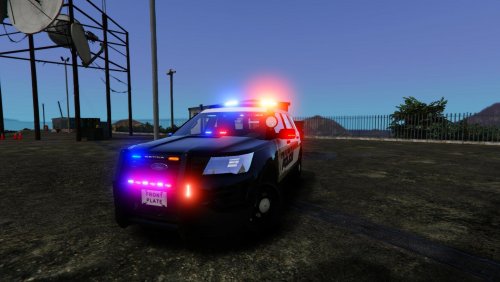 The skin may not be the best, but the car (what the whole thing is about) is nice. Good work Devin!
- 22 comments
- 5 reviews
-
-
- 1
-
-
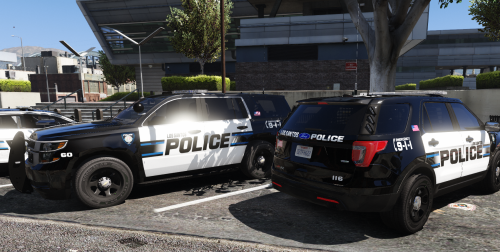 Stunning.... Absolute amazing skins. Simple, not much details, but clean and sexy. Nice work, cant wait for more!
- 41 comments
- 19 reviews
-
-
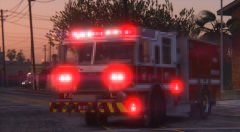 Jesus... SO EXCITED FOR THIS!
 -
First ingame try changing the interation key to something other than E. If that dosent work, look in the INI file of the AgencyCallouts and see if there is anything in there that uses a key that could interfer with your ingame interaction key. I have no idea if this will work, but its work a shot since you really cant mess it up.
-
look on the MVGA page and in the file. on one of those it should tell you how to get rid of motion blur. I don't know if this is the problem, but I would try it since you can just auto install it again if this isn't the problem.
-
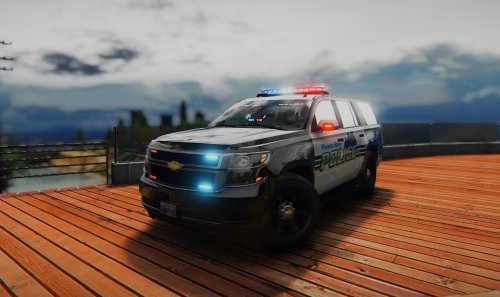 yes Gump is 100% right on the ions. Maybe in the next version, use Soundoff fascia's near the license plate and in the grill either size the ions down or use a whelen Tir3? )
- 23 comments
- 3 reviews
-
-
- 1
-
-
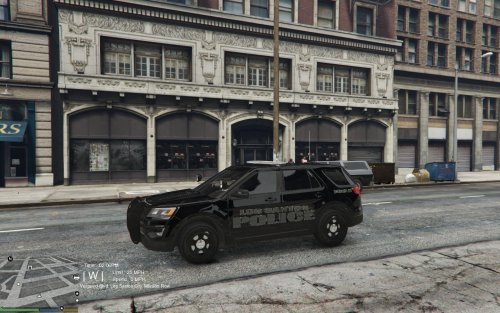 Cant wait to see them!
 -
i would really like to see a skin based of of a certain department. I mean this is good for a beginning, but I wouldnt release something as simple as this. You will have allot more downloads and better feedback if you base it off a department. Here is a random department I found online and there skins are not too hard but not as simple as putting 3 pieces of text. Try this: More Pictures Here: http://www.policecarwebsite.net/yet/police1/phl/chelmsford.html
-
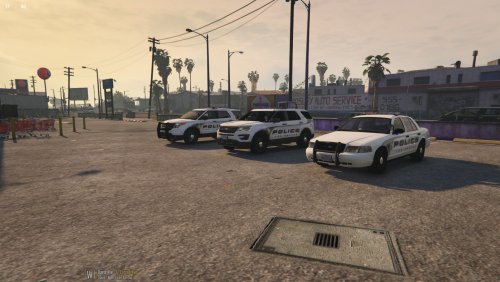 Make it so the blue goes down all the way and also there needs to be more white showing near the tire. Looks great other than that! Should look like this >>
 -
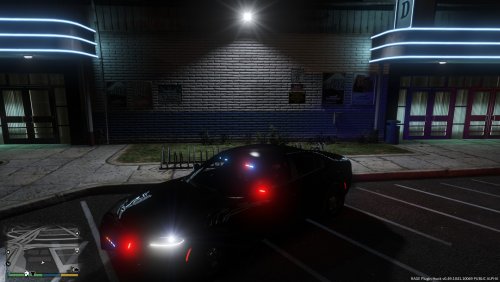 he says why because this is the easiest skin you could possibly make. there is no point even uploadng this because it took no time what so ever.
- 6 comments
- 3 reviews
-
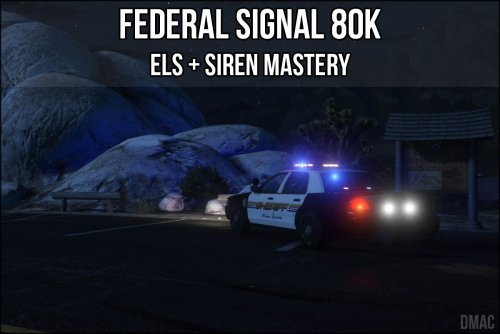 Perfect Looping! Another Great Mod From Dmac! Must Have If You Are A Fan Of Whelen Engineering And Sirens In General!
- 11 comments
- 4 reviews
-
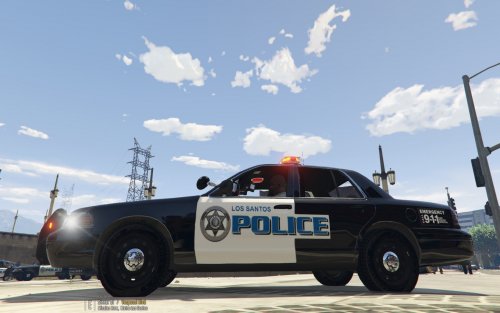 how about you try to base skins of real departments? Most of the people on here play LSPDFR for the realistic feature, and noone that wants to play realisticly is going to want a car that took like 10 minutes. Go to http://www.policecarwebsite.com, search by state, and find a department you like the skins of, then just make it for a car or a couple of cars.