


ThisIsntMyName
Members
-
Joined
-
Last visited
Everything posted by ThisIsntMyName
-
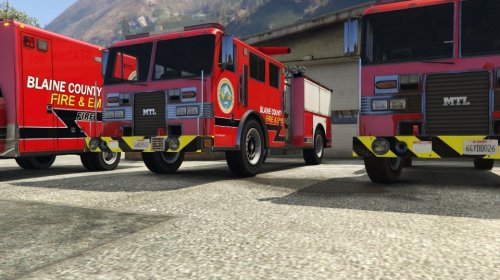 I don't know how I feel about the big circle logo... also on the firetruck, isn't where it says "Blaine County Fire & EMS" a little low? Shouldn't it be up higher closer to the window? Other than that I like the look of it. But hey, that's just my opinion on the look, maybe it looks good to others :). No hate was meant by this post, just some questions and my own opinion on the design. I fully respect your work and time making this! Additional Note: I love the ambulance look! the logo is the only thing that throws me off. In genera unproportional things tend to throw me off a bit mentally lol xD
 -
-
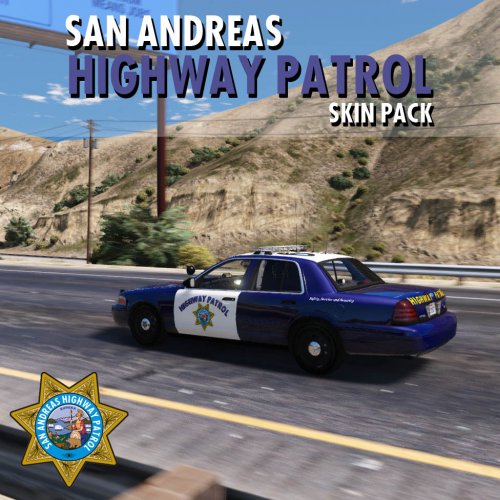 What amount did you use for the bend on the words? (if you used photoshop it should be something like +0-100 or -0-100). Thanks!
- 8 comments
- 1 review
-
-

- 1
-
-
-
-
 lol! can't wait for these to drop by the way :)
 -
ONE IS PARKED ILLEGALLY! TICKET!
-
Hey albo! Yea I have watched them before. I mean I know I could do it if I take time and learn it. My problem is I'm just really inpatient and just my ADHD makes it hard for me to sit down and learn. I tried it before but it was just to much for me to handle. I might try again. I would just need allot of support which is to much for someone to provide xD.
-
in was gonna add that i didn't know if some of these were done already or not, but i had to go real quick. Either way, thanks for the info on if some have been done already. I must not have those callouts installed than since i never get them. I would like to see some of these callouts redone in another pack with some of the new fetures that the officer needs to do. ??????????????????
-
Wish i could code cause i would be working on a ton of these myself. anyways im adding this thread as an addition to manios's thread. here i will name some more common calls police get that i would love to see put into the game. Also some of these could be done already without me knowing. I would like to see callouts that take more user action to clear the call. Heroin Overdose (or just an overdose in general) - A citizen of Los Santos has overdosed on heroin (or any drug). As a police officer you need to clear the scene and wait for EMS to arrive to treat and transport them to the person to the hospital. You must collect evidence (such as needles, burnt spoons, heroin residue, etc...) so no other person gets hurt. If the citizen can not be revived/treated with narcan, you must call for a coroner to remove the body. Small MVA without injuries - A 911 call has come into dispatch about a minor MVA (Motor Vehicle Accident) that has occurred somewhere in Los Santos. The accident has caused no injuries, only minor damage to the 2 drivers vehicles. You must respond to the parking lot the individuals have pulled into to exchange information, check their license, registration, vehicle insurance and determine who was at fault by listening to the 2 drivers statements and a couple of witnesses. Issue a citation to the driver at fault. (Could add a chance of aggressive behavior between driver and officer). Pedestrian struck by vehicle - A person has been hit by a moving vehicle and the vehicle has left the scene. Your job is to call for EMS and if they can revive the person, ask for information on the vehicle involved. When the persons state is determined (dead or alive) you will get alerts from dispatch about ANPR cameras picking up damage on the front of a car (car should match description given by victim). Find the vehicle and pull it over to determine if it is the vehicle involved in the incident. Broken glass on car - A resident has complained of a broken window to their vehicle. Respond code 1 to the location and fill out a report. Once the caller gives information on a suspect, search the area for someone matching the description given and determine whether or not they committed the crime. TO BE CONTINUED
-
there are mods out there that disable ambient pursuits such as darkmyers .meta file. As for the chances of someone not cooperating, i do wish this would be implimented but if something makes this so it does occur, i really doubt it would be a lspdfr update. Maybe a script by a modder out there.
-
I wish i had enough patience to learn code... just difficult for me in general. mind if i add some more suggestions that maybe you could add in the post?
-
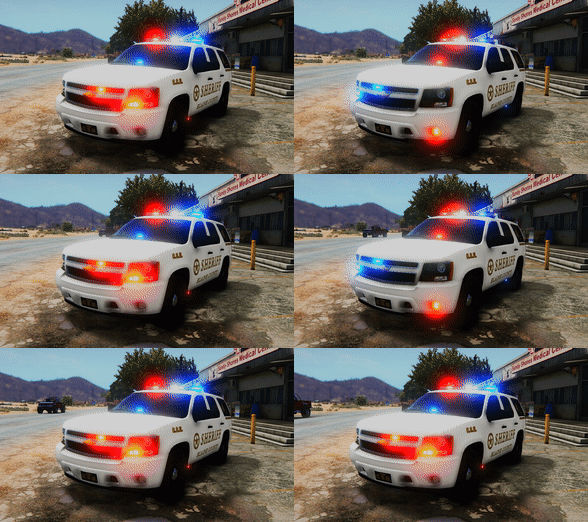 had my hopes up at first, but this really didnt do much to the game. Misleading and in general just very easy work.
- 22 comments
- 8 reviews
-
-
- 1
-
-
Yes I 100% agree that there are many lessons to be learned from this game. I would never have thought of bringing it to a classroom like the way you want to so props to you!
-
that sounds great! im a sophmore at the moment in highschool and i hope that when i go to college this happens too . sound like a great tool for classrooms!
-
-
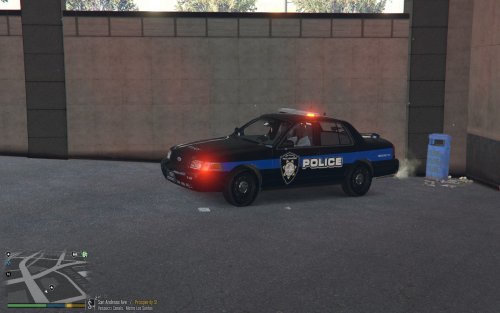 no offense, i respect your effort to make these but....
 -
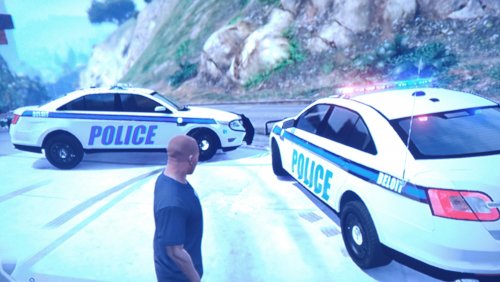 the reason there arent current pictures is because people in your area don't take pictures of the cars and upload them to the website.
 -
oh ok, good luck!
-
look at http://www.policecarwebsite.net, they have almost every departments skins on their and they can be listed by state. i suggest looking at Wisconsin and finding skin to make from there. also use the free version of FRAPS for screenshots in game instead of from your mobile device. if you have the steam version, use that by hitting f12. love the determination! cant wait to see more from you! Please link the vehicle model and include the template used in the screenshots on the post (that's the pictures up top). This saves the user lots of time so we don't have to go searching forever to find a car that works. If you use paint.net, i suggest going to there website (http://www.getpaint.net/doc/latest/InstallPlugins.html) and getting certain plugins to better help your skins (not saying they are bad, just saying plugins help me a ton and i think they could help you). Additionally, i would be glad to help along the way with getting Wisconsin on the map (Even though i live in Rhode Island) . Feel free to contact me about anything!!
-
.thumb.png.d58bbbc86746e04af8c26a2f71efa3c0.png) a pack of this kind of livery would be fantastic. nice work on this skin, i really like it!
a pack of this kind of livery would be fantastic. nice work on this skin, i really like it! -
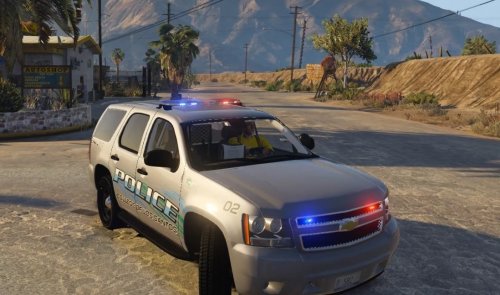 is the "police" word supposed to be curved. either way nice job on the design.
 -
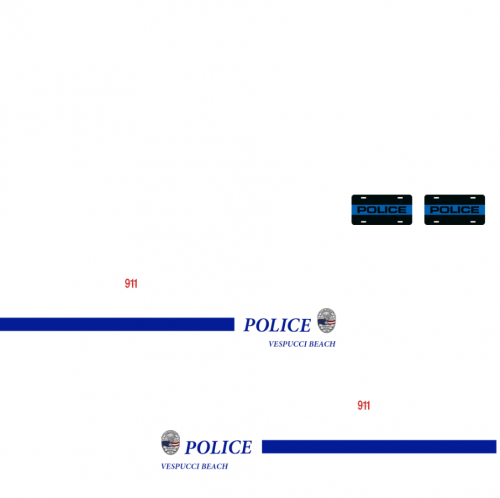 i think the reason noone is actually downloading this is because you dont include any ingame screen shots. also allot of people have the LSPD pack by Captain14 installed so most people arent going to switch off for a single skin that wont match the rest of the cars. so there are my suggestions. Add in game screenshots and make a single skin for all LSPD pack vehicles. Very quality work but just not fetured correct.
 -
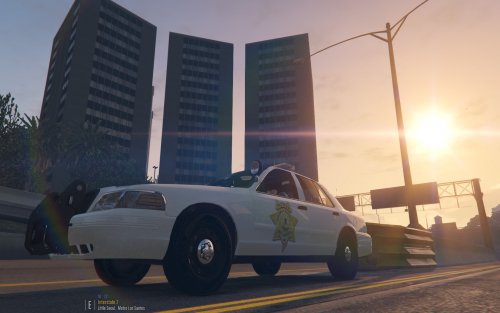 hit the prnt srn button(near the delete key), then open up a graphic design software (Photoshop,Paint.net,Paint,ect..) and hit Ctrl+C to paste. Then save as a JPED, PNG, Ect... If this doesn't work since it might not paste correct, use a third party software such as FRAPS which you can take screenshots in game for free. After you hit the screenshot key (whatever you have set it to in the launcher), go to the directory you specified in the launcher and just attach those files for the pictures in the lspdfr post.
 -
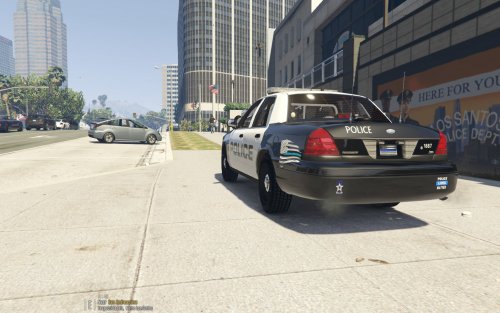 Would love to see skins that take more time and have more design. I understand you have to start somewhere but i think you get the concept enough to try more difficult things.


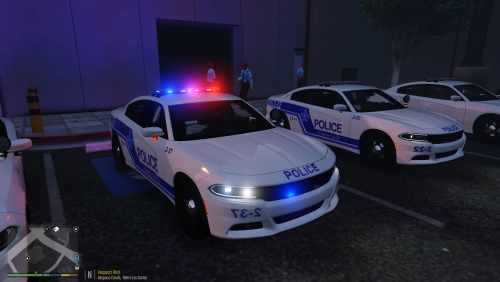
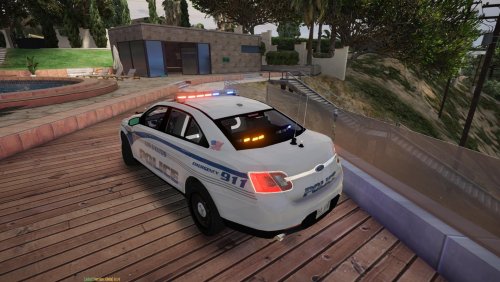
.thumb.png.d58bbbc86746e04af8c26a2f71efa3c0.png)
