


0.png.a7a0ca6b90eb0f4cdf36f37d28f09681.png)
adampai
Members
-
Joined
-
Last visited
Everything posted by adampai
-
i'll be done with it by this weekend. You can follow my showroom topic to see the progress.
-
I could try making the liveries, if you send me the vehicle models you'd want to use.
-
You can create a folder named "mods" in the root folder of GTA V. After that, you can copy the update.rpf and x64e.rpf at first. You will need these two the most. After that, if you're installing a mod that requires another file that you don't have in your "mods" folder yet, you can copy & paste that then without any problem. Hope this helps.
-
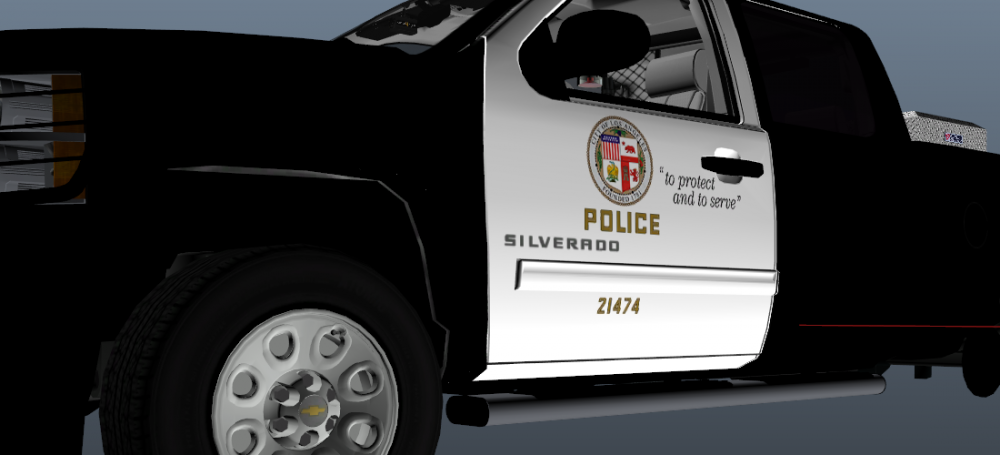
Hey folks, Today I started the LAPD livery for Black Jesus' Silverado 1500. Here's a picture of where the process is at the moment. I'm planning on finishing this texture by thursday (because lack of time).
-
I did not do any changes to my EUP folders for a week now, and it was working just perfectly. But today, I went on duty, opened EUP menu, tried to put on an outfit from my wardrobe, and the game crashed, saying something like that: Failed zlib call, please reboot or reinstall the game. I'm totally clueless, please someone help me ASAP.
-
I'd recommend a cache verify. You can do that on Steam.
-
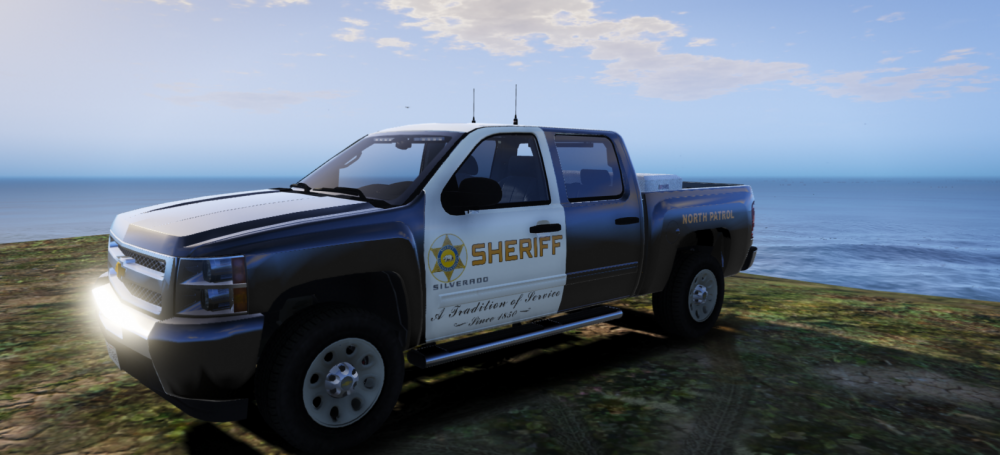
Hey guys, So, today (1/5/2019) I downloaded a vehicle model, and I didn't really like it's liveries. So, instead of searching hours for a livery I like, I was like, why don't I make one? That's why I made this livery, for Black Jesus' Slicktop Silverado 1500. I know it's not perfect, but I worked like 2 hours with it, and this is my first ever try 🙂 I really hope some of you guys will like it, I really do! I hope I can make some more, and better liveries in the future (maybe requests(?) ). STATES OF WORK: Finished Work in Progress Not Started FUTURE PLANS: krul's 2018 Charger - LASD livery Frost88's 2016 Ford Taurus - LAPD livery Thehurk's 2016 FPIU - EGPD livery VEHICLES: Black Jesus' Slicktop Silverado 1500 - LASD livery Black Jesus' Slicktop Silverado 1500 - LAPD livery Oh, and yeah, I appreciate any constructive criticism. 🙂
-
Do you have the latest GTA V update installed? Because, console says you don't have the mpluxe2 DLC, which I believe you should have with the latest patch.
-
Download EUP - Serve & Rescue, and see if it works then.
-
Hey, What exactly is your problem, because everything seems to be just fine?
-
From the album: police work by adampai
-
-
From the album: police work by adampai
-
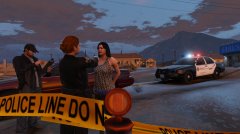
From the album: police work by adampai
-
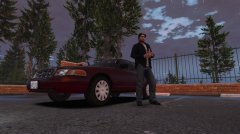
From the album: police work by adampai
-
hey man, I can't wait for them foot beat callouts, it would open up a whole new side of LSPD:FR.
-
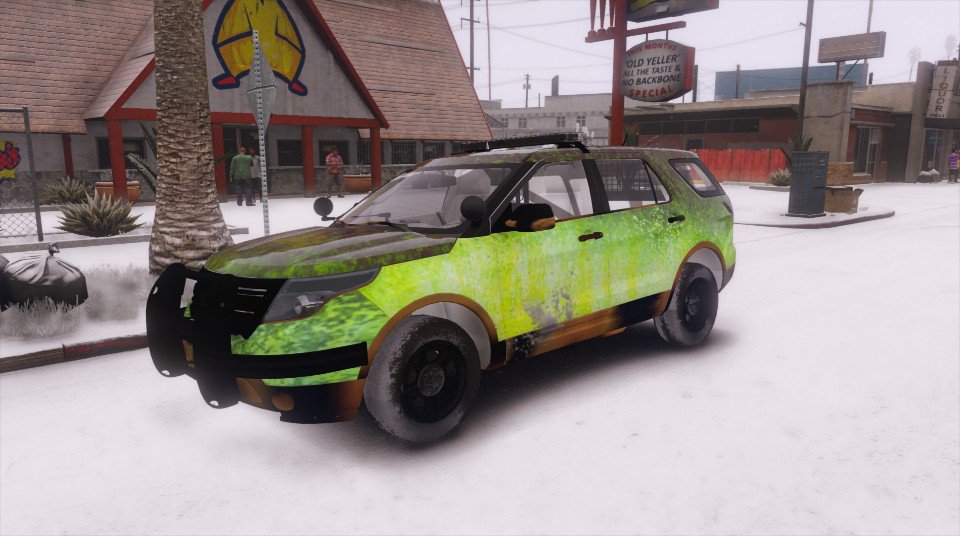
I just can't get rid of that green-mud type thing, no matter what I do. I tried installing thehurk's FPIU, same happened. I tried installing other textures, did not work. Only sheriff2 slot seems to be messing with me. I need help ASAP.
-
I only managed to find these two of Camaro: Unmarked Camaro ZL1 Camaro Z28
-
From the album: police work by adampai
-
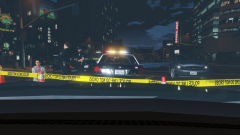
From the album: police work by adampai
-
That did not solve the problem, however I lost half of my fps.
-
I'll give it a try, thanks.
-
Nope, I'm using RadianceV and VisualV only.
-
Sorry for the bump, but I actually managed to solve the siren problem. Unfortunately, the sheriff SUV bug is still present. What I tried: - installing any other mods to sheriff2 I tried a FPIU, and a Tahoe, I can send a photo how the FPIU looks. It's pretty strange.
-
Sorry for the bump, but I actually managed to solve the siren problem. Unfortunately, the sheriff SUV bug is still present. What I tried: - installing any other mods to sheriff2 I tried a FPIU, and a Tahoe, I can send a photo how the FPIU looks. It's pretty strange.

0.thumb.png.2d9000446d9f9e1295f67dd8df4ec392.png)


