



USsecretservice
Members
-
Joined
-
Last visited
Everything posted by USsecretservice
-
Sounds hard seeing as there are already a lot of ways we could improve the existing ped system. For example, let's say there is a that's parked car that has a warrant and is registered to Ped A. I go into the computer and look up their address. It would be great if I could go to Ped A's house an arrest them, or if they got away it would be great if I could check their place of work/home etc and they would actually be there.
-
ahh thats why its not loading. You the GOAT. How am I the one whose a IRL software engineering student? Guess we know how my grades are going to be.
-
How is it looking:
-
These are the instructions for the skin: For Skins : x64e/models/cdimages/componentpeds_s_m_y [Replace cop files with these files] For Props : x64e/models/cdimages/pedprops.rpf [Replace cop files with these files (MAKE SURE THEY END WITH _P) Female For Skins : update/x64/dlcpacks/patchday4ng/dlc.rpf/x64/models/cdimages/patchday4ng.rpf and replace the s_f_y_cop_01 files For Props : x64e.rpf/models/cdimages/pedprops.rpf and replace the s_f_y_cop_01_p files
-
Aye that's cool, thanks.
-
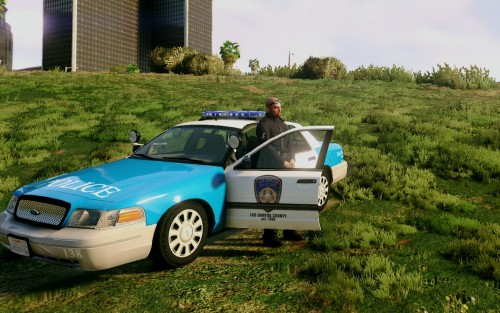 Wish it was ELS though.
 -
I actually have a specific skin I am trying to use, Sorry But I am Dumb. I take it I should do this: <Ped chance="100" inventory="patrol">s_m_y_cop_01</Ped>? Also, Where should I put the skin?
-
This is what I was looking for. Choosing Uniforms seems difficult but I will try to the steps you told me for everything else.
-
Hello, Please if you can link me or show me a guide where I can easily select the Clothing, Vehicles, and Patrol beats of current Agencies as well as create new agencies. Thanks. Much love, -Cole Lyons.
-
-
Hopefully not as classist and Elite as DOJRP. the LSPDFR/LCPDFR has always been way more welcoming to new members. Super excited to see what's next.
-
Would be super happy if you could make the Full RPD set.
-
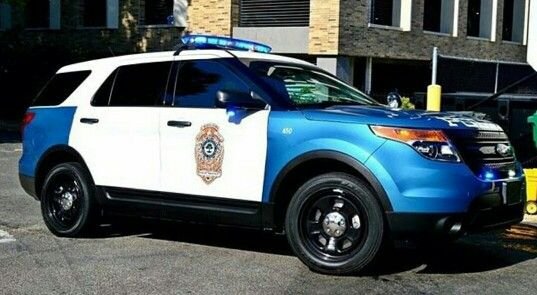
Looks strangely like a Raleigh Police Cruiser.....HRMMM
-
the new version of STP will be coming out soon.
-
-
 I’m still on 0.3. Havn’t even downloaded 0.4 until more stuff comes out. There’s great possibilities for 0.4 but not until they are realized am I going to play.
- 3,646 comments
- 306 reviews
-
It’s doesn’t really have a police radio, it also doesn’t have nearly all the features.
- 3,646 comments
- 306 reviews
-
-

- 2
-
-
(was removed for no reason) Check out the live stream if yours is not working. Will have an install guide up later. Also totally proves that the FPS drop is an Isolated incident.
-
no. They utilize the 0.3b API in some way. Just because they may appear to work does not mean they do. You must Check by using the LSPDFR 0.4 API filter. I feel like we had more Uniforms before the update? Also, did everyone think they wouldn't need plugins?
-
The update is going to be great when we have updated plugins. Finally, plugins are actually going to work right, especially with what I read in the mod section. Great work guys. People think there isn't a lot of new stuff, well there is compared to 0.3b stock. There's a lot of new stuff. But compared to 0.3 fully moded its missing a lot, and that why I say that it's going to be awesome when some of the mods get updated, especially police radio.
-
-
List of working plugins?
-
This is hilarious.
-
Confirmed.
-
I just miss the NYC map. LS isn’t urban enough. Kinda trash.



