



Caramel Please
Members
-
Joined
-
Last visited
Everything posted by Caramel Please
-
I think you have won the ward for the most obscure request I have seen. I am sure just googling for "gta 5 female mp ped nipple skin" or something would show mods for that, after all this is the internet. Edit: I am aware you have the textures but just not in the correct format or something. I am implying that these mods would already have it working.
-
CPU: Intel Core i7-7700K @ 4.8ghz GPU: Aorus Xtreme 1080 Ti @ 2025MHz RAM: 16GB (2x8 GB) Corsair Vengeance LPX DDR4 @ 3200MHz The amount of mods I use makes my fps fluctuates a lot, That is expected using so many scripts. I think I have every setting maxed except for MSAA x8 as the visual/performance ratio isn't worth it.
-
Tried to list settings that I think may be relevant, not sure. I use FXAA: on, MSAA: x4, NVIDA TXAA: on, Anisotropic Filtering: x16 And here is a video of my game for you to compare.
-
Wow! time to get the PS4 out of the closet and dust it off!
-
@Kallus Rourke Sorry, I didnt think that uploading a stock file would count. My apologies.
-
Wow no wonder the game is crashing. You only have a vehicle line for one vehicle. Here is the default vehicles.meta Removed by mods
-
@SgtButler Was the game launching fine before you did anything to the vehicles.meta? If so can you please attach the vehicle.meta here and I will look through it.
-
Then we know that the outcome will be 10/10. @WhiskeyBehavior you are lucky Five0 saw this
-
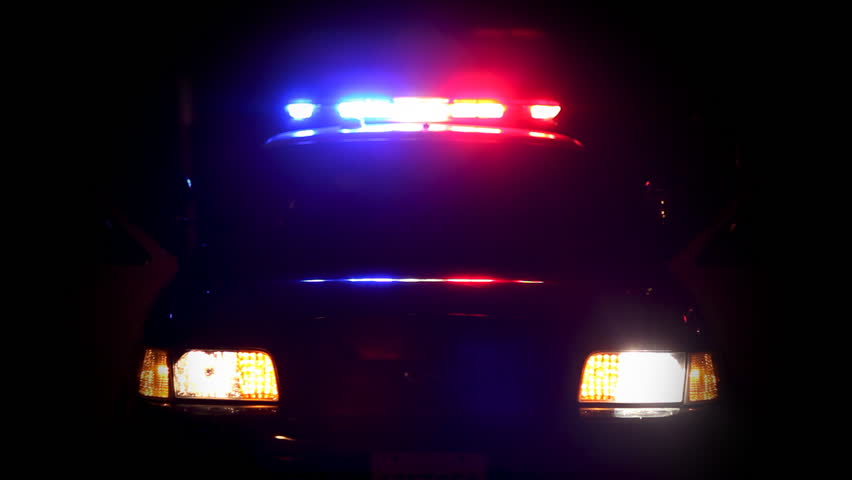
 Hey, very nice pack. I just have a question, i'd download it and check myself but currently reinstalling GTA 5. I have seen this pack in FirstThirtyMinutes videos but as a new update has come out since the videos, i wanted to check. In the videos the light bar has different shades of red and blue compared to the other lighting equipment. In the new update it says the lighting has been updated, is this still the case? (Edit: forgot to add that the lighting equipment near the rambar are also a different shade, so there are 3 different shades.) For all I know this is intentional so therefore I am not complaining about it just asking. One of the Videos I am talking about (timestamp is 2:34)
- 70 comments
- 30 reviews
-
We have all been there and done that. When a mod author provides a vehicles.meta file, you do not have to overwrite your own. You can open the file using a program such as notepad++ and copy the corresponding line. Note that you will have to change the modelName, txdName, and gameName to the model you wish to use. You should also be using a mod folder to never actually replace the vanilla game files. Another habit that is good to get into is make a copy of txt (such as vehicles.meta) files as you edit them just in case something like this happens. Not a personal dig at you but its good etiquette when mentioning a user that you tag them so you do not "talk behind their back". That can be done by typing the "@" symbol then typing the username such as @SgtFluffy
-
That is on the DOJ FiveM server. The only vehicle models they use that can be accessed to my knowledge is Captain14's packs and Thehurks CHP pack. The textures DOJ use are custom made.
-
Hope I am not hijacking this topic but it is in a discussion thread. Will any mods need to be updated to work with the new RPH and SH? I can not remember, I'd imagine some might.
-
@Kallus Rourke Can I do this for the user? I am happy too, I assume if it was allowed you would have offered already.
-
Well yeah I do have backed up file as I am not an idiot. So you do not need to come off arrogant. This was not a useless comment as it shows that who ever does do this is breaking terms of service.
-
I was about to but this is from the website.
-
 I have been using this pack for sirens and also as a base to add sirens not included in this pack and it always works for me. I know this will be tedious but can you tell me step by step how you add the sirens to see where you might have gone wrong.
- 221 comments
- 40 reviews
-
-
I just updated my game and Rage wont even launch it. I made a backup though. So I'd say you can only play if you revert back a version.
-
I know this thread is kinda dead but I was looking for a custombackup.xml that was like this for a while, so I thought I would post it. There is a chance someone is looking for one that replaces LSPDFR backup. ie: just the basics such as police, sheriff and state. You just have to change the vehicle lines to the name of your own mods. Local Patrol Los Santos: Police Local Patrol Both Counties: Sheriff Local Swat Everywhere: Swat ped I have in unmarked cars. ( I do not use Noose, I just use Local Swat as in LSPDFR barely any situations calls for a slow ass riot van/tactical vehicle.) State Patrol Everywhere: Both regular and motorbike officers. Noose Patrol: Do not used but lines are there for you to change. (My Local Swat is what I use when I need tactical units) Local Air: Normal Police helicopter with unarmed pilots Noose Air: Annihilator with no vehicle weapons but with armed swat units that will shoot their weapons. CustomBackup.xml
-
It is shown in the video in my original post. Look at the lights on the police car and the slicktop charger. Compare the day and night.
-
The lights are much brighter (bit too much for me at night you are right on personal preference) but it has not effected the orangey lights. So can I change these values to anything I want to tweak it to my liking? I really like how your values have made the sheriff pack much more noticeable during the day.
-
I will try that then. Where abouts is that value to change?
-
I have used MVGA, Naturalvision and Visual V, Currently I have Visual V installed and I have used both the visualsettings.dat from Visual V and the one that Jeff Favignano uses (currently installed). visualsettings.dat
-
:( I have that already installed. This aint a big deal as I can just find new vehicles, I just wanted to check that it wasn't something I did wrong. As only I would say about 10% of vehicle packs I have tried out have this. I currently have a few unmarked vehicles installed and they are fine plus the sheriff pack does not have any issues. I just checked some videos on YouTube and other people have this issue with the LSPD pack. I will just have to try a different pack if it bothers me.
-
Well the ones I have installed in my game currently; The sheriff pack does not have the issue with off colour light bar though.

