t0y
Members
-
Joined
-
Last visited
Everything posted by t0y
-
 Don't spoil it for everyone :(
 -
Thank you :)
-
Gracias amigo
-
Hi, So as a New Yorker I really appreciate these and they are actually not looking horrible but there are some things you should take into account. - The SLR Modules should be much bigger, if you look at pictures you will see the bottoms of the modules actually touch, yours seem very small. - May have been your brightness in the video, but the text advisor on the back of the lightbar doesnt have a full bar/traffic advisor mode (it may have been very washed out text couldn't see well) - The actual module for the text advisor looks way too big, and the module lights should have a border, and the font of the text looks incorrect as well. - The interiors look very inaccurate. - For the liveries, well the van the font is off in the back as you can probably see. - Also make sure you dont have the generic plates ;) Other than that, actually not looking too shabby.
-
My WIPs (Models, and Liveries) and my random screenshots. All credits in the descriptions.
-
Portland International, The safest airport in the world!
-
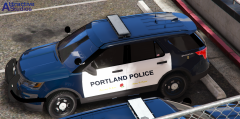 Portland FPIU
-
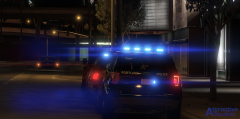 Portland Police Bureau FPIU
-
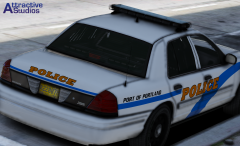 Port of Portland CVPI
-
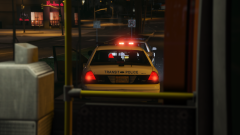 The Portland Transit police cleaning up, well the Transit.
-
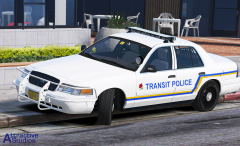 Have a safe commute, Portland!
-
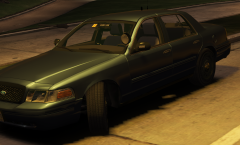 Unmarked Portland Police CVPI (2011)
-
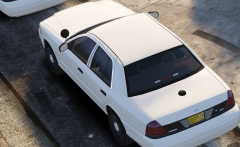 Unmarked Portland Police CVPI
-
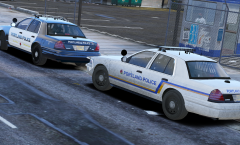 The old and the new...
-
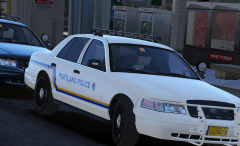 The Portland Police Bureau out with full force today!
-
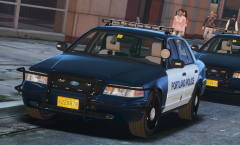 Portland Police Bureau
-
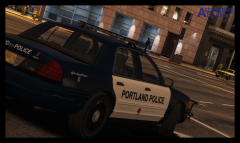 Portland
-
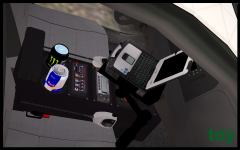 New console
-
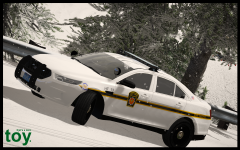 Pennsylvania State Police FPIS
-
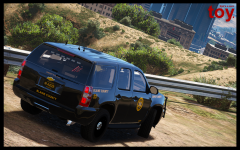 Wrong county... Who cares
-
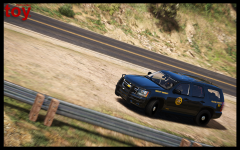 2013 Sheriff Tahoe in action
-
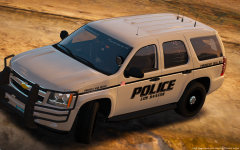 2013 Tahoe
-
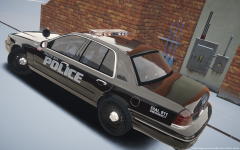 1999 PBPD CVPI (Whelen Edge 9000)
-
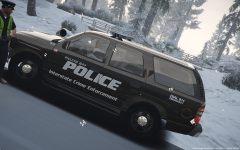 Shall I release?
-
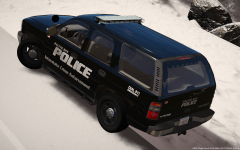 Tahoe part 2
-
-
From the album: t0y's GTA V WIPs
© Attractive Studios™
-
-
Thank you haha, and yup more coming soon!
-
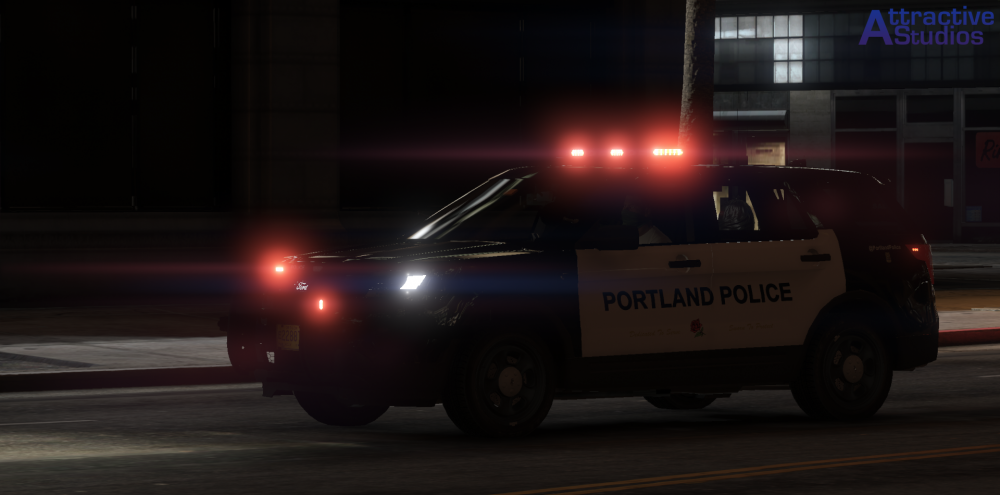
Lot to work on, but this is what I got.
-
-
Port of Portland CVPI Done :) Looks the same as the Portland car but... - Took out the ford badge in the back - Took out all the antennas, except moved some to the trunk - Edited the interior a lot, removed a few things (because it's really just for the Airport) - Replaced the partition - Made the lighting setup like IRL, (Rear deck lights, no wrap lights, grill lights, no mirror lights.)
-
From the album: t0y's GTA V WIPs
© Attractive Studios™
-
-
Thank you so much!
-
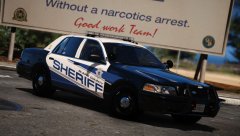 lol
lol -
So I am making a Portland-area pack that will consist of the Portland Police Bureau and if I can fix this car Port of Portland police, and I was wondering if someone could make some uniforms for it I just need PPB for now a patrol uniform and the transit uniform for EUP or otherwise. Please get back to me :) You will be added as a contributor to the file, and you will be put in all credits
-
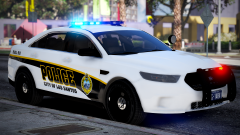 Holy shit Brad, so sexy.
 -
-
So I just made this model, and whenever I try to spawn it I crash, or if I just play for like a minute I crash I have asked some modelers and I think its an issue with the game. I have RPH 0.50, haven't updated my game. It says ERR_STR_3 or something, and to reboot/restart my game.
-
-
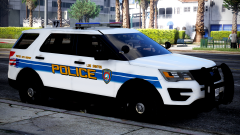 Damn your game is beautiful
 -
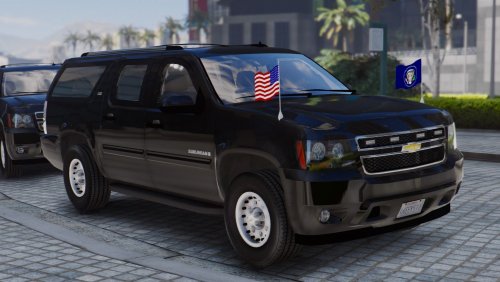 Played with it for a bit, I think it is very nice and well made, would love to see it with ELS though :(
- 25 comments
- 5 reviews
-
-

- 5
-
-
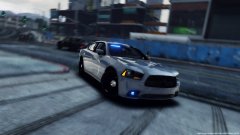 Which ones have you done?
 -
noo not portland :(
-
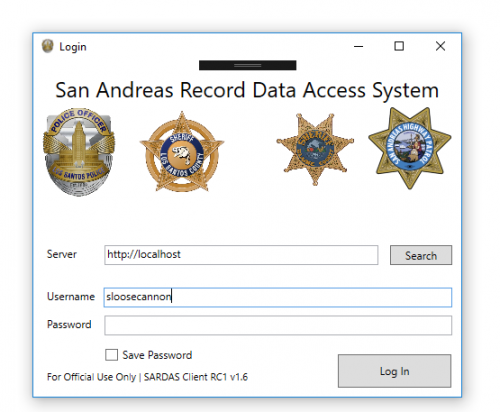 VERY cool idea and delivery. I have two monitors, so I will 100% be using this on my second monitor, and if you have an extra laptop it's even better. Very nice. Although I do think the UI could be cleaned up a bit, like made more realistic to a real police computer but other than that it's very sexy. 5/5
- 95 comments
- 17 reviews
-
-
- 1
-