


t0y
Members
-
Joined
-
Last visited
Everything posted by t0y
-
 Yea that one's hot too can't find better pictures though doubt ill be aable to make it
 -
Bugs removed perms for the tahoe :(
-
Wow never seen that either only seen legacies
-
 :( sorry
 -
Settle down.
-
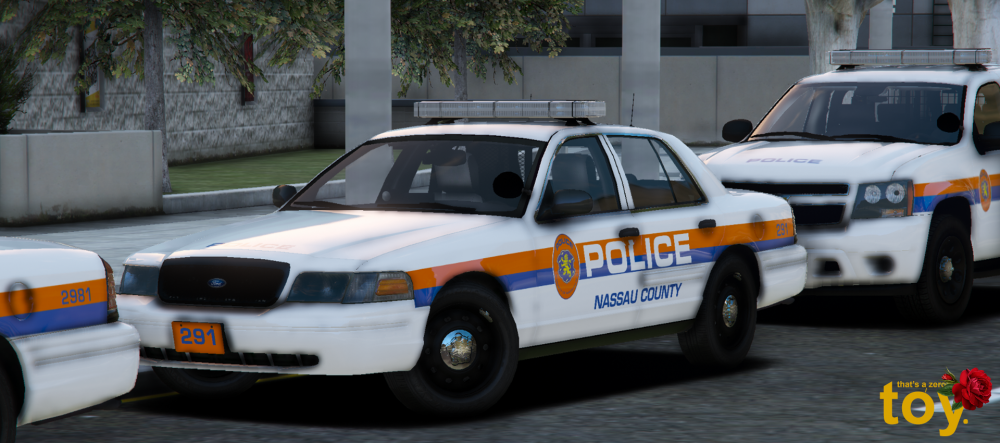
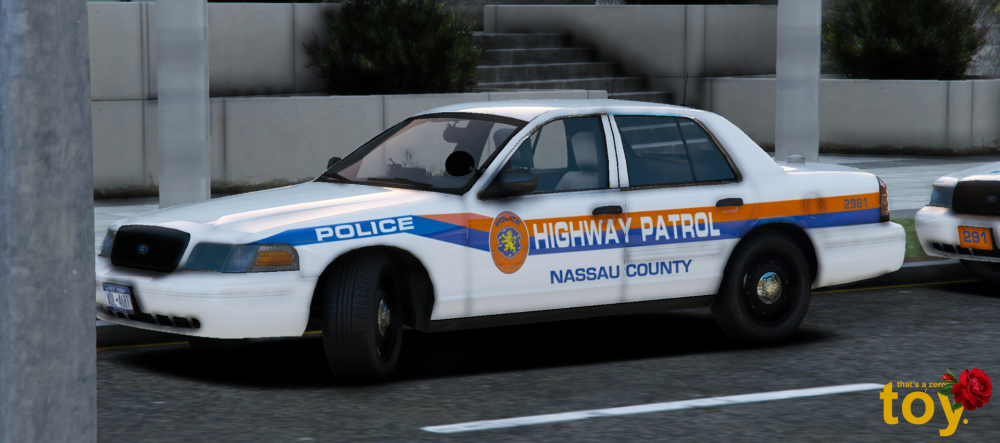
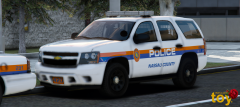
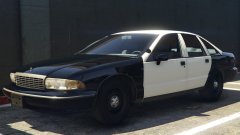
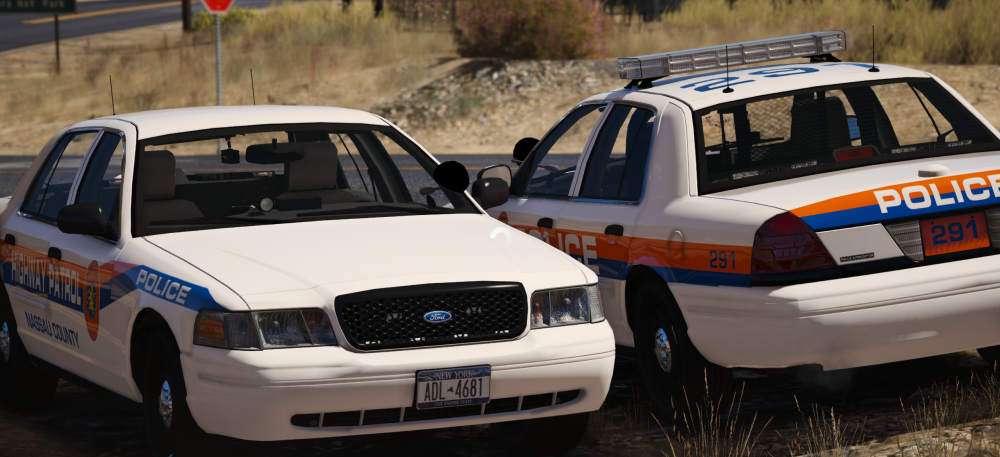
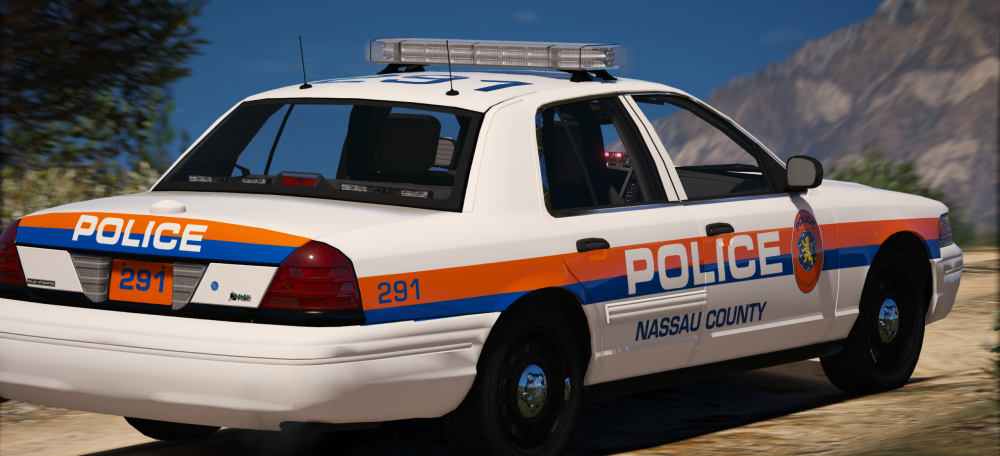
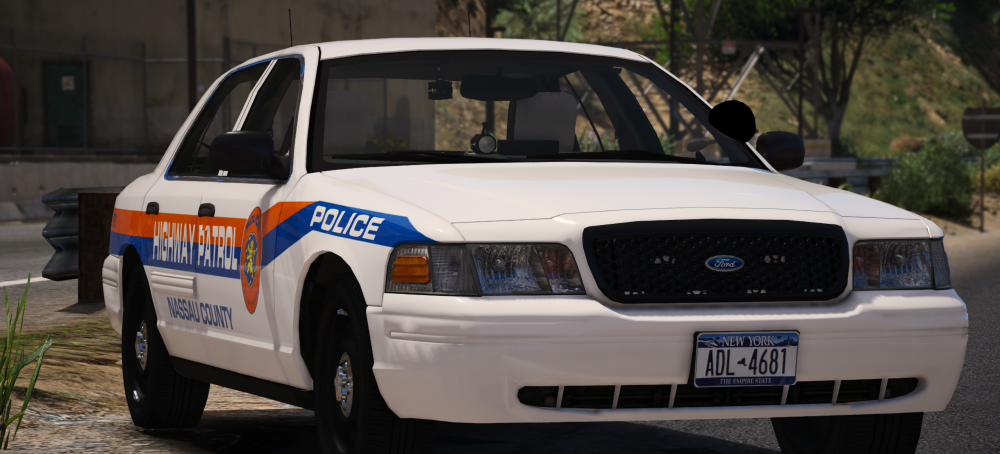
Some Nassau updates: Made the tahoe minus alloys which im still trying to find, and yea thats it i took these sexy screenies pls enjoy - highrisers are WIP but not likely they will come out right/finished... Enjoy 2013 Nassau County Police Department Tahoe - Whelen Ultra Freedom 2011 Nassau County Police Department CVPI - Whelen Ultra Freedom 2011 Nassau County Highway Patrol CVPI - N/A 2011 Nassau County Highway Patrol Unmarked CVPI - N/A/ALPRs All
-
-
 Touche
 -
So... Old...
-
-
 Np, Please do, it is very nice just annoying to tab out of the game just to write the report after a call, although I did play around with it outside of the game just exploring the program and it is very nice. Maybe you don't need to integrate it into computer+ but just make it so when you press a button like (for example) shift+z or something it will bring it up but it wont take up the whole screen like c+ and wont pause your game so you can write reports while still just sitting in your car. Would be amazing, still nice tho.
- 79 comments
- 28 reviews
-
From the album: t0y's Projects
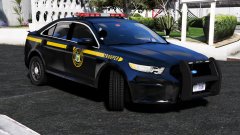
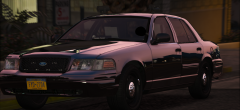
So... Apparently the NCPD Hwy uses this car unmarked with ALPRs I DONT KNOW WHY but I like it, and I made it for the pack it has red/white lighting too. Thanks again @Maurice97 for the screenshots© t0y
-
-
This is a bit of a premature review but I've been waiting for something like this for a VERY long time, even if it's half as good as it looks it's still good for me nice work man I am loading my game up right now gonna go on patrol.
- 79 comments
- 28 reviews
-
-
ok, thank ya :D
-
Woah haven't seen that one. On the caprices they use both the freedom and the legend, and fpius they use the legend, vics they use freedoms and edges, chargers liberties, its crazy but im gonna try to do as many as possible
-
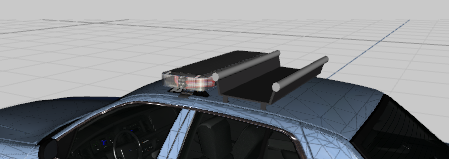
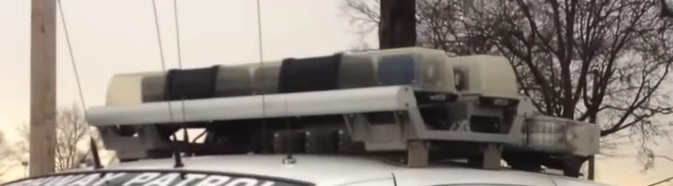
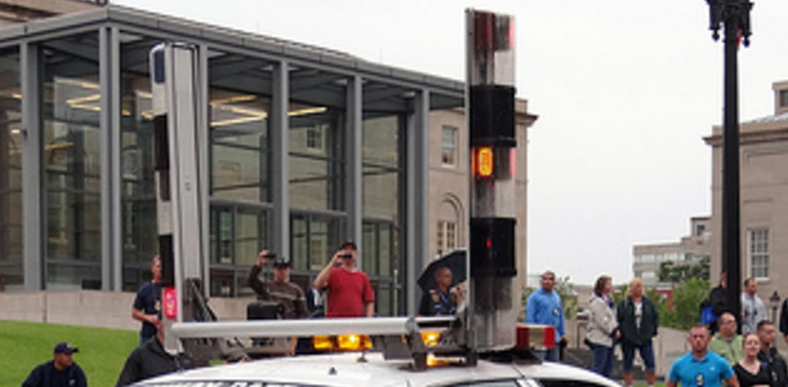
Ok, so now going to start with this Highway Patrol for the NCPD They use some weird high risers so its gonna take a while to get those situated heres the progress: Ive made and textured the mount: First time scratch modeling something so hang on... And I have to figure out the lightbars too
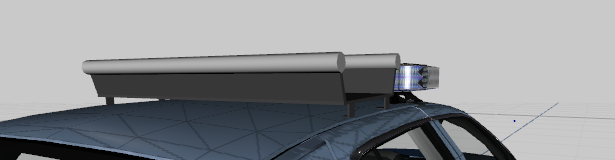
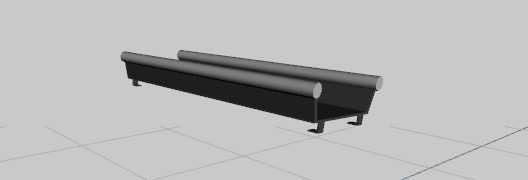
-
Thank you :) So they use a lot of clear freedoms which is this setup but it looks like they also use whelen edges and those are the ones with the red tips so I may or may not also be doing that setup but probably not because thats 3 vics in the pack already with such a small difference idk.
-
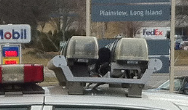
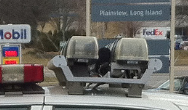
So... I don't know how to scratch something like this and no one has one made so I am going to ask the community if someone can help me make one or knows someone who has made one before. I already made the mount for it, I just need help with the actual lightbar, thanks. http://www.keroseco.com/Truck Equipment/literature/Literature Whelen/HiWay_Riser_Lightbar.pdf (Doesnt need to actually work)
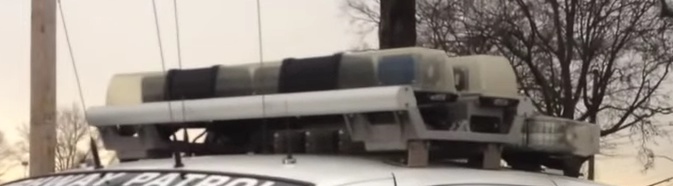
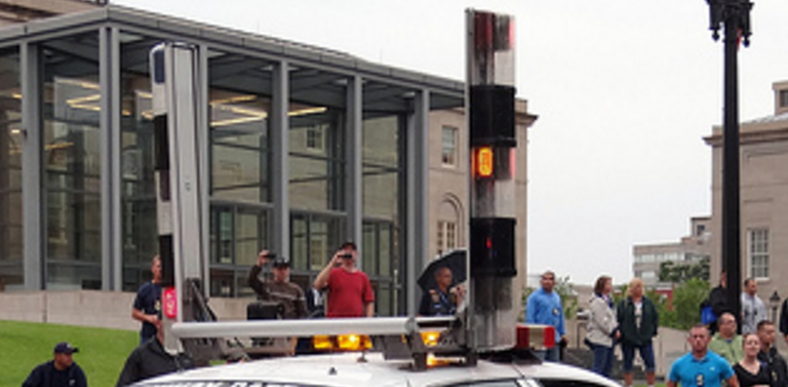
-
Thank ya boys!
-
Anyone know the double lightbars/highrisers the Nassau County HWY Patrol uses? ty in advance :)
-
-
What im working on now. Nassau County Police. Thanks to Carper for the rims and the freedom, I updated a lot of both of these and I am going to be adding some more models and hopefully I will try to do the highway patrol highriser lightbar shit if I can figure out how to scratch them. Thanks @Maurice97 for the screenies too
-
From the album: t0y's Projects
Big shoutout to @Fartknockr for the rims and the freedom, lookin sexy. And thx @Maurice97 for the screenshots ;)© t0y




