




AlconH
Members
-
Joined
-
Last visited
Everything posted by AlconH
-
Yep, that's correct. I'm still on season 3 atm tho lol. I'm trying to get my hands on a 2007 suburban atm, I have an old friend who I'm trying to contact... I'll let you know how it goes. I've been real busy and haven't touched zmodeler for a while lol.
-
Hmm.... I'll think about it... Got a lot on my plate atm but if I get time I may do it.I Love CVPI's!Try clearing your browser cache and cookies, as well as rebooting your pc, modem and router.Have you got the siren file located in the same location as stated in the ini?lol, sorry, should've read that. Was so excited to get in-game and try them :) Will do the shots after. Just taken the screenshots. Them uniforms are very sexy!
-
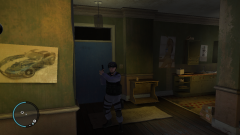 Flashpoint SRU Uniforms
-
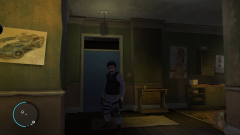 Flashpoint SRU Uniforms
-
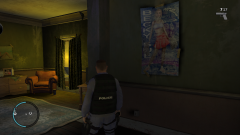 Flashpoint SRU Uniforms
-
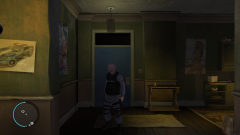 Flashpoint SRU Uniforms
-
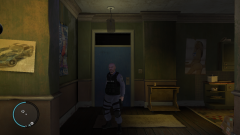 Flashpoint SRU Uniforms
-
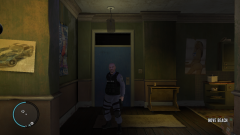 Flashpoint SRU Uniforms
-
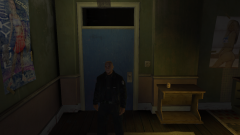 GTAIV 2012 08 28 20 20 06 72
-
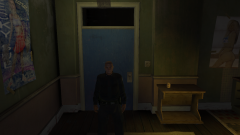 GTAIV 2012 08 28 20 20 02 40
-
 GTAIV 2012 08 28 20 19 57 31
-
 GTAIV 2012 08 28 20 19 52 44
-
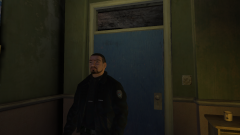 GTAIV 2012 08 28 20 19 45 34
-
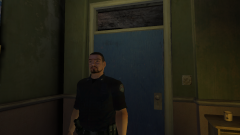 GTAIV 2012 08 28 20 19 40 54
-
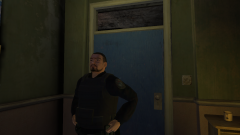 GTAIV 2012 08 28 20 19 30 45
-
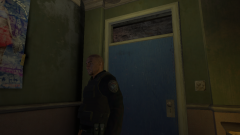 GTAIV 2012 08 28 20 19 22 44
-
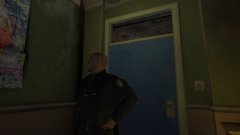 GTAIV 2012 08 28 20 19 19 02
-
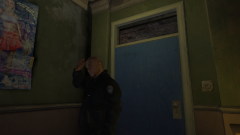 GTAIV 2012 08 28 20 19 11 84
-
 GTAIV 2012 08 28 20 19 04 08
-
 GTAIV 2012 08 28 20 18 58 80
From the album: Yard1's Uniforms
By Yard1
From the album: Yard1's Uniforms
By Yard1
From the album: Yard1's Uniforms
By Yard1
From the album: Yard1's Uniforms
By Yard1
From the album: Yard1's Uniforms
By Yard1
From the album: Yard1's Uniforms
By Yard1@Yard1, I've replaced the following files fine: M_Y_swat.wdd M_Y_swat.wtd But I can't find what I need to replace the following files with: M_Y_swat_p.wdd M_Y_swat_p.wtdWhat site do you suggest we use in the meantime?Please create a new thread, and don't PM users for support without permission, or you'll get yourself into trouble with the mods.Right Click, Run as administrator.Me too. No problem, enjoy!Nope it doesn't.... You know you can have two seperate copies of GTA installed at once? You can copy the "Grand Theft Auto IV" folder and Rename it to something else, and it will work as a seperate installation? Then you can have one with LCPDFR and one with IV SA.I actually think there may be some slight underlying homo there. Tho don't tell my GF :)OMG, that's so awesome. I love you man!
I was asked to take screenshots for someone who designed these uniforms. I did one for each bit of uniform such as jacket, the bulletproof vest, the shirt etc.Yes please, that would be awesome!


