




AlconH
Members
-
Joined
-
Last visited
Everything posted by AlconH
-
Please reduce the font of your text, it just makes it hard to read.
-
Supporting photographs of incidents around liberty city.
-
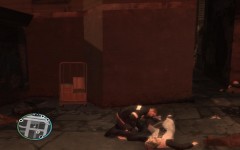
From the album: Incident Reports
-
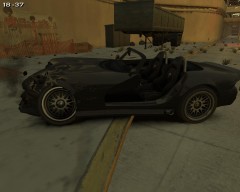
From the album: Incident Reports
-
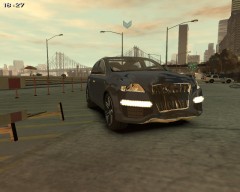
From the album: Incident Reports
-
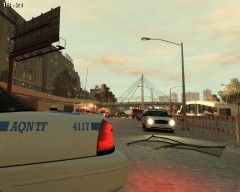
From the album: Incident Reports
-
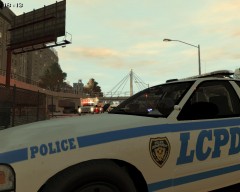
From the album: Incident Reports
-
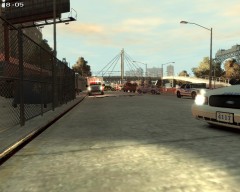
From the album: Incident Reports
-
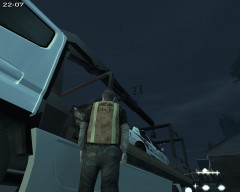
From the album: Incident Reports
-
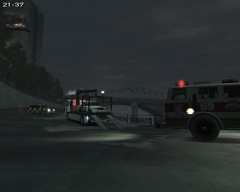
From the album: Incident Reports
-
Thanks, I'm glad you understood. Does that mean there is no way of me using xpadder with LCPDFR then?
-
I need to change what buttons do what on my xbox controller. I can't find a way to do it. Changing the keyboard controls does not affect them.
-
Ensure you are running as a admin.
-
Install both of these: http://www.microsoft.com/en-us/download/details.aspx?id=5555 http://www.microsoft.com/en-us/download/details.aspx?id=17718
-
Just forget it.
-
OMG! When you use a xbox controller with GTA IV, you still have to use the keyboard to arrest people or call for backup. When you install Xpadder, it makes the game think that the xbox controller is a keyboard. For example I can press "B" on my controller, I've told xpadder to make that button call for backup and it tells the game someone has pressed "ALT+B" on the keyboard, thus calling for backup. So when I press "B" on my controlller, it now calls for backup. The problem is, When I use xpadder, GTA still recognizes the controller and also sees the input from xpadder. So when I call for backup, it makes my player take out his phone, but also call for backup.
-
Do you even know what xpadder is?
-
I don't think you understand what I'm trying to do here.
-
Ok then, I go to Controls section and I have a choiceKeyboard/Mouse Options Controller Options Which one? I select Controller and I can't change anything. But if I select Keyboard, it's only for the keyboard......
-
Thanks.
-
Teamviewer allows you to see my screen and then I can let you use my mouse and keyboard. Yes, if you could look for me that would be great, thanks.
-
@ninja, Do you fancy showing me via Teamviewer? I can't for the life of me find it. @Slimory, I know that. But using xpadder you can make it so that pressing the X button arrests the person your aiming at. Or you can call in backup using Y.
-
I know that, but the controls specified by GTA clash with the controls I specify using xpadder. As far as I can tell, you can't change the controls in game for the controller.
-
Please elaborate..
-

