Narobic on YouTube
Insiders
-
Joined
-
Last visited
Everything posted by Narobic on YouTube
-
-
Narobic on YouTube replied to Narobic on YouTube's topic in Script, Ped & File Modifications ShowroomThat was a mistake on my end. Let me reupload. Try in an hour or so. It should be version "1.1.22 (HOTFIX)"
-
-
Narobic on YouTube replied to Narobic on YouTube's topic in Script, Ped & File Modifications Showroom@PvtDonutDJ88 @jordanmc321 @FirstThirtyMinutes Sorry for taking so long to get back to y'all! I've been gone for quite a while. I was busy transitioning from highschool to the real world. I'm working on your sets right now and they (should) be done by Monday at *LATEST* There's a chance, of course, but I don't know when that'll be. Sorry :/
-
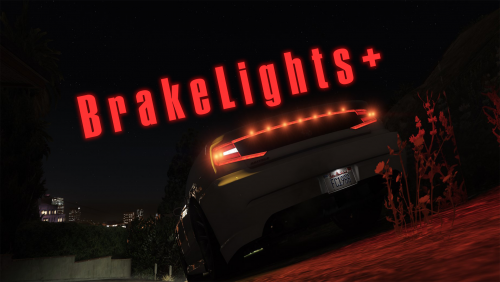 Because most of the time I "brake" by letting go of the gas in GTAV. The braking system is shit in the game.
- 43 comments
- 13 reviews
-
I love that we can call Flatbeds for Bikes/Motorcycles & blown up cars, but I wish there were more options. My suggestions: Towtruck: Trucks, Armored cars, Tanks Towtruck 2: Civilian Cars, Police Cars Flatbed: Bikes, Motorcycles, Blown up Cars (possibly) Pickup Truck with Boat Trailer: Boats, Jetskis
-
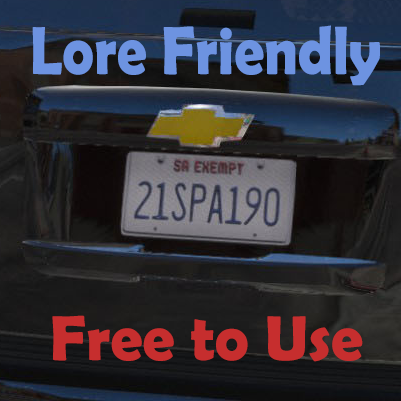 But that one ain't retarded. Lundy was referring to the idiotic looking ones. (That's how I interpreted it) These are a development tool for texture developers. You apply them to the skins through photoshop or any other image editing software.
 -
I'm not fully understanding you question
-
Hi all. These are the plate templates I use for all of my textures. Thought I'd share them with y'all. Just credit me where credit is due. Enjoy! ~For all the dorks who use retarded textured plates~ - @Lundy
-
-
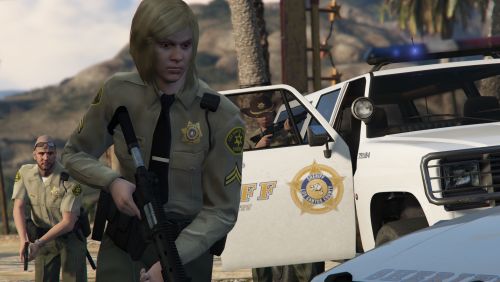 You should add tasers to the left side of their belt as well as change the nightstick from the normal nightstick to the expandable baton
- 9 comments
- 9 reviews
-
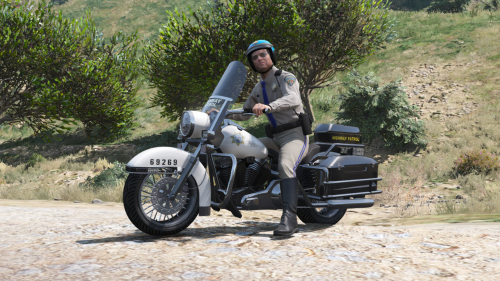
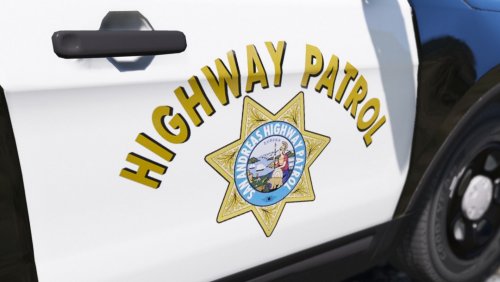 The harley texture is on my list of things to do. I have a lot of mods I need to make/update and it's gonna take some time :)
- 26 comments
- 4 reviews
-
I don't believe the CHP uses ghost paintjobs. My pack is realistically based off of the CHP.
- 26 comments
- 4 reviews
-
Narobic on YouTube replied to Narobic on YouTube's topic in Script, Ped & File Modifications ShowroomA chance?
-
Narobic on YouTube replied to Narobic on YouTube's topic in Script, Ped & File Modifications ShowroomIt's something I've been trying to figure out since the start of the mod lol
-
-
My only suggestion: The brake lights should go on the moment you let go of the gas.
- 43 comments
- 13 reviews
-
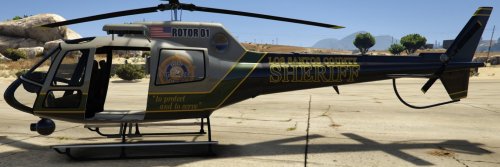 LOVE THIS! Just an FYI, if you wanna base the texture more realistically on the Los Angeles SD, their motto is "A tradition of service"
- 1 comment
- 1 review
-
I'm not familiar with ghost skins? Could you explain more? Sorry for the late response, I've been on a 2 month long vacation
- 26 comments
- 4 reviews
-
Narobic on YouTube replied to Narobic on YouTube's topic in Script, Ped & File Modifications ShowroomI've stated in the description: As for removing the action replay/recording button, I still can't figure that one out. I've tried removing the functions but they still persist.
-
 Could you please post your request in the request board (link in description) It helps me keep track of my requests easier :D Sorry for the late response, I just got back from a month long vacation EDIT: Just saw your post, so ignore this :)
- 161 comments
- 23 reviews
-
-

- 1
-
-
 I'm sorry for the late response. I just got back from a month long vacation. Would you both mind providing me with your settings.xml file (documents>Rockstar Games>GTAV)?
- 34 comments
- 4 reviews
-
Narobic on YouTube replied to Narobic on YouTube's topic in Script, Ped & File Modifications ShowroomYes. I completely forgot to add that as a disclaimer on the main post.
-
-
There seems to be a lot of glitches with my modification lately. However, I'm currently not able to fix any of the issues atm. I won't be modding again until September. Sorry for the inconvenience
- 161 comments
- 23 reviews