Narobic on YouTube
Members
-
Joined
-
Last visited
Everything posted by Narobic on YouTube
-
Narobic on YouTube replied to Narobic on YouTube's topic in Script, Ped & File Modifications Showroom@Byzantine95 Sorry for the extremely late response. Just to clarify, you want to remove The radio wheel, cinematic mode, change camera view (the select button) the phone, and the horn?
-
Narobic on YouTube replied to Narobic on YouTube's topic in Script, Ped & File Modifications Showroom@mtonne Sorry for the late response, you should see it by morning! 🙂 @Byzantine95 What do you mean by "select"?
-
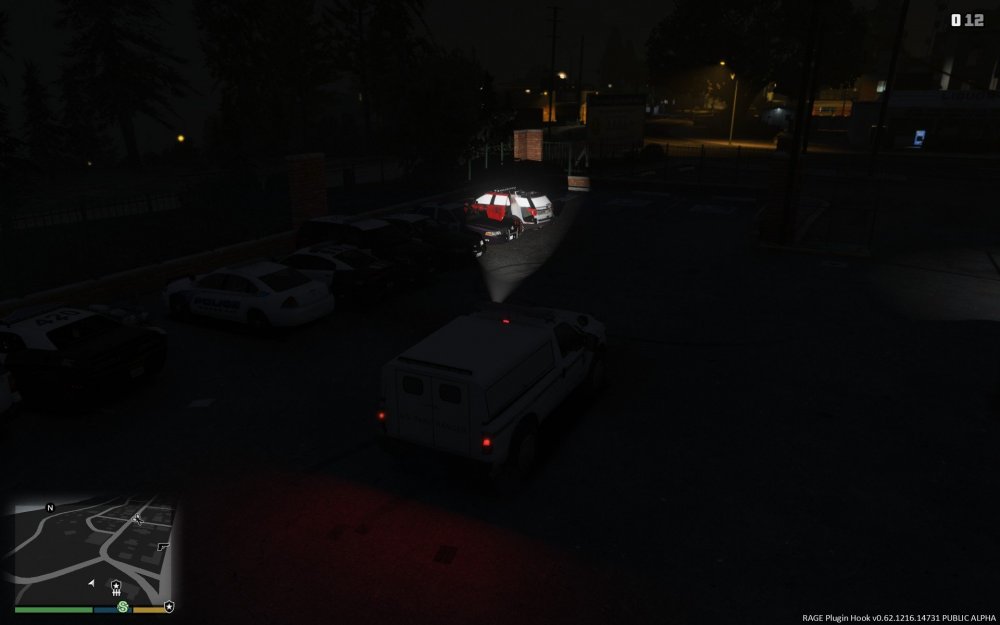
I'm unsure how to fix this issue I'm having and was wondering if y'all might be able to help. Simply put: The vehicle shown below displays the wrong textures when I'm a good distance away. Another vehicle (not shown) completely disappears when I'm a good distance away.
-
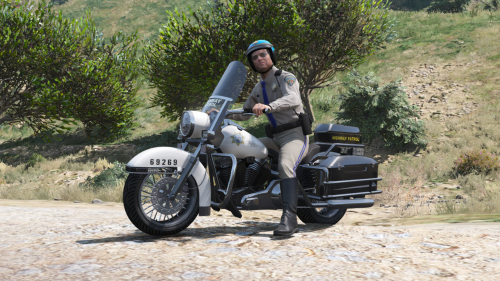 @CovertRaptor90 Try installing the files into the PatchDay1ng folder and let me know if that works
- 34 comments
- 4 reviews
-
Documents>Rockstar Games>GTAV for the settings.xml I'm going to try my best to recreate this issue. I'm not personally experiencing it, but you're the 2nd person to have this complaint 😕 Sorry for the inconvenience
- 34 comments
- 4 reviews
-
Narobic on YouTube replied to Narobic on YouTube's topic in Script, Ped & File Modifications ShowroomYou should see it by morning!
-
-
Narobic on YouTube replied to Narobic on YouTube's topic in Script, Ped & File Modifications ShowroomPlease read through the first post before posting.
-
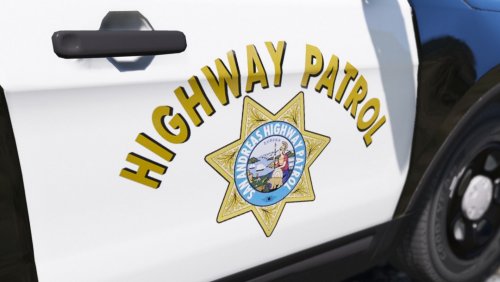 Just to clarify, have you tested this with the skins that come default with the pack? And are you using the vehicle pack that's linked in the desc?
- 26 comments
- 4 reviews
-
Narobic on YouTube replied to Narobic on YouTube's topic in Script, Ped & File Modifications ShowroomYour custom set should be up by morning. As for removing jump. I have created a new SpecialtyAddon for that.
-
Narobic on YouTube replied to Narobic on YouTube's topic in Script, Ped & File Modifications ShowroomI've updated the Specialty Addon file and it should be working now. If issues persist, please let me know the steps you took to install the new file.
-
Narobic on YouTube replied to Narobic on YouTube's topic in Script, Ped & File Modifications ShowroomJust to be clear: It would be set#4 with Jump/climb (X) removed as well as the pause menu (start) removed?
-
Narobic on YouTube replied to Narobic on YouTube's topic in Script, Ped & File Modifications ShowroomI'm currently on vacation for the month of June. I will test this when I get back and see if it's an error on my part. Be sure to follow the directions in full. There are 4 different specialty addons that remove the 'rb' button. Make sure to install the one specifically for removing cover.
-
Narobic on YouTube replied to Narobic on YouTube's topic in Script, Ped & File Modifications ShowroomUnfortunately not. It's all or nothing, according to the way the controls are set up.
-
Narobic on YouTube replied to Narobic on YouTube's topic in Script, Ped & File Modifications ShowroomThanks for the love! Sorry for the late response. I'll get to work on that right now.
-
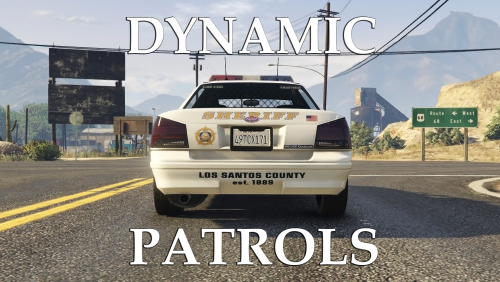 Yes, the instructions I typed out above allows you to add new entries for add on vehicles.
- 57 comments
- 8 reviews
-
Open popgroups.ymt and press ctrl+f (if on Windows) and search for the model of a similar vehicle already in the game. (so if you wanted to add an lspd car, type police2) Copy the entry of the vehicle you searched for and paste a copy of said entry above Replace the vehicle model name with the name of your custom vehicle Do the same with vehicle model sets Few things to take note: If your entry looks different than the rest, you're doing something wrong. Model references: sheriff2 - default sheriff vehicle police2 - default LSPD vehicle police4 - default SAHP vehicle
- 57 comments
- 8 reviews
-
Yes, it should spawn your police cars as long as they replace models that are already in the game. LSPD in the city SAHP on the highway LSSD in the county
- 57 comments
- 8 reviews
-
Narobic on YouTube replied to Narobic on YouTube's topic in Script, Ped & File Modifications ShowroomAn update to the list will be coming soon. As for that set, I can have it done shortly.
-
 Are your referring to A and B on the controller that activate the recording function for the rockstar editor? If that's the case, then unfortunately I haven't figured out a fix yet.
- 161 comments
- 23 reviews
-
Narobic on YouTube replied to Narobic on YouTube's topic in Script, Ped & File Modifications ShowroomUnfortunately this is unavoidable. Please read the description.
-
-
I wasn't trying to be rude either lol If you want to remove it from your game you can open vehiclemodelsets, search "dune_buggy" and remove the entry that contains the specified vehicle. I can't remember which one is the space vehicle off hand, however.
- 57 comments
- 8 reviews
-
-

- 1
-
-
I will consider it. Changes are based off 3 factors: What my beta testers say, how I feel, and/or if I receive a lot of complaints.
- 57 comments
- 8 reviews
-
Can you send me a screenshot. It should only spawn once in a while and only one at a time
- 57 comments
- 8 reviews