jacklop21
Members
-
Joined
-
Last visited
Everything posted by jacklop21
-
-
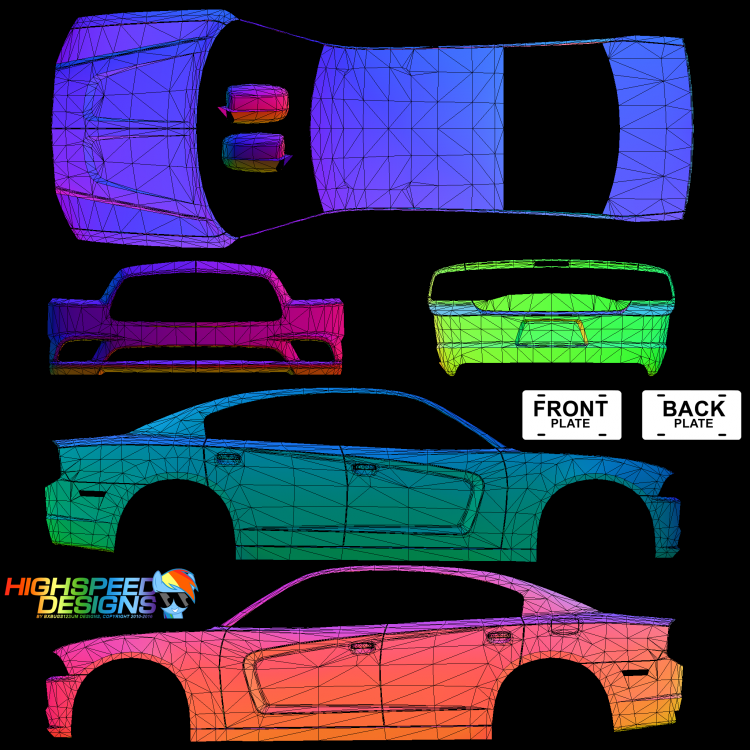
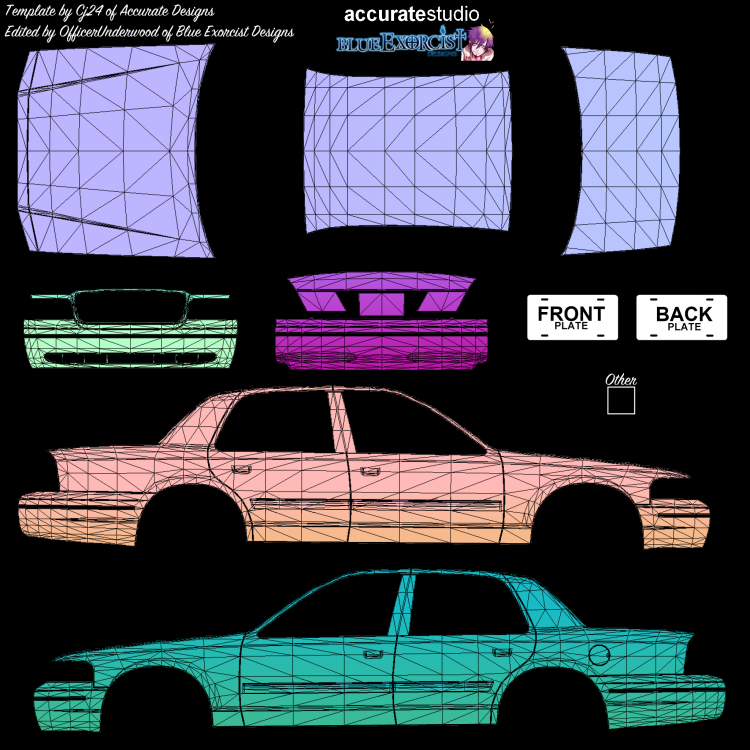
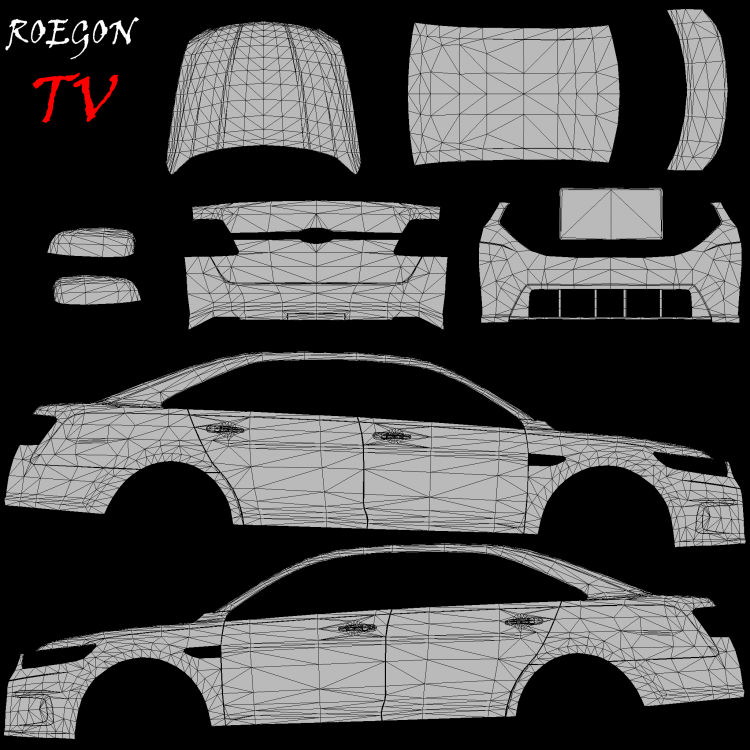
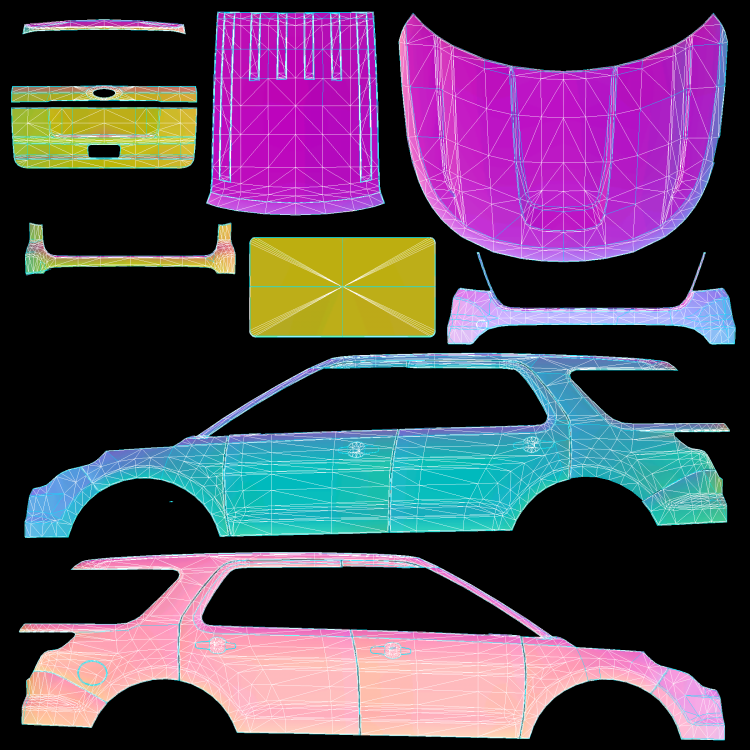
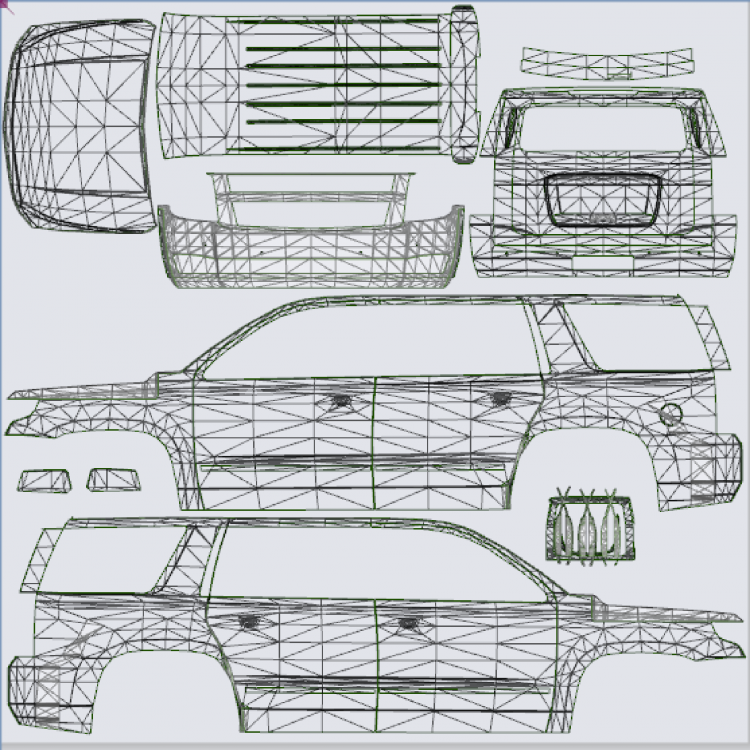
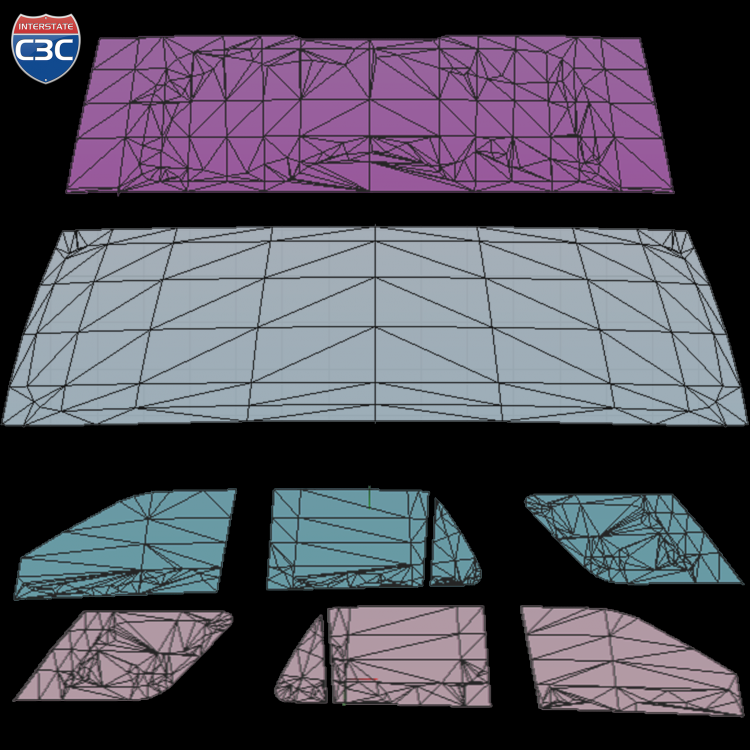
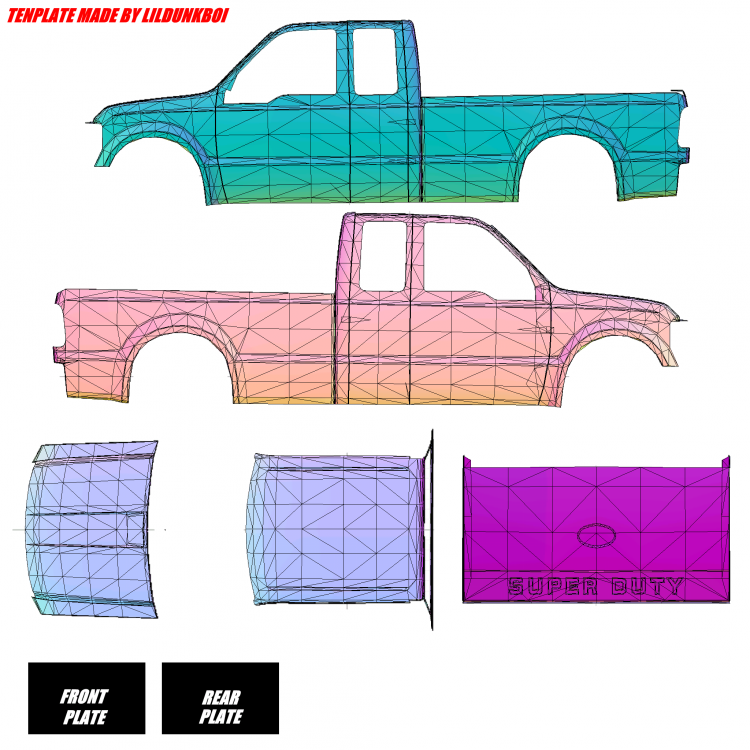
Any chance someone would be able to bring any of these skins to LSPDFR? Buncombe County Sheriff: http://www.fleetsandfuels.com/wp-content/uploads/BuncombeCountySheriffcruiser1111.jpg Asheville Police Department: Black Mountain Police Department: http://policecararchives.org/north_carolina/buncombe_images/cnpca19494.jpg Waynesville Police: Templates added as files below! I tried to make a Buncombe County Sheriff texture for the charger, but I wasn't happy with the results. Cars used: Buncombe County Sheriff: CVPI, Charger (09 or 14), Explorer, F150 Asheville Police: Explorer, CVPI, Taurus, Charger (09 or 14), Tahoe (08, but personally would prefer the '15 model) Black Mountain: Charger and CVPI Waynesville: Charger and CVPI I would be happy with any vehicle as well CVPI WINDOW TEMP FPIU WINDOW TEMP

-
-
 I've gotten it as well, try disabling ambient events. The crash appears to be linked to the car jacking event.
- 423 comments
- 73 reviews
-
-
-
-
-
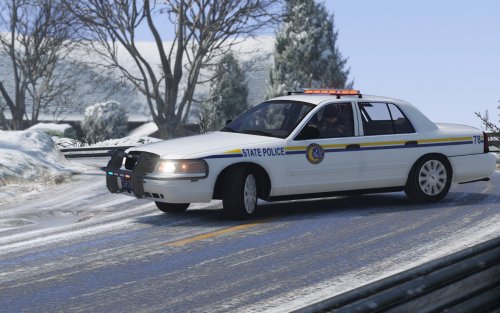 I have an issue with my car. When I get about 10+ meters away it becomes a giant white light. Anyone experienced this?
- 42 comments
- 5 reviews
-
-
-
 There's usually a modifier key you also have to click. I think it's Left Shift or Left Control + B, hope that helps!
- 3,646 comments
- 306 reviews