jacklop21
Members
-
Joined
-
Last visited
Everything posted by jacklop21
-
 Hey Gump nice to see some new models! Love me some all blue lighting! I noticed a small issue on the Silverado. The coronas on the taillights show through the truck bed, so you can see the lights through the tailgate/side of the bed. It's a small issue, not sure if it's even something that can be fixed.
- 80 comments
- 27 reviews
-
 Download paint.net open the livery then click CTRL+R and change the resolution to 2048x2048 and save. Easy way to downscale liveries to 2K.
- 283 comments
- 95 reviews
-
-

- 1
-
-
Can someone please help me this issue. It started after I backed up my game through RPH but accidentally updated my update.rpf through openiv. I started getting this issue (at the time I was still on game version 1180 and RPH 57), so I updated my game and RPH but I still get the error. I've reinstalled the game twice, reset my PC and changed the directory for Steam and GTA V but nothing works. I've added RPH to the exception list on windows defender and tried running it as an administrator. I am running GTA right now with no mods of any kind except RPH. Someone please help! I've included screenshots of my game directory
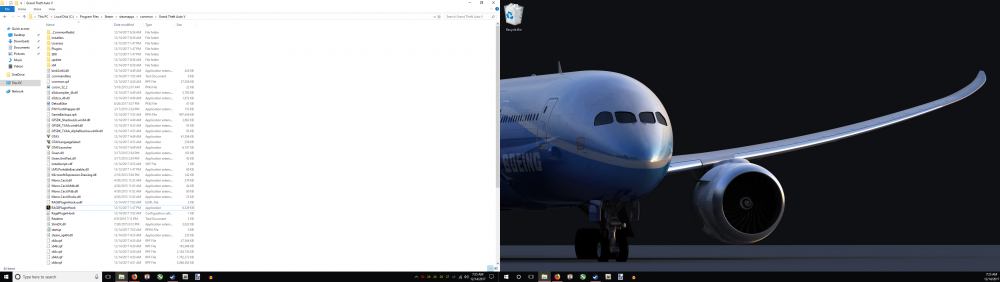
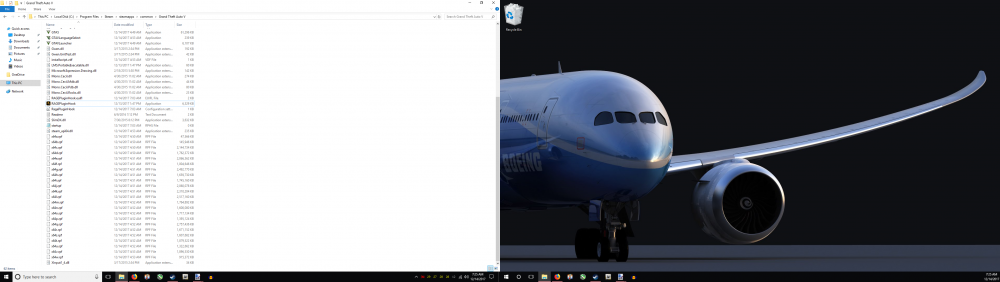
-
I think I've finally found a near-perfect gameconfig, but I still run in to texture loss occasionally when there are 5+ vehicles on screen. I want to tweak my gameconfig to better suit my game, but I'm not sure what to change. I have a vague understanding of what settings do, but I don't want to make major changes without knowing what will happen. For example what does <PoolName>FragmentStore</PoolName> mean? What happens if I change this setting.
-
I don't think VisualV makes too much of a difference, if oyu reinstall it let me know if it causes any issues
-
If it creates more police vehicles in the world then I'm pretty sure it would since there is more to render. I've never tinkered with popcycles, try using the vanilla popcycle with a custom gameconfig and see if that helps.
-
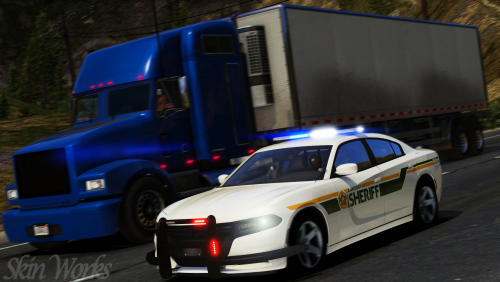
Open the YFT file for the model (i.e. Sheriff.ytf) and change the level of detail, the level of detail will change from High to medium to low to very low. As you change the level of detail the model should change and look at the polygons and vertices in the top left corner they should decrease as the level of detail goes down. If the model has no LODS then the level of detail will not change or the polygon/vertices count will not change.
-
Did you downscale the textures to 2K and are you using cars with proper LODS, both help
-
I like it, it adds a lot on contrast and make the game look like Forza Horizons. If you enjoy that style then you'd like it, and I haven't really noticed a performance change.
-
Yeah. I have all police vehicles, the ambulance and the firetruk replaced in my game and VisualV and NaturalVision Remastered. Link: https://www.dropbox.com/s/ez87vdubtoko90e/gameconfig.xml?dl=0
-
The custom gameconfig didn't work? It's worked for me, I've tried so many things and this has been the only one that has really worked. My only other suggestion would be to reduce the number of cars that you have installed.
-
No. If you zoom in with a sniper you may notice a small difference, but otherwise it's not a drastic change,
-
I use paint.net. You open the texture in an editing program like paint.net or photoshop and use the resize tool (it's CTRL+R for paint.net) and then type in the new dimensions. So for 4K skins they're 4096x4096, and I'll downsize them to 2048x2048. Doing this means the skin still fits the template but is 1/4 the file size.
-
Same no crashes and I have a hefty PC. try installing a custom gameconfig (GTA limitless is a popular one) these remove some constraints that GTA has built in. The engine GTA uses is just too limited, but the custom gameconfigs fix that by adding more memory and allowing for more custom vehicles, etc.
-
Yeah, I think I've solved it. I'm now using a custom gameconfig and it seems to be working so far
-
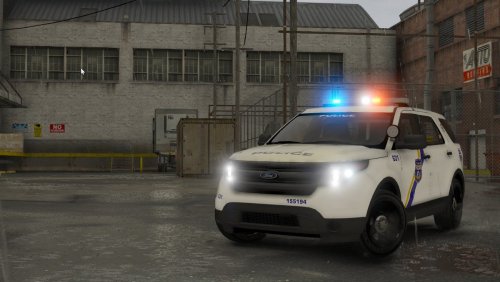 Not trying to rush you. I plan to use this pack to replace my city PD vehicles, and I like running an FPIU, but I can use a Tahoe in the meantime
- 47 comments
- 13 reviews
-
-
-
So I get texture loss while playing LSPDFR. It'll happen gradually in the city, but the texture loss is much worse in Blaine County (it's the worst near paleto bay). I was curious what the problem was, so I booted up some monitoring tools and started GTA. I initially thought I was using too much VRAM, but I never passed 4GB while playing and still got texture loss. Maybe it's a CPU issue? I set GTA V to high priority and monitored my CPU, and was getting a steady usage rate of 50-60%. I;m not sure what the problem is, but it's getting really annoying. I've tried tinkering with NVIDIA control panel and adjusting the graphics settings, but it never seems to matter. Could it be a limitation with GTA V itself? Could it be because I use too many plugins? Why is this issue much worse in specefic areas? Info: I'm using the most recent version of GTA V, RPH and LSPDFR. I have roughly 10-15 plugins for LSPDFR and a few generic plugins/scripts (cruise control, sticky wheels). I am using custom models (replaced all vanilla police slots, firetruck and ambulance), but I've downloaded cars with proper LODS and never have too many spawned in one area. I've done some digging and can't seem to find any really useful answers, any help would be appreciated. Also all of my skins are 2K, I made sure to resize every skin I use. Specs: - Intel i7-770K - Nvidia 1070 - Running GTA V on an SSD, windows and steam on an HDD - 32GB of 2400mhz ram
-
-
-
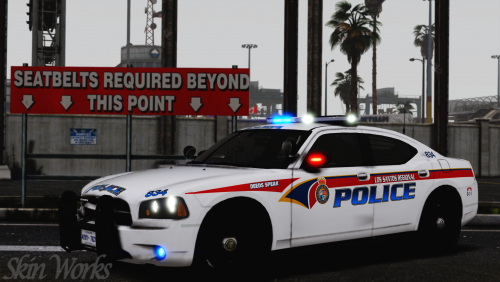 Would love to see one, either way whatever you do next is going to be top notch
- 14 comments
- 9 reviews
-
-
- 1
-
-
Hey Harrison love your mods, I was wondering if you are planning to make an LSSD pack?
- 14 comments
- 9 reviews
-
I was just curios if anyone was working on a Los Santos County Sheriff texture pack, I couldn't find many packs for Los Santos County. I've tried creating my own, but when I've had issues adding curves/turns/etc. for my skins.
-
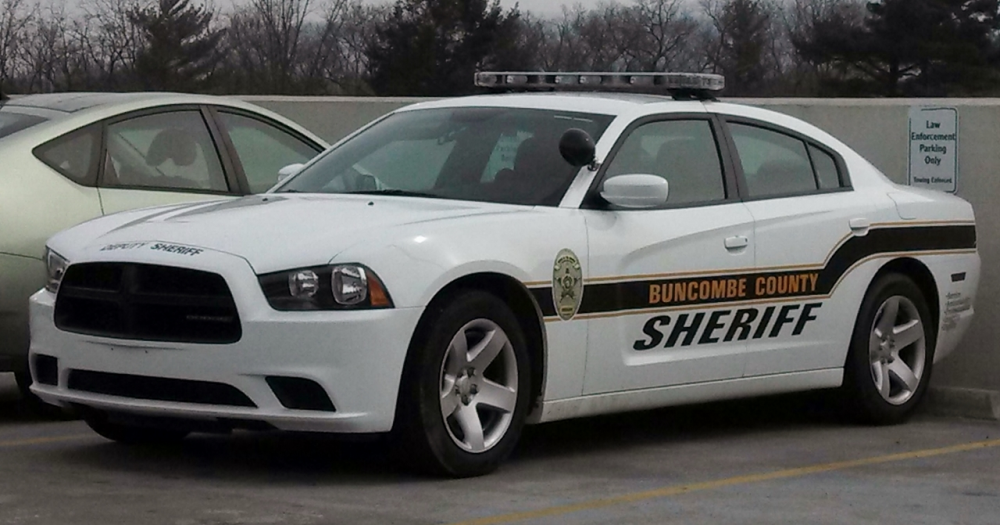
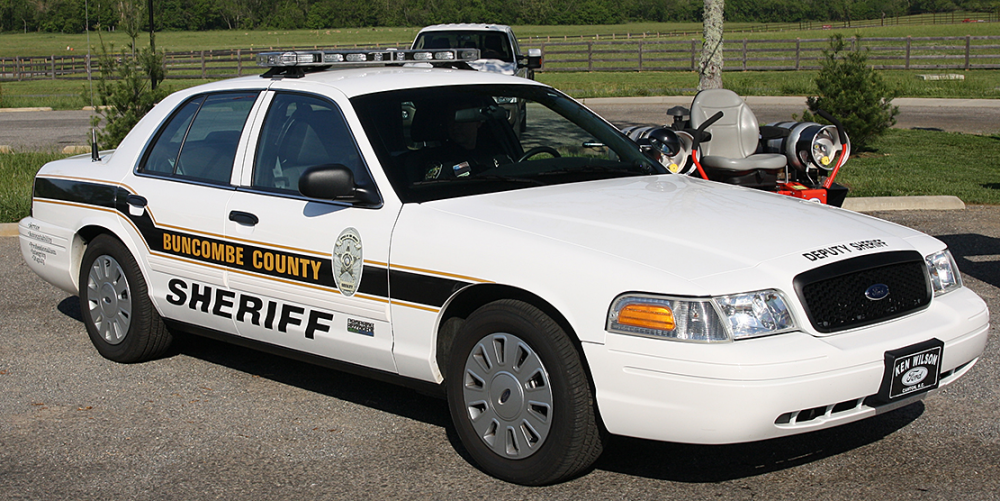
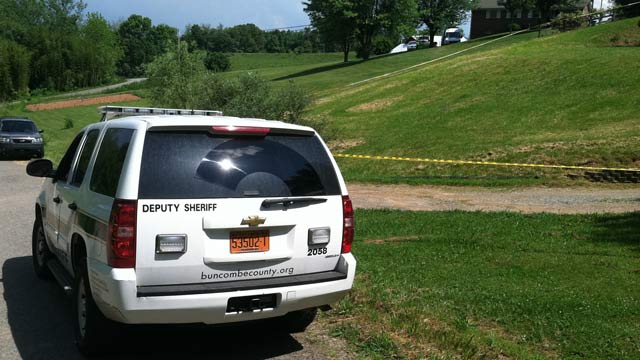
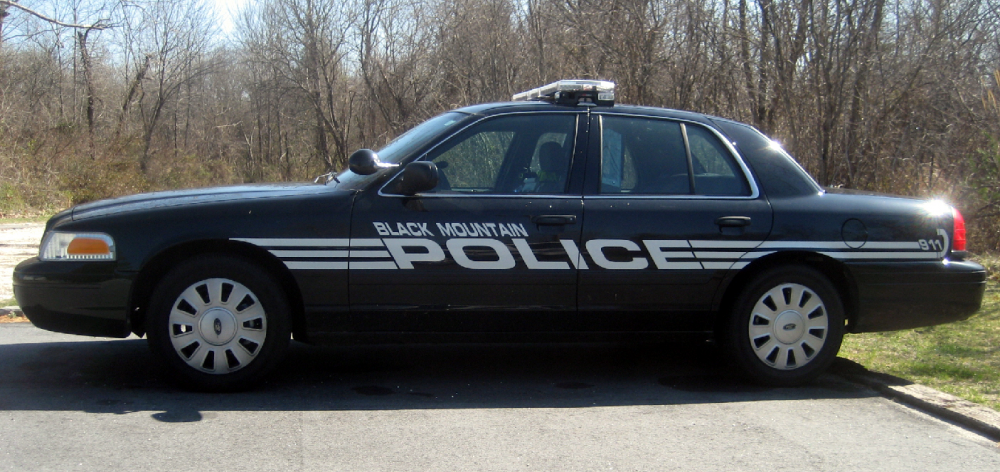
Would love a pack similar to my local departments. This is what the county sheriff liveries look like: And here is what some of the local PDs use: and