



RoegonTV
-
Joined
-
Last visited
File Comments posted by RoegonTV
-
-
 On 1/13/2018 at 6:43 AM, JoelC said:
Anyone know howto make the glass transparent?
On 1/13/2018 at 7:24 AM, Getduckt said:Its really Big for me how can i make it smaller? its even Bigger than my car
7 hours ago, MrMan104 said:alright then.... okay... just i would start with a different lightbar to be honest
i cant even figure this out
This lightbar is just a model. If you don't know how to assign a transparent glass, or scale a model, you should go look around for some tutorials in basic Zmodeler before you blame the lightbar.
-
-
-
3 hours ago, J.J Designs said:
i just did the full 6tir tk and im working on the holo now just basically saving people time
No, I also updated the terms so that you can't re-upload it. It is pretty easy to edit, so people can put in a little time for it
-
-
-
14 hours ago, TickleMyElmo said:
its nice but very unfinished , which normally might be fine but hard get things done when we all tend to be busy these days but still need to fix this before we can even use it in our games.. but again its nice just update it with the finished version would be cool .. like emis, and so on, also maybe two takedowns .. not a huge fan of it on a single side
still good job
I work a full time job with a crazy schedule. My work is not unfinished, it is not converted, but that isn't my job. I don't have to convert things. I also don't have / can't afford zmodeler right now.
-
1 hour ago, heuuu said:
Nice work! Like to see a Federal Signal Legend once!
I think that could happen today
-
-
-
-
-
.png.e7fce6e69154ae3548319c2692548c80.png)
-
-
5 minutes ago, rymo said:
i see. is there a universe carvariations file (only one) for all police cars, which fixes that for all cars at once? I mean: ONE single carvar file, which u put in ONE single place, which is filled with all info? is that possible? thx for ur answer
No, unfortunately. But you can basically create one by adding a section for all of the police cars in the latest one
-
14 minutes ago, rymo said:
Hi, the last update was the biker stuff. My latest Folder in the dlcpacks folder is: patchday12ng. So i put 5 replacement cars in there -INCLUDING YOURS-, without replacing anything. They all work in the game, they show up perfectly. My problem is, all the lights flash somewhere else, but not in the right place. I need that to be fixed for: police, police2, police3, sheriff, sheriff2. Is there a universe carvar, or do i have to add different carvars? what do i have to do, to fix it? Could u send me links, what i need, to show the lights for these 5 cars correctly? ..nice cars with shitty lights is very annoying )
Thx!!!!1
The latest you can find.
You have to be sure to replace the carcols carefully, and make sure the carvariations tells them to use the right siren settings.
Carvariations also work like the patchdays, if you add a section for police in the latest carvariations, it overrides previous versions.
-
4 minutes ago, Suffolk County Skin Co said:
Yes, but the carcols from the mod I want to use goes in the same location as your carcols
Ah I understand.
In my carcols I made a new custom siren setting with id = 14 (default goes up to 13). So you just need to copy my siren setting, paste it at the bottom of your modded one's siren settings and make sure you change (id value="14") to some other number not used. And the carvariations has to set police4 to use the same id
-
-
-
-
-
-
-



.png.e7fce6e69154ae3548319c2692548c80.png)


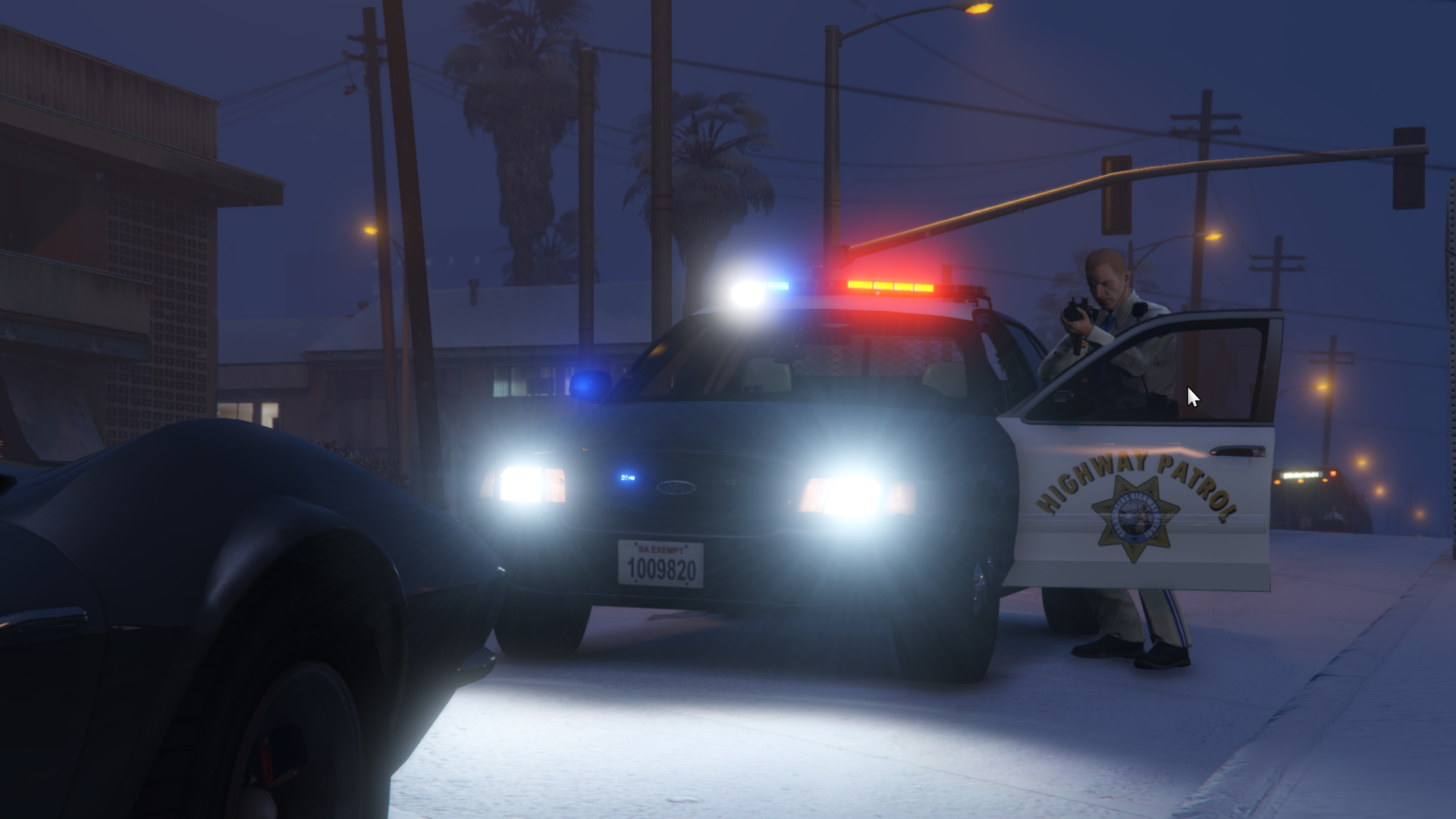
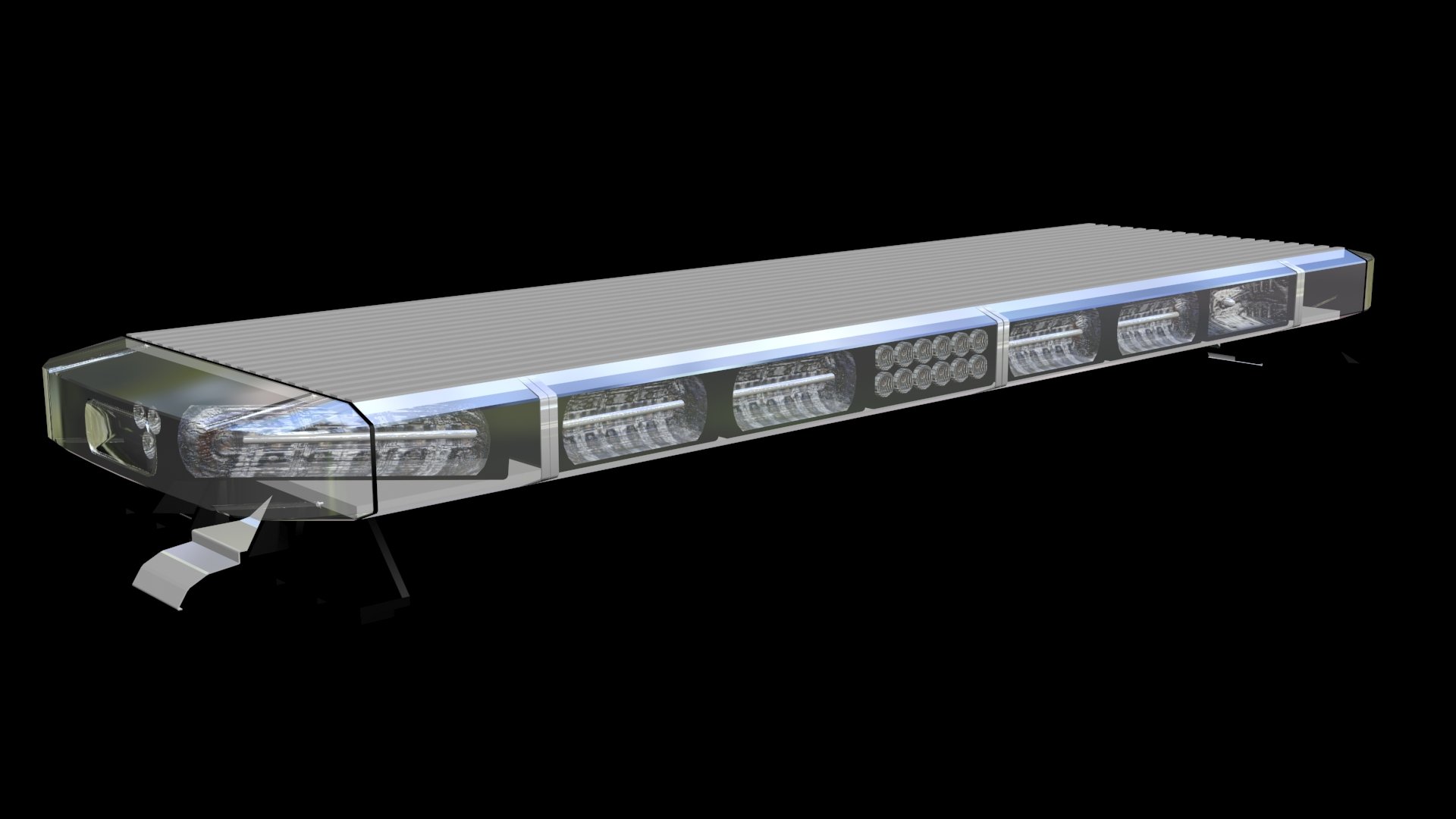
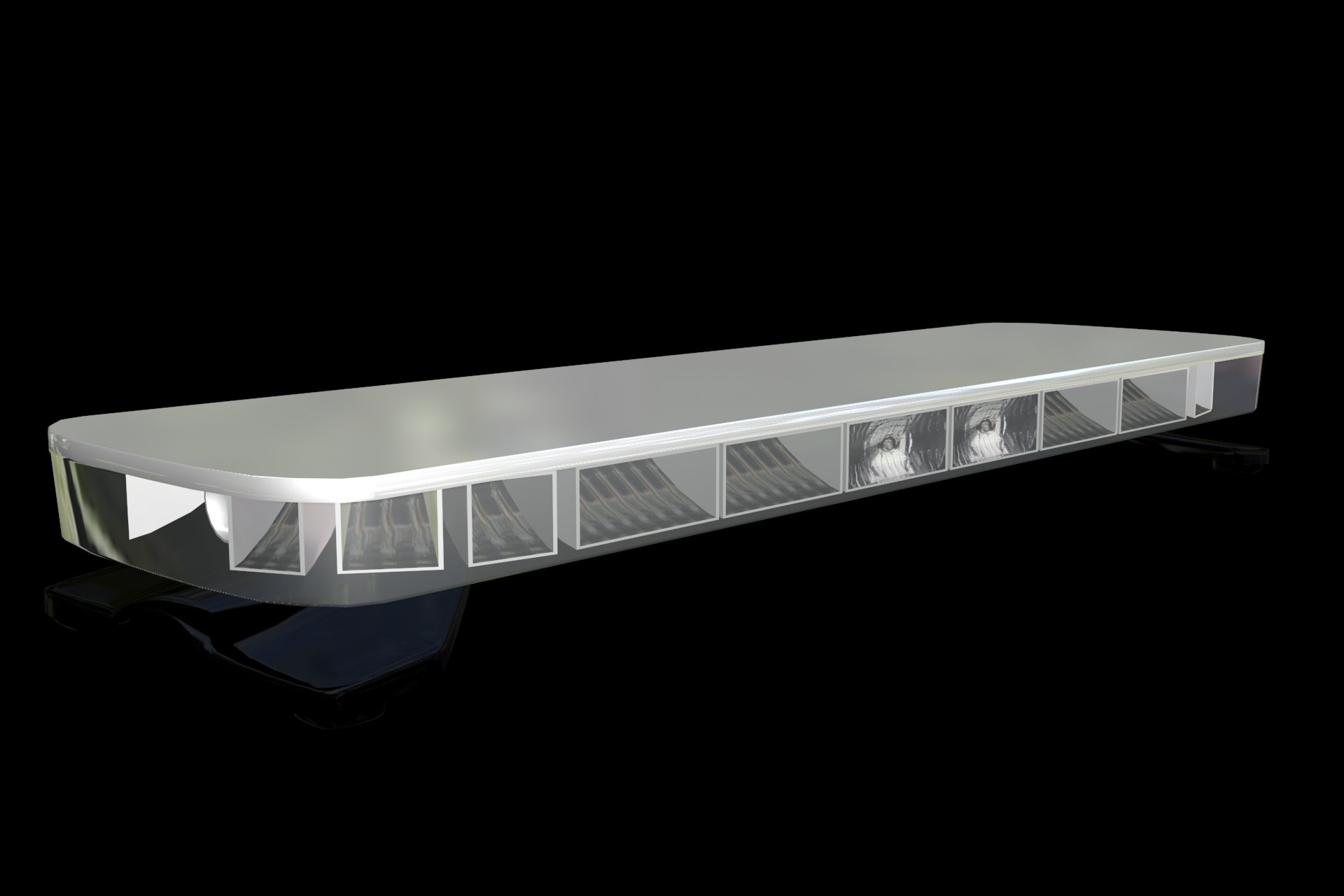
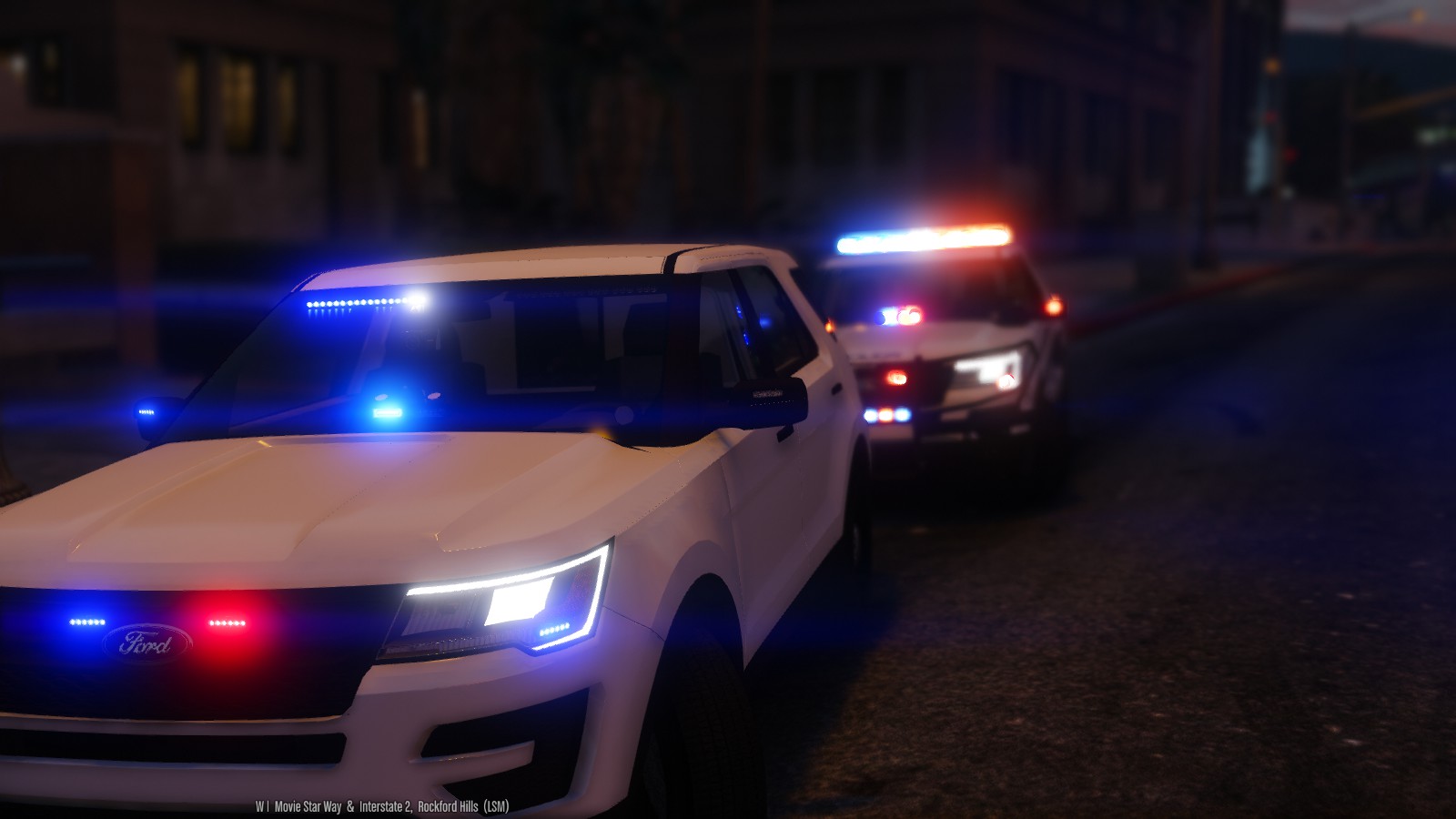
Federal Signal Vision SLR
in Lightbars
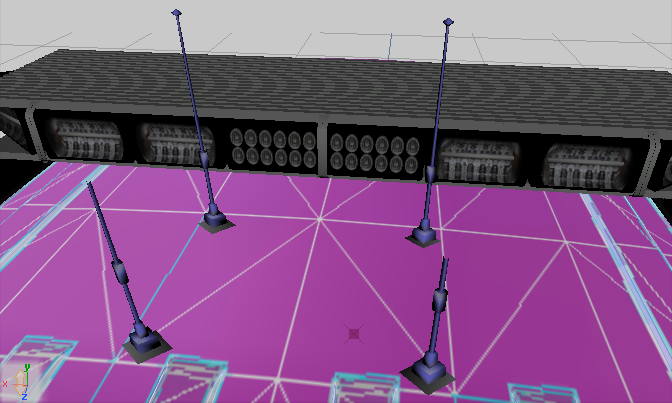
1,432 7This model has to be put on a vehicle using a program like ZModeler 3. In that program you'll be able to map any part of the lights to any color.