


Joe C Wilson
Members
-
Joined
Everything posted by Joe C Wilson
-
N/A
-
Hi all, some of you may already know me from my GTA 5 LSPDFR series, but today I have returned to LCPDFR with GTA IV and I would like you to check out my latest video. It has been forever since I lasted played GTA 4, however LSPDFR has not been working for me lately, so I decided to give LCPDFR another try and here we are. I appreciate everyone checking out my video and my channel, I hope you all enjoy the new video and thank you for reading!
-
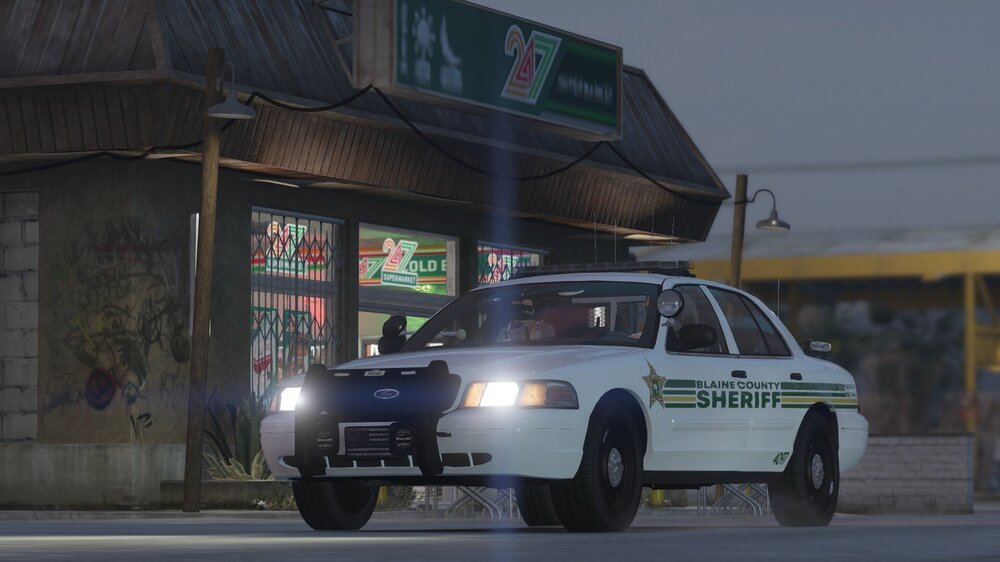
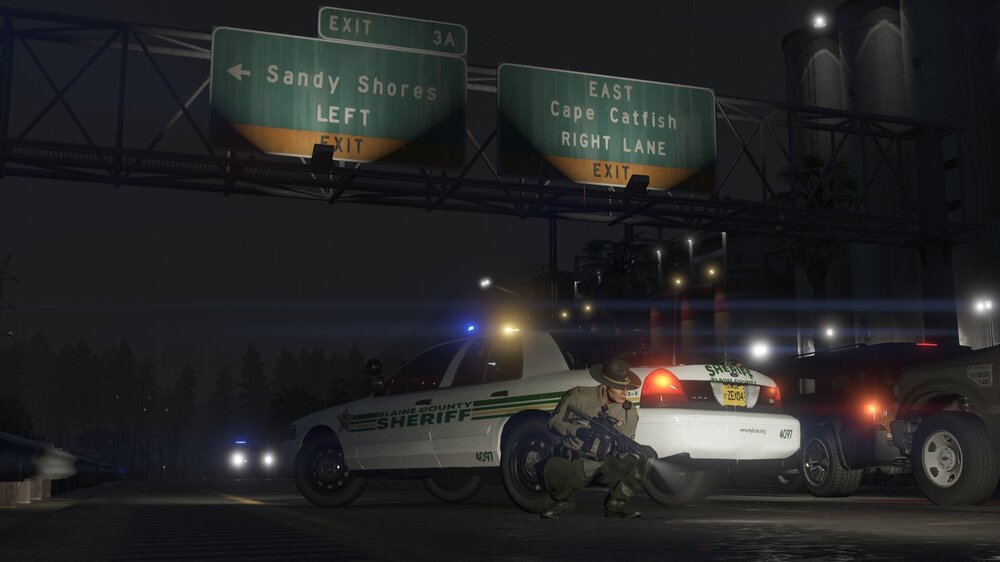
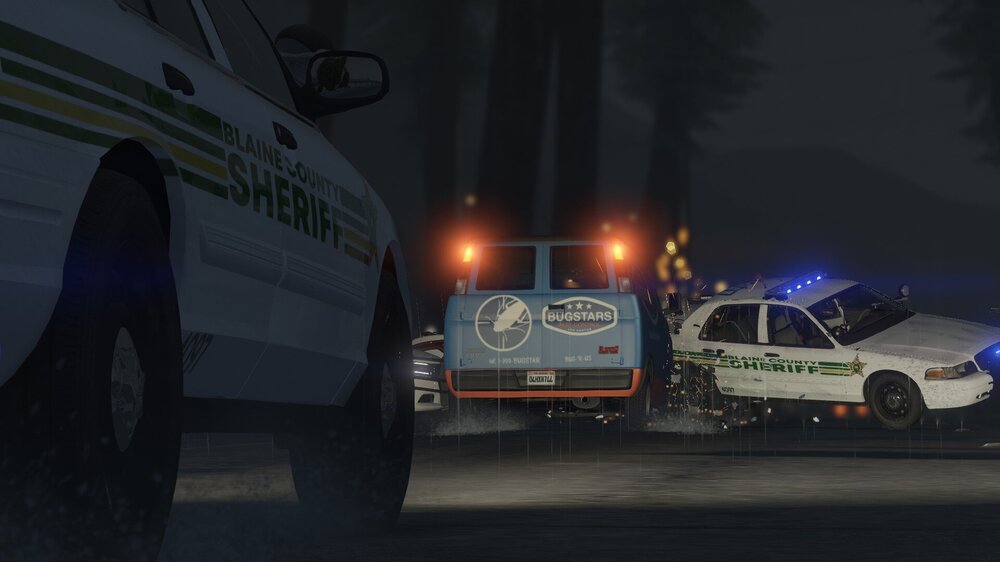
Here's some screenshots, click to reveal them (7 screenshots total).




-
n/a
-
N/A
-
N/AN/A
 Hello, is there a way to hide the menu for this mod? (The bottom left of the screen) It seems to be conflicting with the player location display mod and I would like to move it elsewhere on the screen if possible or simply just hide it. Also is it possible to change the keybinding key to something other than "N"? When I press "N" on the keyboard it let's me change my status to available, or unavailable, but it conflicts with other menus. Thanks!
- 132 comments
- 26 reviews
N/AN/AN/A Anyone else having game stutters with the bank heist callout with the new 0.4 update and the 1.1.0.0 version?
- 1,081 comments
- 166 reviews
N/An/aN/AN/AOh, okays.To me, this seems to be a big part of the issue. The developers just want better security for their mods, so it would be harder for people to take/rip/steal modifications from this website. I am getting a feeling people aren't looking into the actual issue here. I think this is becoming a bigger problem now because of "No, our website is built on the principle that anyone can browse and download. We're not here to shut things off or stop people from downloading mods. This will never change." Everyone still wants to download modifications that users create, but making a website this easily accessible, with no intention of changing it's protocols, could be one of the reasons, people might be leaving?N/AI'm sure there is some way to stop users from downloading files from a website, as anonymous? Downloading from a website like this, with lots of website traffic, without an account is extremely unsafe and it makes files easily downloadable and redistributable. Maybe use the CAPTCHA system when making a new account for more security? It's already used when downloading a file, so would making that for website security be effective? No one is going to be continuing using a service, like this website, if their work, is not going to be protected. Maybe a whitelisted (whitelist) method could be useful, with account validation? You know, to help stop anonymous users from downloading files and redistributing them.N/AOh, I didn't see that, they should add it temporarily as a pin or something in the boards. Thanks!





Account
Navigation
Search
Configure browser push notifications
Chrome (Android)
- Tap the lock icon next to the address bar.
- Tap Permissions → Notifications.
- Adjust your preference.
Chrome (Desktop)
- Click the padlock icon in the address bar.
- Select Site settings.
- Find Notifications and adjust your preference.
Safari (iOS 16.4+)
- Ensure the site is installed via Add to Home Screen.
- Open Settings App → Notifications.
- Find your app name and adjust your preference.
Safari (macOS)
- Go to Safari → Preferences.
- Click the Websites tab.
- Select Notifications in the sidebar.
- Find this website and adjust your preference.
Edge (Android)
- Tap the lock icon next to the address bar.
- Tap Permissions.
- Find Notifications and adjust your preference.
Edge (Desktop)
- Click the padlock icon in the address bar.
- Click Permissions for this site.
- Find Notifications and adjust your preference.
Firefox (Android)
- Go to Settings → Site permissions.
- Tap Notifications.
- Find this site in the list and adjust your preference.
Firefox (Desktop)
- Open Firefox Settings.
- Search for Notifications.
- Find this site in the list and adjust your preference.