


Joe C Wilson
Members
-
Joined
Everything posted by Joe C Wilson
-
Hey, this one is probably not the one you're looking for, but I downloaded a Hellcat awhile ago, and that's the closest thing to a Demon. It's also ELS, there's a marked version and an unmarked version, check out StraightGlitcheZ's model, it's the most recent updated Hellcat.
-
So as a police officer; for example, we won't be able to transport patients to a hospital neither? That's a bummer, that would make it a lot easier rather than waiting for EMS to respond all the time. There's tons of things that would fit into LSPDFR in my opinion, but I see why some others see it as a police based game only. FD and EMS game-play have made LSPDFR into a bigger and better mod for me, and I just hate to see that go to waste just because its police based only. From a developer's perspective I can understand how and why LSPDFR is a police focused mod only, but from a player's point of view fire and EMS open a new world of opportunities. LSPDFR is the only emergency services mod for GTA 5, so its a shame we will never get anything else like it. We are able to play as any type of police agency as we can imagine for LSPDFR, so I don't know why we can't do the same for fire and EMS. Like you've said, we have to rely on call-out developers for fire and EMS, and we have so many resources available, I wish LSPDFR would be possible for ALL emergency services to be playable, but we can only hope, someone can contribute something for LSPDFR.
-
A couple of screenshots for today
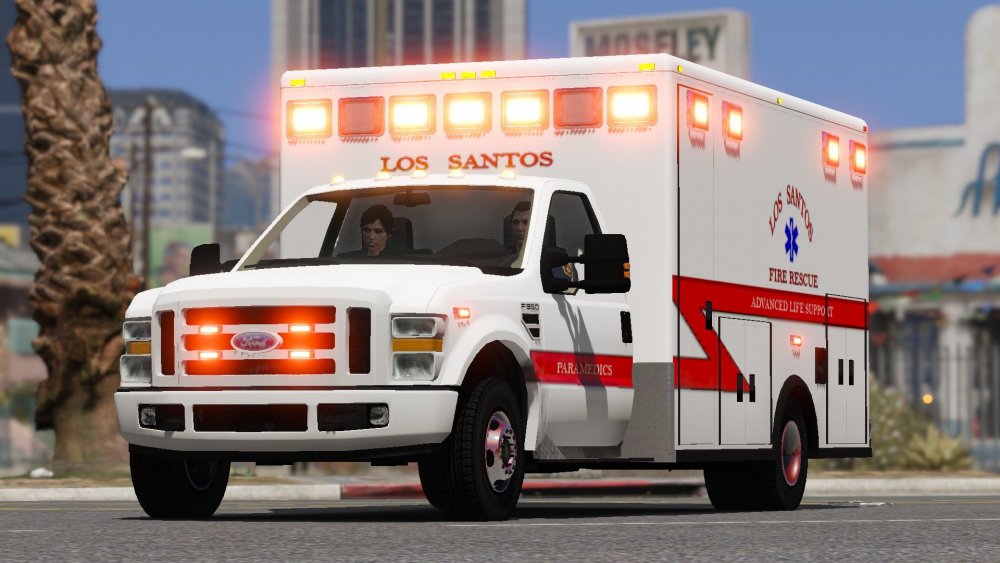
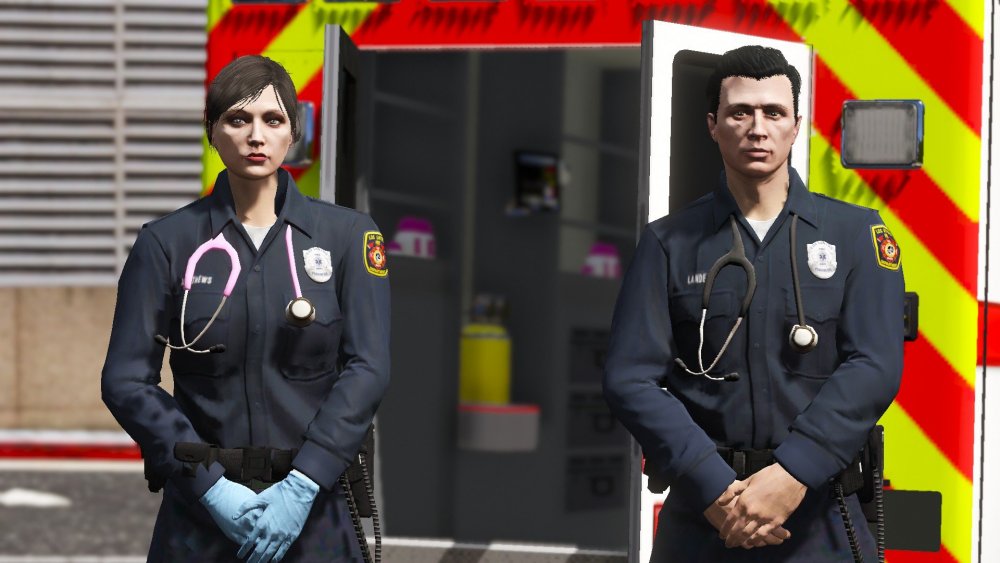
-
Hello, does anyone know if we have a feature that allows us to drop off patients to a hospital while playing as a paramedic? This is excluding call-outs, I mean as a new feature added to LSPDFR 0.4.7 itself. Another cool idea would be having the option to transport patients in an ambulance without having to call an EMS unit to the scene. If not, both of these would be a great new feature to have for the EMS side of LSPDFR gameplay. We can drop off suspects to jail as the police, but we don't have the ability to drop off patients to a hospital or transport them as a paramedic yet. Let me know if you would like this idea in the future, I sure hope so!
-
A couple of screenshots for today
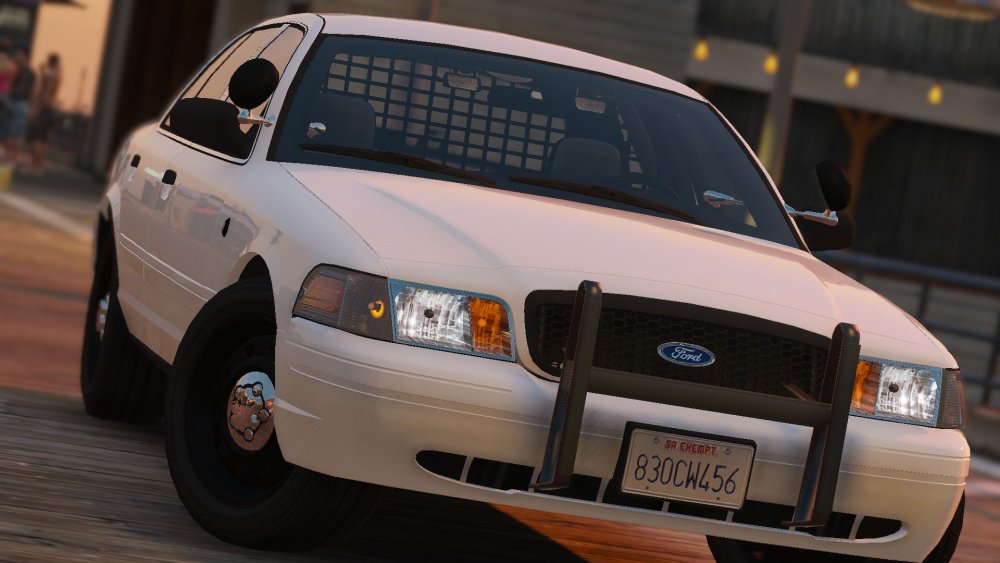
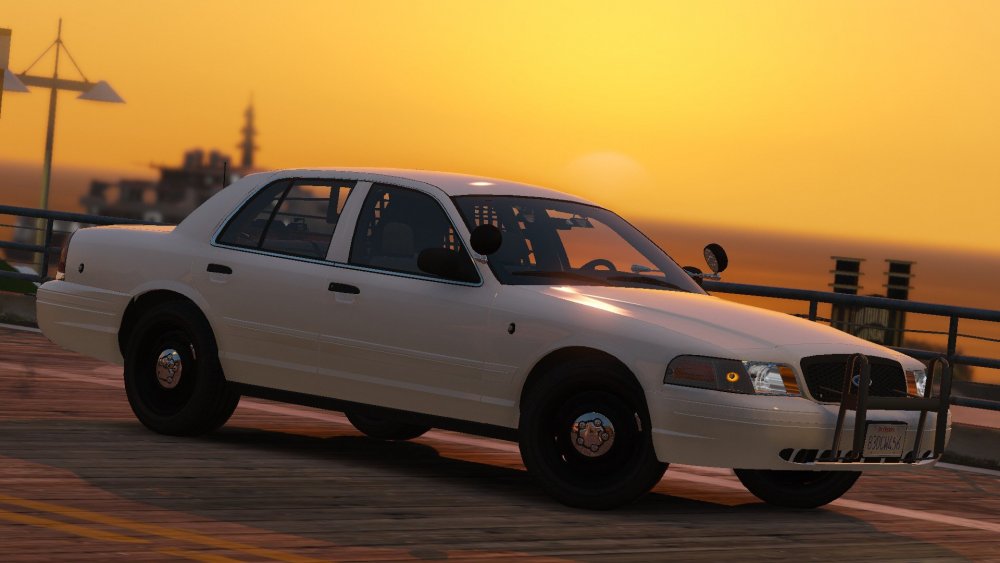
-
N/A
-
Hello I am wondering if it's possible to disable the default LSPDFR Callouts? The store robbery with the timer callout is a bit buggy for me. No matter what LTD or 24/7 store it is the employees are doubled and the doors are stuck while broken. Is it possible to disable them?
-
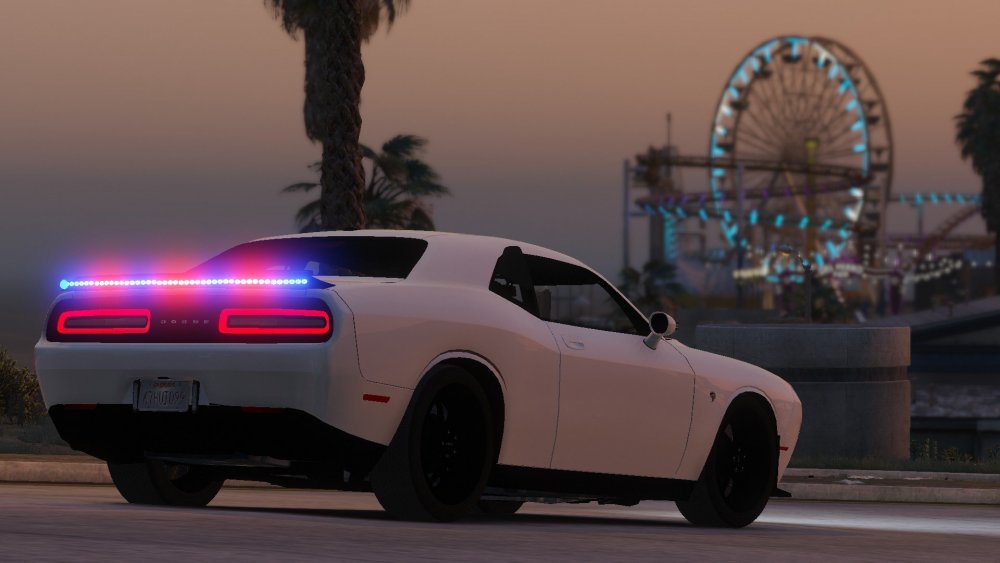
A couple of screenshots for today

-
N/A
-
GTA 5 LSPDFR 0.4.7 #55 - Escaped Prisoner via @YouTube
-
N/A
-
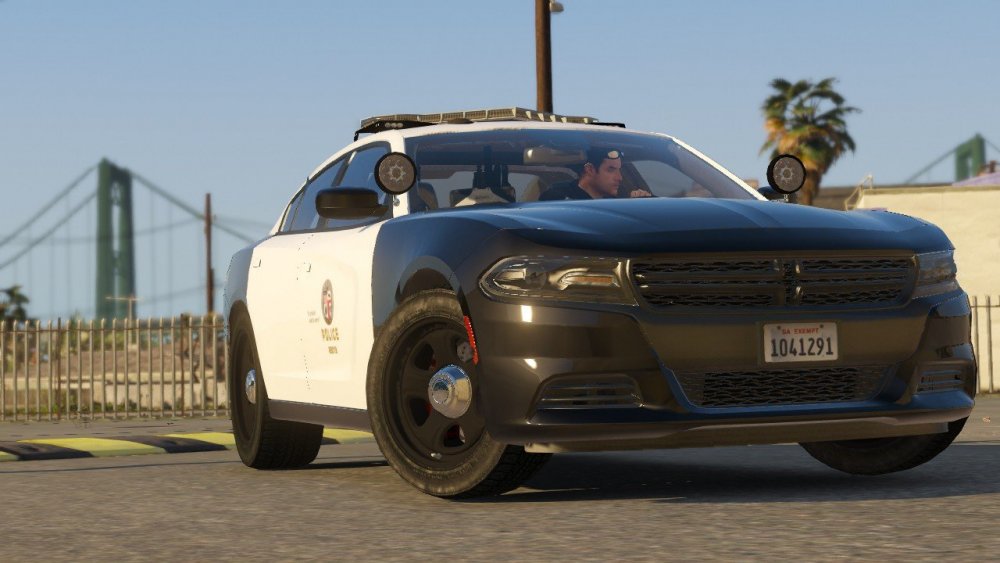
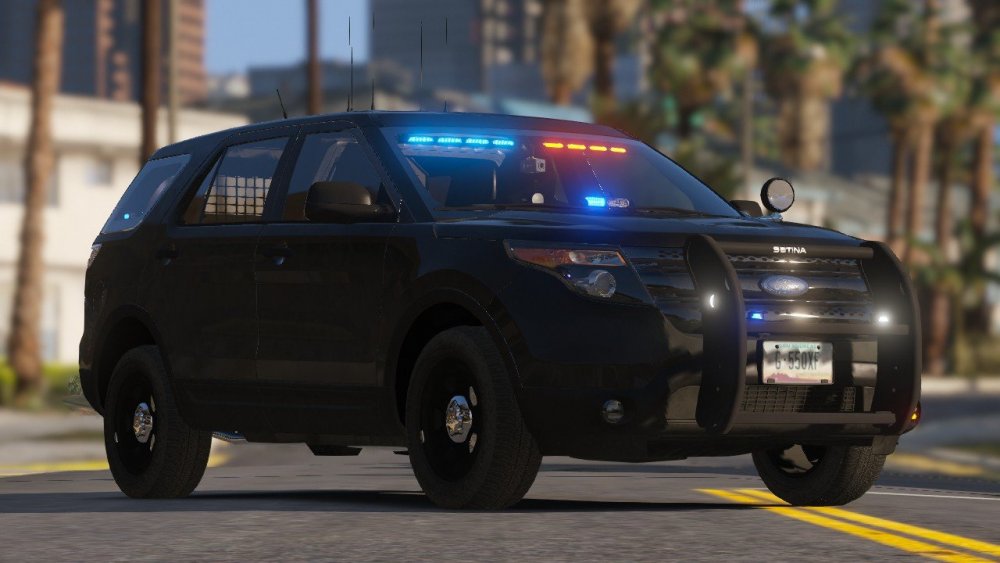
A couple of screenshots for today
-
I just came across this thread again today, so I am sorry for the late replay. I haven't been on this website in awhile. Anyway, I currently use stop the ped and I noticed it has the collector feature. Thanks Benzo!
-
N/A
-
N/A
-
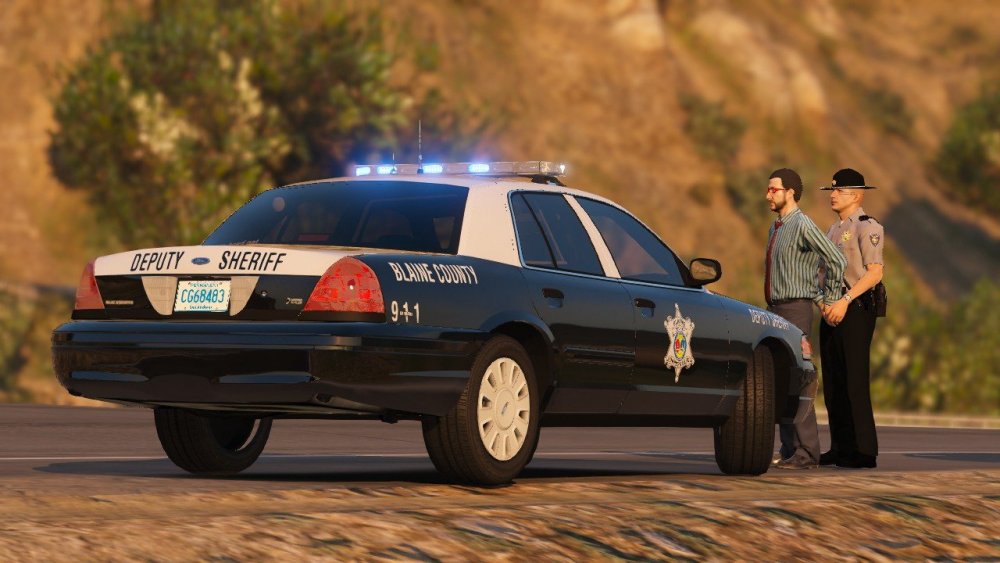
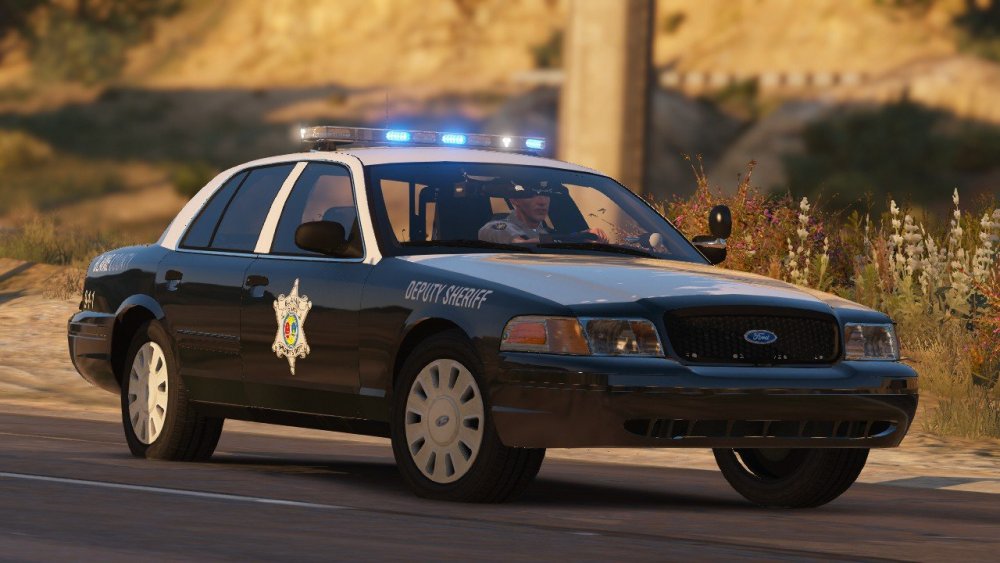
A couple of screenshots for today
-
GTA 5 LSPDFR #52 - Hammer Time via @YouTube
-
N/A
-
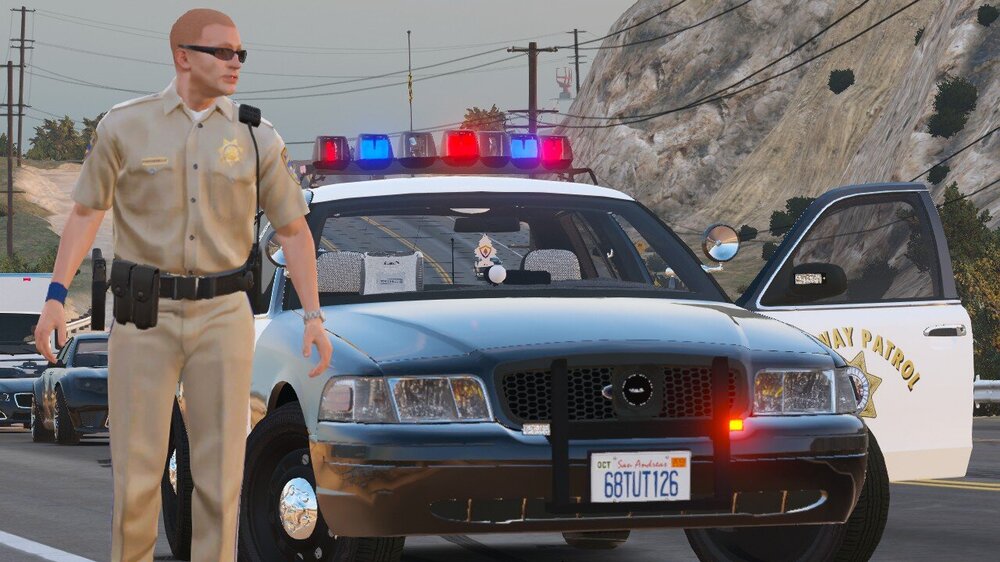
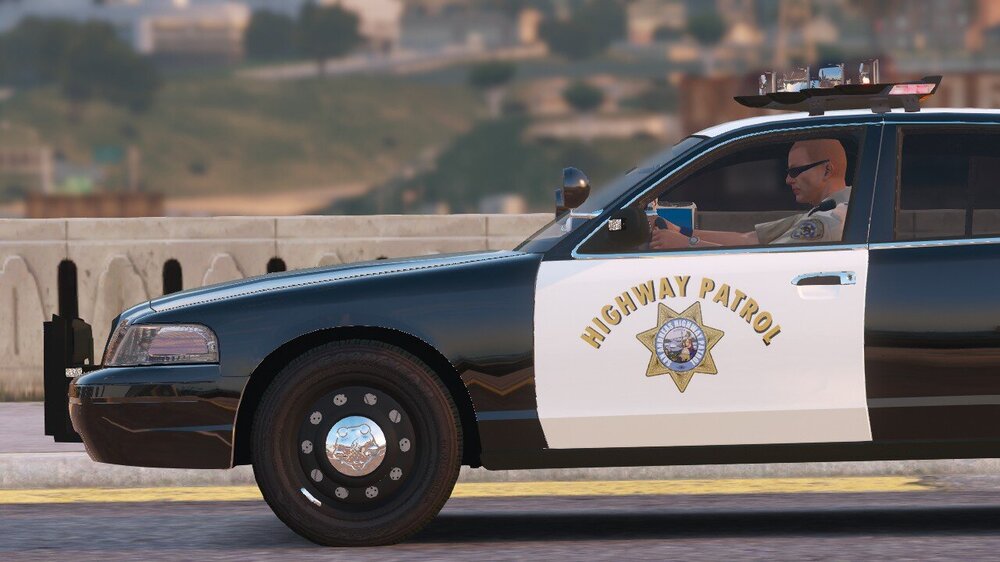
A couple of screenshots for today
-
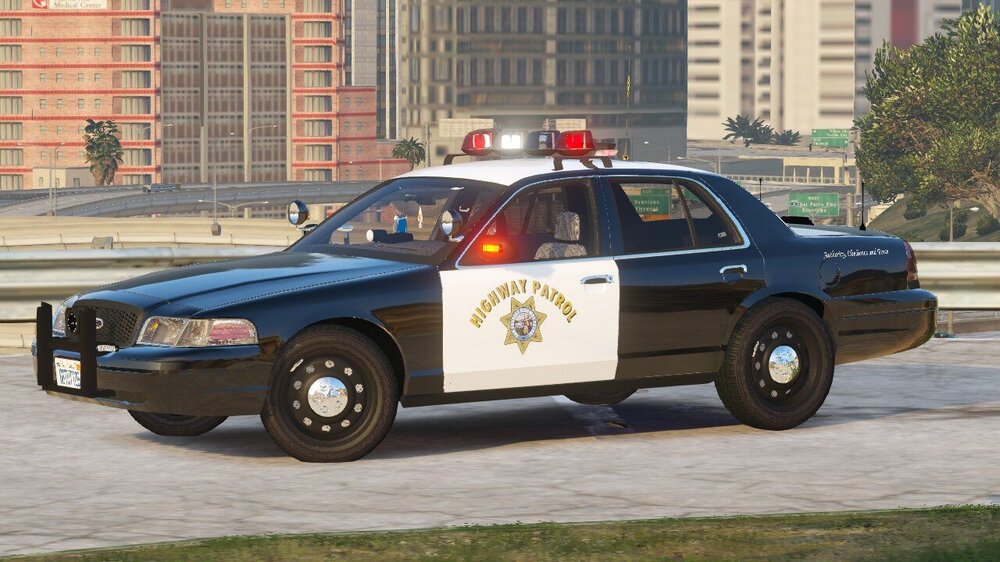
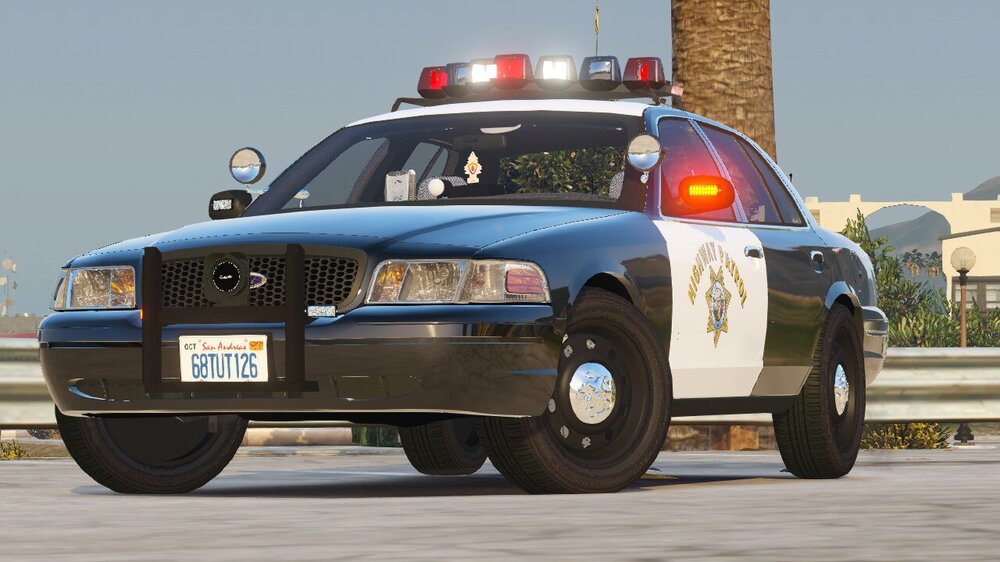
A couple of screenshots for today
-
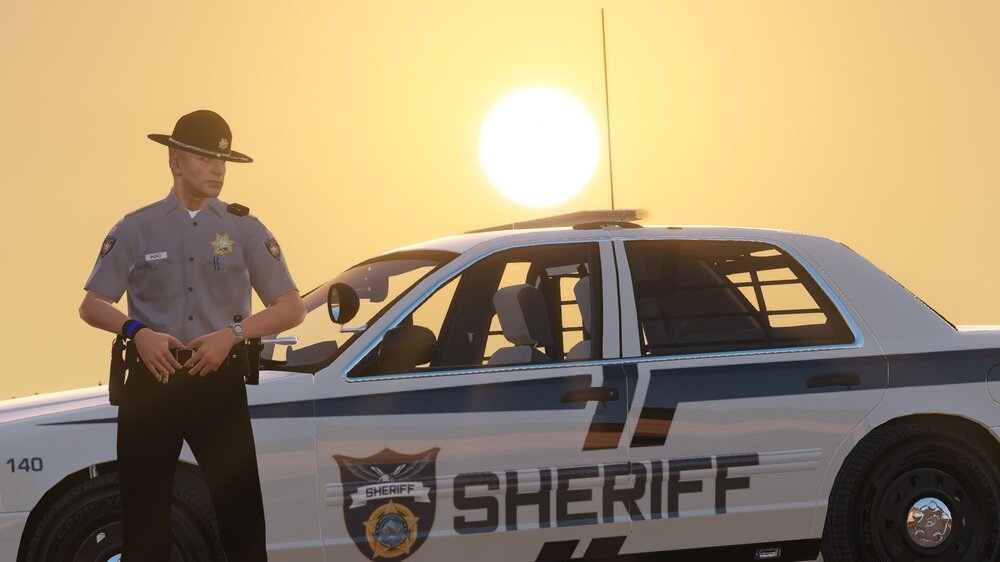
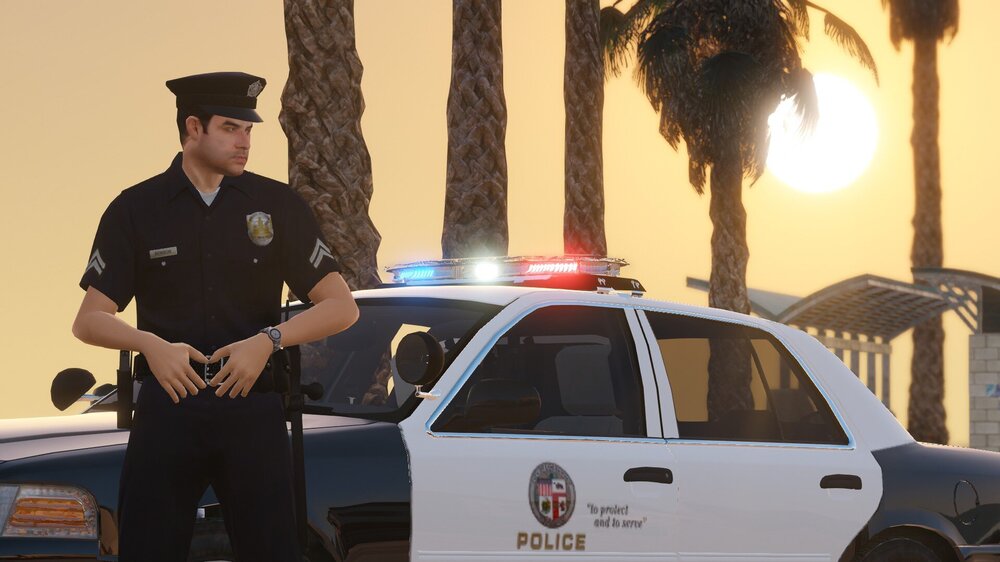
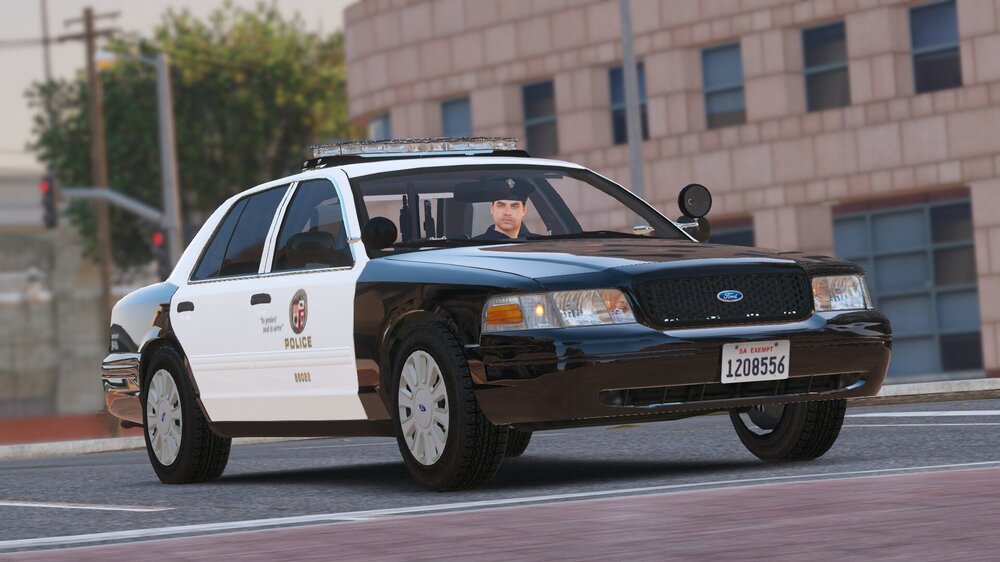
A couple of screenshots for today
-
N/A
-
 I came across this mod today and it works well. I noticed the oac file in this download did not work properly. So I ended up using my own oac file by exporting to oac in OpenIV of course and then replaced the files in this download into the new temp folder and after that it began to work. Thank for the mod!
- 25 comments
- 4 reviews
-
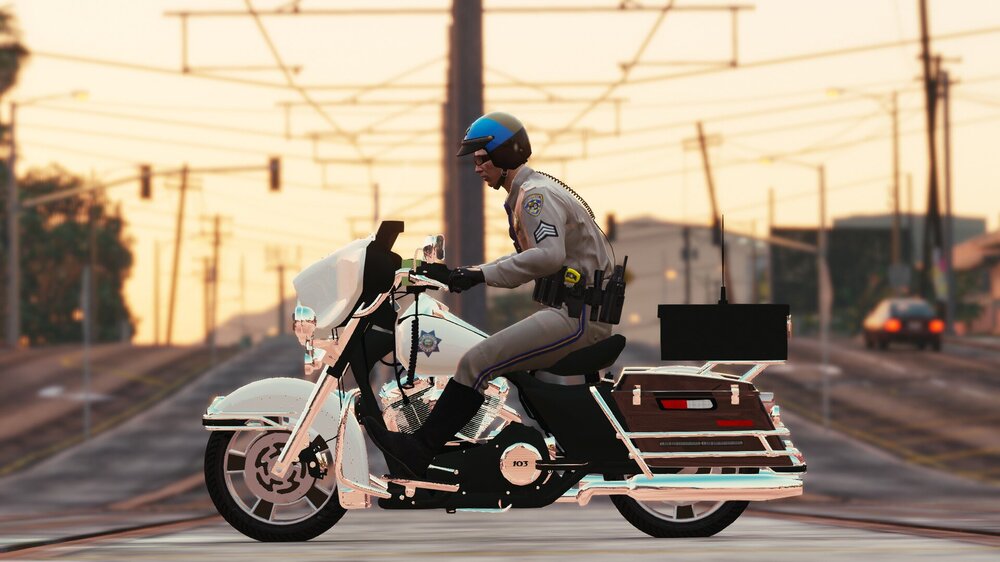
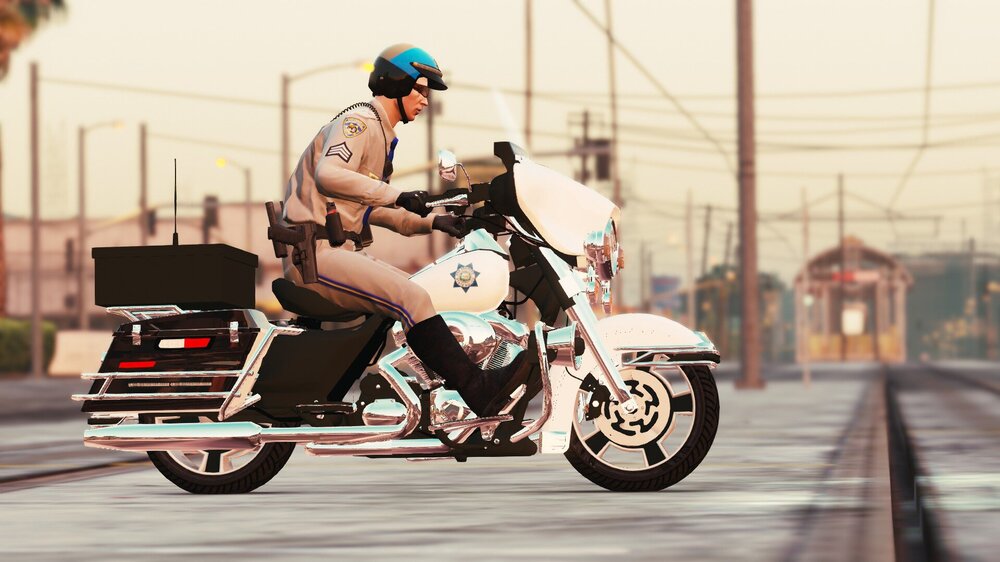
A couple of screenshots for today
-





