


Joe C Wilson
Members
-
Joined
Everything posted by Joe C Wilson
-
N/A
-
N/A
-
GTA 5 LSPDFR 0.4.8 #93 - Fight or Flight | BCSO K9 '13 Tahoe via @YouTube
-
 Again you need to remove prop hats in the data folder in LSPD EUP. Ultimate Backup has hats too which you can remove with prop hats. EUP Menu is only for your character. The data folder EUP files are what creates the settings for NPCs that spawn ambient and come from the default backup menu.
- 944 comments
- 23 reviews
You can remove this by finding prop_hats= tex_hats= [in EUP Menu] prop_hats is what the hat number is and then tex_hats is the texture number Just as an FYI hats are going to be included in the next update for both the data folder and Ultimate Backup. 2 ways to remove hats (in the new update). You can find it first in prop_hats= tex_hats= [in Ultimate Backup / EUP Menu] OR <Props> <Prop id="0" drawable="0" texture="0" /> <!--p_head--> </Props> [in data folder / outfit selection] prop_hats is what the hat number is and then tex_hats is the texture number This is an example, but each department has their own number/texture for hats.- 944 comments
- 23 reviews
Very excited! Thank you!N/A
I located the issue. The shoes tex number is 2 when it is supposed to be 1. Set it to tex_shoes="1" for now as a temporary fix. Thank you.- 944 comments
- 23 reviews
-
-

- 1
-
Thank you for reporting. I'll take a look at it. Is it the data folder or ultimate backup? This will be added to the list of things needed to be fixed for the next update. Thanks again.- 944 comments
- 23 reviews
GTA 5 LSPDFR 0.4.8 #98 - Can’t Outrun Air 1 | LSPD '11 CVPI via @YouTube
I am pleased to announce that I have recently finished adding snow and rain uniforms to San Andreas Ultimate Backup [EUP] for the LSPD and LSSD (Agency & Ultimate Backup). LSCFD & SAHP are next. Extra LEO uniforms are being added to EUP Menu as well. ETA 3/4 Weeks.- 944 comments
- 23 reviews
100th post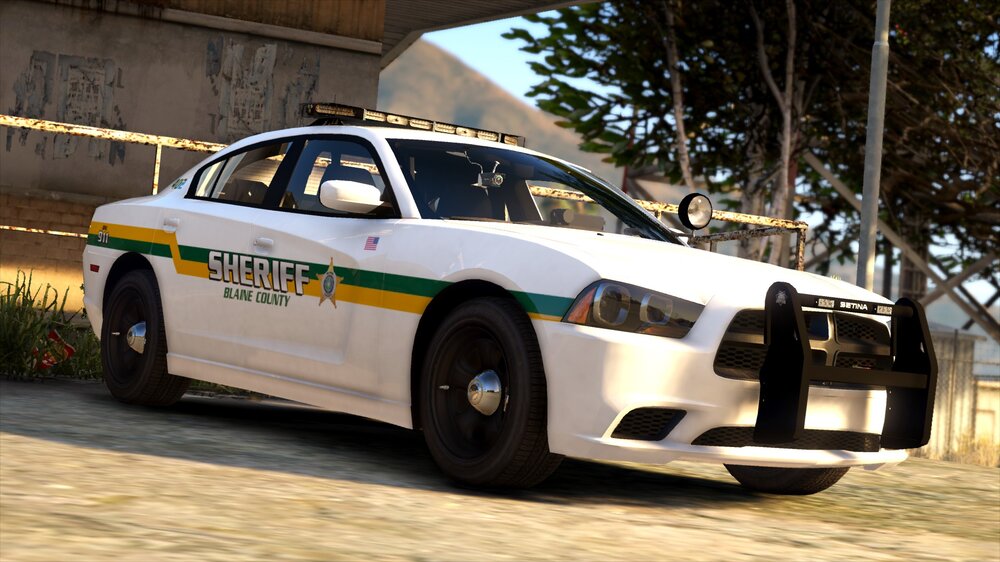 Thank you for reporting. This will be added to the list of things needed to be fixed for the next update. Thanks again.
- 944 comments
- 23 reviews
You need to change them in agency eup (in the patrol section), and the default region file in ultimate backup. Police 3 is setup to be used for the SAHP so you will NEED to remove them in the SAHP sections. Edit - You can rename the vehicle files by locating "<VehicleSet>" in Ultimate Backup or "<Vehicles>" in the LSPDFR data folder and agency XML.- 944 comments
- 23 reviews
Hey, everyone! I'm beginning to work on an update for the mod. What do you want included or need fixed in the new update? Let me know ASAP. The update should take about 2 weeks more or less. There's A LOT to cover with the new EUP 8.2 + Serve and Rescue 1.4 that I have not been able to add in yet. I am planning on adding and fixing several things including, but not limited to; Added All Uniforms To Custom Data Folder - Eliminating The Need For EUP Menu (LEO, Fire, EMS Uniforms) Added Bicycle Units Added Female Local Patrol Units To Cayo Perico Added Fire Air Pilot Units Added K9 Units Added Snow Uniforms Added Rain Uniforms Added 7 New Stations (Cayo Perico, IAA, FIB, Gruppe Sechs, Merryweather, North Yankton, San Andreas Highway Patrol) Edited Gang Units Updated Duty Selection Loadouts (No More Cops Punching Suspects) When Selecting A Folder - You Must Only Use One At A Time! (Normal, Rain, and Snow)- 944 comments
- 23 reviews
-
-

- 1
-
GTA 5 LSPDFR 0.4.8 #97 - Wrong Side Of The Tracks | SAHP '14 Charger via @YouTube


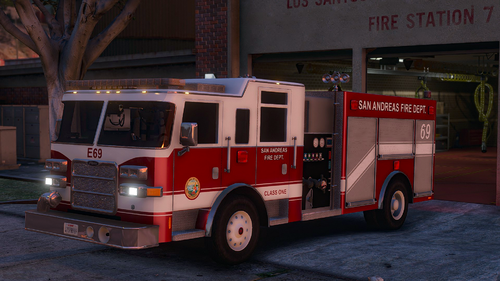


Account
Navigation
Search
Configure browser push notifications
Chrome (Android)
- Tap the lock icon next to the address bar.
- Tap Permissions → Notifications.
- Adjust your preference.
Chrome (Desktop)
- Click the padlock icon in the address bar.
- Select Site settings.
- Find Notifications and adjust your preference.
Safari (iOS 16.4+)
- Ensure the site is installed via Add to Home Screen.
- Open Settings App → Notifications.
- Find your app name and adjust your preference.
Safari (macOS)
- Go to Safari → Preferences.
- Click the Websites tab.
- Select Notifications in the sidebar.
- Find this website and adjust your preference.
Edge (Android)
- Tap the lock icon next to the address bar.
- Tap Permissions.
- Find Notifications and adjust your preference.
Edge (Desktop)
- Click the padlock icon in the address bar.
- Click Permissions for this site.
- Find Notifications and adjust your preference.
Firefox (Android)
- Go to Settings → Site permissions.
- Tap Notifications.
- Find this site in the list and adjust your preference.
Firefox (Desktop)
- Open Firefox Settings.
- Search for Notifications.
- Find this site in the list and adjust your preference.