


Joe C Wilson
Members
-
Joined
Everything posted by Joe C Wilson
-
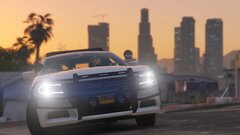
From the album: 2019
-
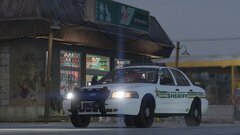
From the album: 2019
-
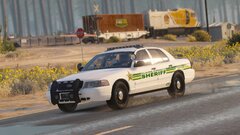
From the album: 2019
-
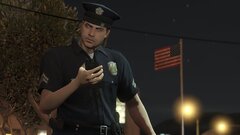
From the album: 2019
-
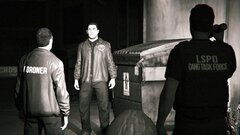
From the album: 2019
-
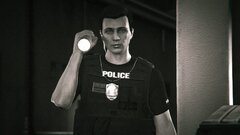
From the album: 2019
-
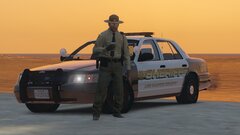
From the album: 2019
-
I vaguely recalled a flag in the vehicle metadata indicating the vehicle's inability to perform a pit due to its weight. You could try removing the BIG or STRONG flag to see if it makes a difference.
-
-
-
GTA 4 Liberty City Fire Rescue - Battling Fires In Midtown via @YouTube
-
-
-
-
-
How To Downgrade GTA IV Complete Edition + How To Fix Texture Loss (2024 Full-Length Tutorial) via @YouTube
-
-
-
-
-
-
-
-
GTA 5 LSPDFR #60 - Stabbing In Strawberry | LSSD '16 Explorer via @YouTube
-




.png.ddcf131a8a737fc7285078398ca84549.png)
.png.cc21899ad1bfc41a05cffbb3aa5ce2ef.png)
.png.63729bdc073f8de1d65447d79f535113.png)
.png.97106b031a4137e50f13a97dfb17a6ee.png)
.png.dd932ebee17e3fd977434a4f5d5cc35f.png)
.png.997d9360122794a1720be06aa215aec0.png)
.png.bc31756d1cfc0133c8461703fea734eb.png)
.png.b8e0cb8d5d1852f93d8116677f038334.png)
.png.6ca859201d7c8d4e7a6da1a919d1d932.png)
.png.2ffb112231ea9da1d5205669b2cb8fcf.png)
.png.7b396bdb8cee28c30f0eb1f09a1e0c38.png)
