Lapd Code 3
Members
-
Joined
-
Last visited
Everything posted by Lapd Code 3
-
 not sure if this relates to the callout pack but does anyone know which callout pack has the Traffic stop K9 Unit Required ???
- 1,081 comments
- 166 reviews
-
 i just downgraded to non els cause noone helped me figure it out no youtube vid helped
- 853 comments
- 108 reviews
-
 terrorist activity and active shooters callout drops frames tremendously when arriving on scene other than those 2 this pack has done wonders for my patrols thank you Cheep
- 136 comments
- 42 reviews
-
-

- 1
-
-
I disabled the sounds for ELS and when i got on SP with rage i took a screenshot of this
- 853 comments
- 108 reviews
-
Need Some help Guys I installed the siren mastery but im concerned with the Ai's siren its not blaring at all and the lights they flash are just traffic advisor lights no siren is there a reason for why and is it possible while i have siren mastery can i edit there default sirens to kinda match mine using the non SM sirens
- 853 comments
- 108 reviews
-
 agree with snail this callout pack has potential Dont abandon it like he said
- 58 comments
- 12 reviews
-
-
- 2
-
-
can i add some callout suggestions to add Manhunt Assist - assisting officers in pursuit of a man who fled but hes hiding somewhere in the nearby area - Works Great For K9 patrols Bus Accident - assist all members involved in the Traffic collision see whos at fault - great for Police or CHP Woman With a Knife- 911 caller reporting a woman drunk with a knife threatening to kill herself or anyone who gets near her - Shoplifter at posonbys or sub urbans - store owner witnessed a shoplift in there store suspect is in the area description to follow upon arriving to the scene Suspect pickup from LSIA - LSIA police have a suspect for transport bring him to the station for booking and lockup - great for police transport roleplay TechGamer i would love to see the first callout listed up there if possible or even all the above it would be awesome to have it
- 58 comments
- 12 reviews
-
-
- 1
-
-
question im sure this was asked somewhere in the last 30 pages already but i need to know if i use siren mastery will i be able to use different sirens for all my police vehicles including all ems and fire vehicles instead of the same 1 siren for all of em ?
- 853 comments
- 108 reviews
-
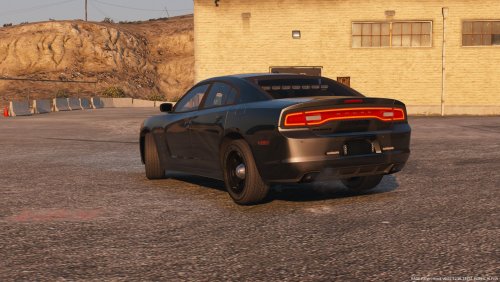 @Mikker many thanks for this model Others May Criticize lightbar placements and Other Vehicle Part Placements but i respect the long hours spent on this again thank you LapdCode3
- 6 comments
- 4 reviews
-
So i was Wondering if Anyone has ever made Airport Callouts it be nice to see a few for LSIA heres a few ideas for anyone who has time to try im not a coder so im just handing this idea out fleeing suspect near the terminals suspect pick pocketing warrant for suspect fleeing by Plane Carjacking in LSIA Parking lot Airport Shootout Suspicious Activity near Train station (under LSIA) Airplane Hostage Situation thats just to name a few Callouts if anyone can give this a whirl ill be happy to test this out once its in beta or alpha
-
-
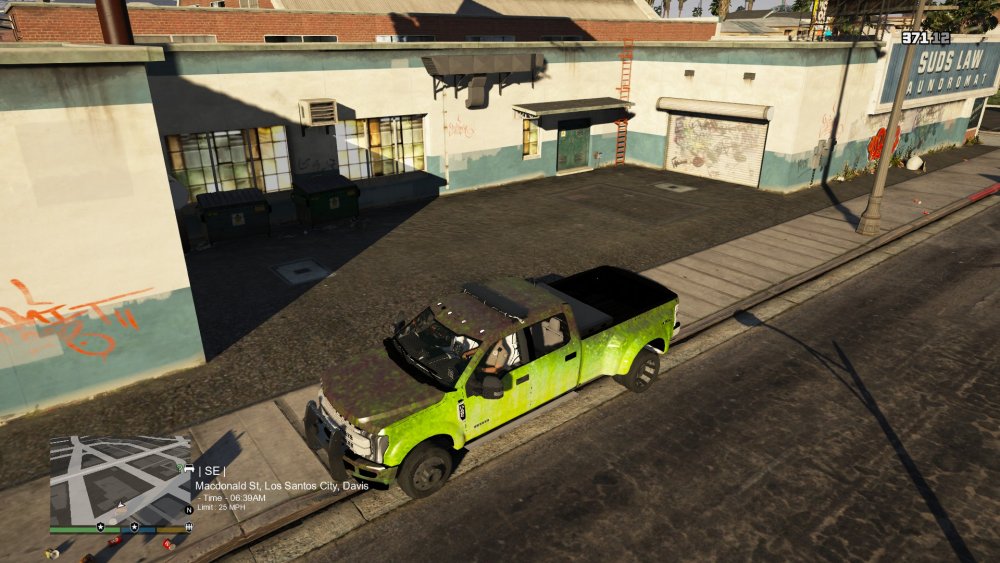
not a clue it happend to me too look what it did to officer goetz ford f450
-
Havent done this in a while
-
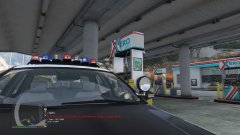 after a long pursuit .....had to refuel lol
-
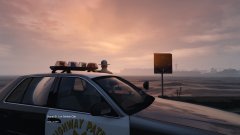 one last glimpse before my patrol
-
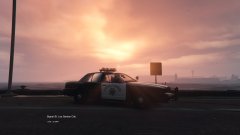 Sundown - best scenery i ever caught
-
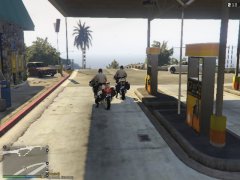 Gassin up Before back to Patrol
-
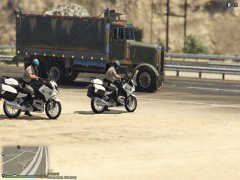 Gotta Love The CHP Bikes XD
-
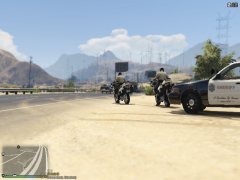 Just finshed a 211 at a local Gas station 1 suspect shot 1 arrested
-
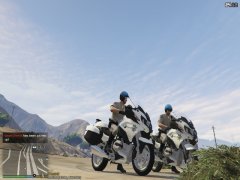 CHP Officer Noriega with Officer Mike West (Police Partner)
-
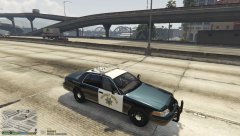 20170326235650_1.jpg
-
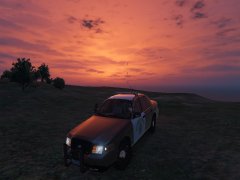 20170325045035_1.jpg
-
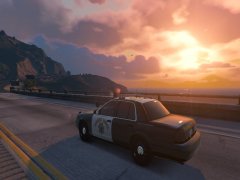 20170325044753_1.jpg
-
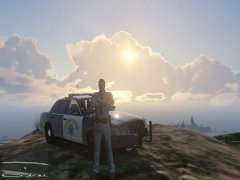 20170325040813_1.jpg
-
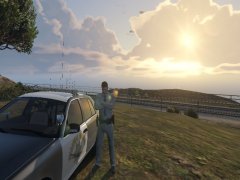 20170325040703_1.jpg
-
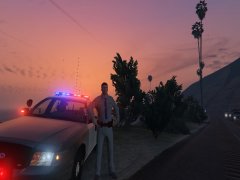 20170325040414_1.jpg
-
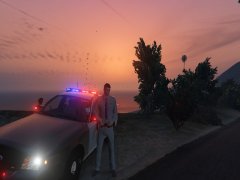 20170325040402_1.jpg
-
-
From the album: CHP Patrolling
-
From the album: CHP Patrolling
-
From the album: CHP Patrolling
-
-
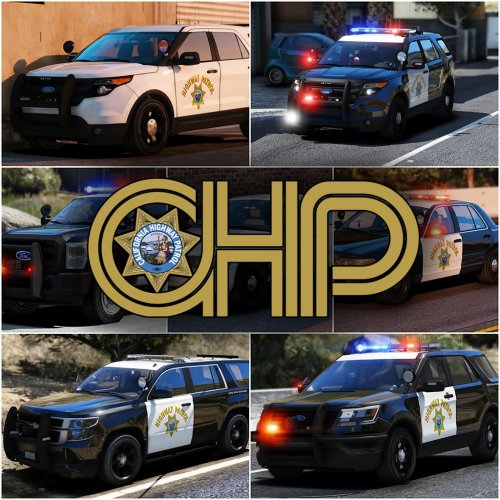 the 2006 doesnt have vehicle lines in the pack all i did was rename it from sheriff to Police4 same with the xml file then just put it in latest patchdayng
- 966 comments
- 158 reviews
-
is there a reason the 2006 CHP CVPI Federal signal vector lightbars arent properly rotating for police 4?
- 966 comments
- 158 reviews
-
-
-
From the album: Another Patrol Around LA
-
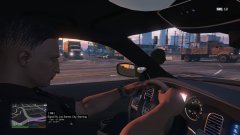
From the album: Another Patrol Around LA
-
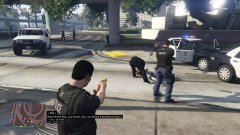
From the album: LAPD C.R.A.S.H Album
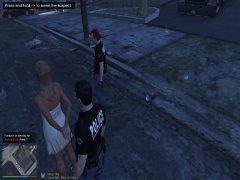
a Traffic stop turns into a hot pursuit with a silver cheetah running in circles around LSIA Gang Unit was assisting to the call as we happen to be in the area -
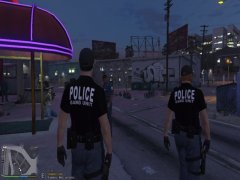
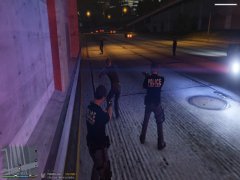
Working with Community Resources Against Street Hoodlums