


Bar Fight Conclusion

By Lapd Code 3
- 810 views
- View Lapd Code 3's images
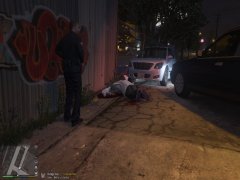
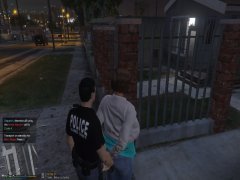
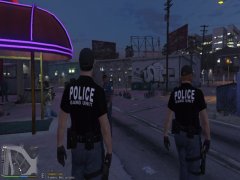
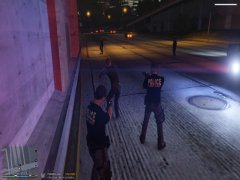
as C.R.A.S.H Arrived at the vanilla unicorn exotic dancing establishent we immediately pulled out of the car broke up the fight between 2
suspects who fought over one of em being homophobic and the other continously decided to provoke the other once arrested neither
one had any weapons drugs or anything sharp however one had a warrant for orange county sheriffs office though he refused to give detail
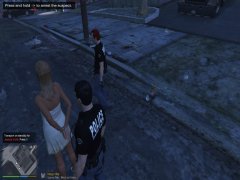
for the reason the warrant was issued i conducted a breathalyzer test and he read 0.134 which seemingly was sure he started the fight
other suspect had nothing to say so we called a police transport had them sent to davis county jailhouse and we were code 4 off the callout
Recommended Comments
Join the conversation
You can post now and register later. If you have an account, sign in now to post with your account.