Lapd Code 3
Members
-
Joined
-
Last visited
Everything posted by Lapd Code 3
-
-
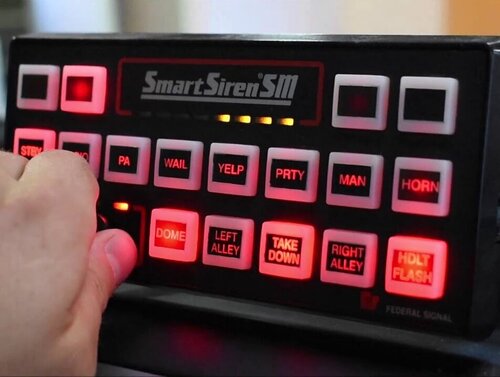 @bakerxgooty i Use your sirens alot on my episodes of lspdfr i just gotta ask will there be a future Siren Pack containing all the vehicle siren files changed to la based sirens ? like chp lapd/lasd firetrucks and ambulance all in one pack? without affecting the audio strings to mute?
- 32 comments
- 10 reviews
-
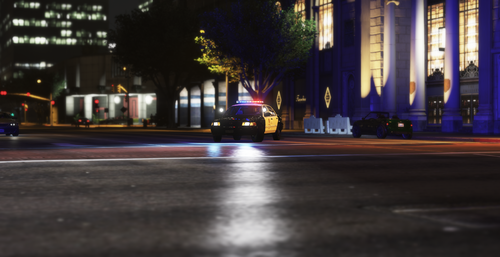 nice one any variations like k9 bomb squad and multiple variation roof Numbers on top
 -
 See My Fleets in Action @ Youtube : Lapd Code 3
 -
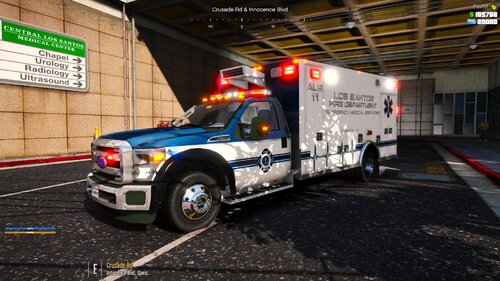
From the album: EMS Fleet
-
-
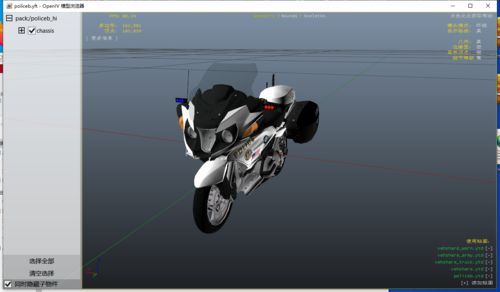 will be using this for my new patrol video credit will be said during my intro
 -
-
-
-
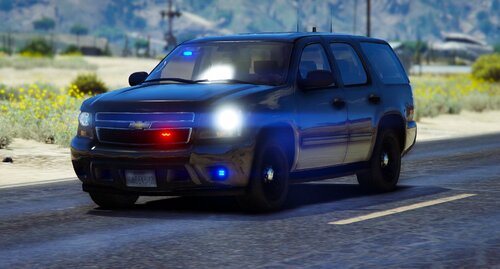 damn worth a shot lol and i understand
 -
possibly ELS in the near future ??
-
yea i know but what about other variations of the bean bag i already have captains bb shotgun it was just an idea to pitch
-
Anyone interested in making a Teargas Grenade Launcher or 40mm beanbag launcher
-
 Downloaded it will be testing this an posting a vid on my YT all Credits to the right people ofc btw can we ask your friend to post a bodycam for us on here we need a standalone version of the body cam \ Lord knows we need it ! lol plus ill put a good word on my Yt channel for him 🙂
- 9 comments
- 1 review
-
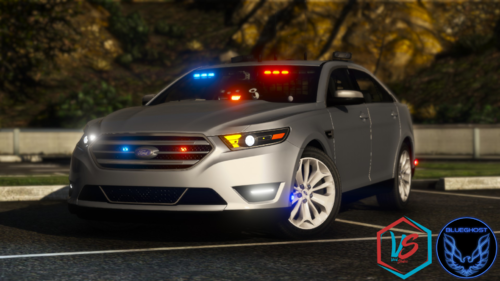 it will be on my channel tonight if anyone wants to see it in action 🙂 link in description on channel TY @BlueGhost For making a great vehicle
- 39 comments
- 9 reviews
-
-
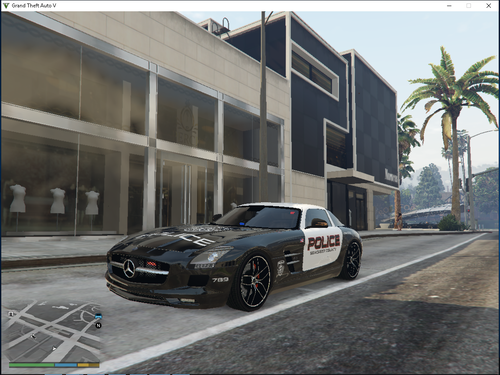 I tried to make a livery for his lambo reventon but it came out tinted so dark the skin looked so transparent i could see through it into the base color of the car if you find a way on how to fix this let me know btw my transparency on my livery was set to where it can be seen so already tried that fix still showed same
 -
-
so i noticed everytime i engage in a traffic stop right after i arrest a suspect and put him in the car i call for transport upon the end of my investigations i use police smartradio to call transport he/she/they despawn EVERYTIME and the transport vehicle doesnt even show on map is there something im doin wrong on 0.4.6 if so please let me know its ruining my traffic stops when im recording if need proof i will post footage of it
-
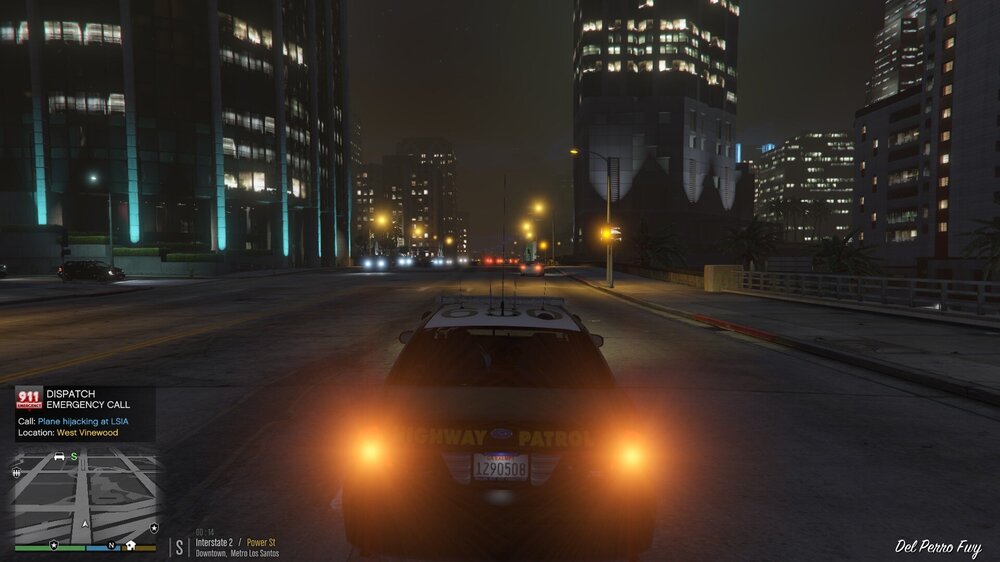
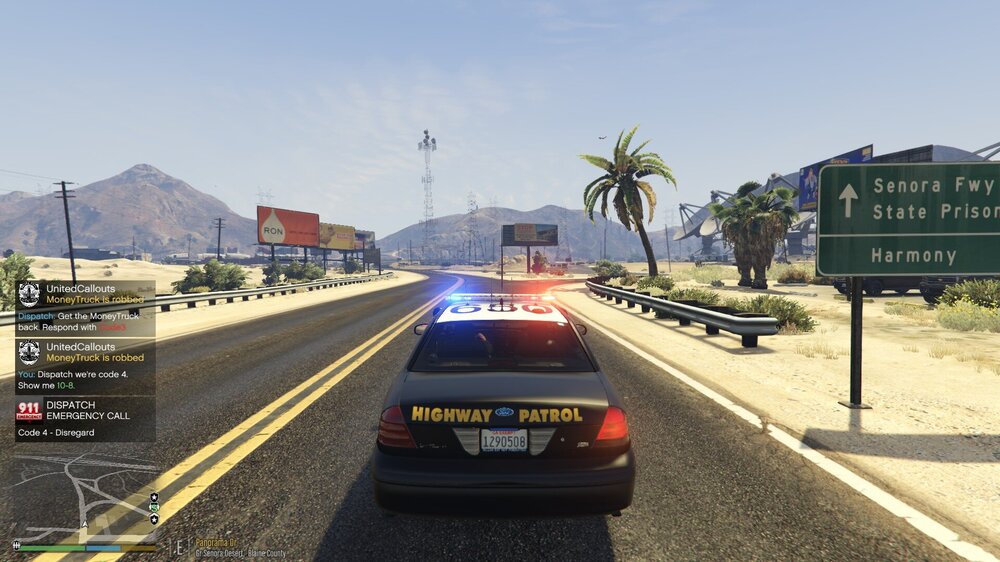
Still with updates i still get issues with the first callout also everytime i select plane hijacking it still showing west vinewood location instead of LSIA
-
 after hours of testing your callouts i approve of this callout pack very innovative and i will be posting a video tommorow afternoon on my channel using em also put suspicious luggage instead of unmanned luggage for callout name and add locations such as subway stations bus stations and tram stations these are just suggestions other than that great work sir
- 255 comments
- 16 reviews
-
-

- 1
-
-
-
-
looks like creativity is back to what it should be no more simple 4 min callouts
- 255 comments
- 16 reviews
-
-
- 1
-