


Reddington
Members
-
Joined
Everything posted by Reddington
-
Try installing this gameconfig and see if that fixes it - https://www.gta5-mods.com/misc/gameconfig-for-addons-600
-
You're welcome. 🙂
-
You're welcome. 🙂
-
Did you edit the vehicles.meta at all?
-
Yeah, there is a set limit to add-on cars. However, you can increase this via the gameconfig linked in my signature.
-
Change "1" to the livery you want. 😛 <Vehicle livery="3">
-
This topic has been moved to the appropriate forum. Please post in the correct location in the future.
-
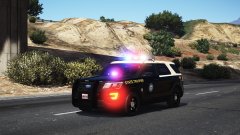
From the album: Red's LSPDFR chaos
-
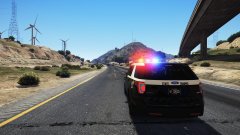
From the album: Red's LSPDFR chaos
-
Did you install them as standalone or replacement?
-
Please read the pinned GTA V's FAQs that are in this section, as they contain the solution.
-
Static blue light means that ELS isn't actually being recognized. Please attach your scripthookv log, els log, and asi log.. All found in the main directory. This topic has been moved to the appropriate forum. Please post in the correct location in the future.
-
I was just about done typing, too. Jerk. 😛
-
You cannot add them to the car selection menu, and the only way to get AI to use them is by adding the cars as back up units in the backup.xml.
-
Your topic has been moved to GTA V Support, this is not LSPDFR related. Please post in the correct location in the future.
-
This. I honestly feel bad for anyone who thinks this. While I am against intentionally saying something that would offend someone or cause a problem (ultimately with ill intent), people's opinions always have and always will vary, and sometimes that means someone will get offended by said opinion. It's hard to imagine that in modern times people are still being told what they can and can't say. (Aside from North Korea, this is obvious) On top of this, when you try and prevent someone from being offended, you're essentially holding their hand like they are a child and saying "You're too sensitive for the real world", which is ultimately what internet censorship comes down to. If it's not a government trying to suppress those that speak out (John Oliver and his shit talking of the Chinese president (he was banned in China)), it's trying to protect the sensitive people who apparently have no idea how people actually are.
-
 Is there a car in this picture? All I see is blinding light. *Que "Blinded By The Light" intro*
 -
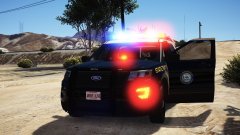
From the album: Red's LSPDFR chaos
-
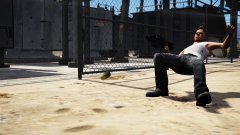
From the album: Red's LSPDFR chaos
-
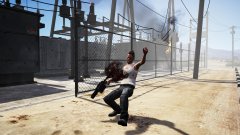
From the album: Red's LSPDFR chaos
-
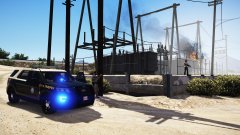
From the album: Red's LSPDFR chaos
-
This topic has been moved to the appropriate forum. Please post in the correct location in the future.
-
The Lego games are amazing! There's still quite a few I need to add to my collection, but for now the normally higher priced games are getting grabbed first.
-
This topic has been moved to the appropriate forum. Please post in the correct location in the future.
-
This topic has been moved to the appropriate forum. Please post in the correct location in the future.


