Ravalli
Members
-
Joined
Everything posted by Ravalli
-
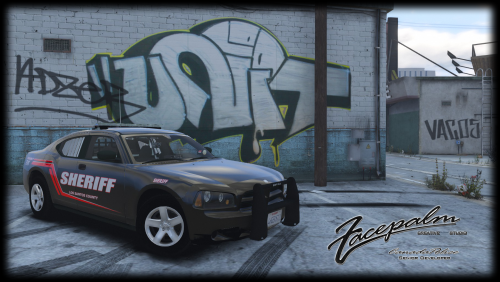 I have tried every 2009 marked charger on this site to date and have found this model as the best.
- 3 comments
- 8 reviews
-
 Out of all the Tahoes out including the 2008, I find this the best one. What makes it more awesome is the light bar can removed and make it a great unmarked slick top or use it as a marked unit. Keep it up and looking forward to you making it even better!
- 148 comments
- 34 reviews
-
-
-
-
Love this Tahoe. Can't wait for it for be able to use multiple livery. What exactly has to be done to allow more skins? Some vehicles I have added a flag in vehicle.meta and it works, but some don't.
- 148 comments
- 34 reviews
-
-
 This truck is very well done. IMO the best Silverado to date by far. Great light setup and extras. You won't be disappointed with this one!
- 122 comments
- 29 reviews
-
-
-
 Is there a way to make the stuff in the back as an extra [cones, fire extinguisher] ? Having it kind of kills the Role playing as a FBI
- 51 comments
- 21 reviews
-
 I thought about that after posting it, as looking up names isn't part of your mod. Thanks for the quick reply
- 423 comments
- 73 reviews
-
I'm loving the new update! Only been having one issue so far, when checking the name from getting ID on the F9 menu it likes to crash LSPDFR sometimes. Other then that, haven't ran into any other problems. Thanks for the hard work you have put into it!
- 423 comments
- 73 reviews
-
.thumb.png.d4f6fb72f9574b0f95eb6cc9f99ce0df.png) Awesome skins with great detail! I just happen to use all 3 of those vehicles for my BC patrols
Awesome skins with great detail! I just happen to use all 3 of those vehicles for my BC patrols- 1 comment
- 1 review
-
-
-
- Cool Thanks
-
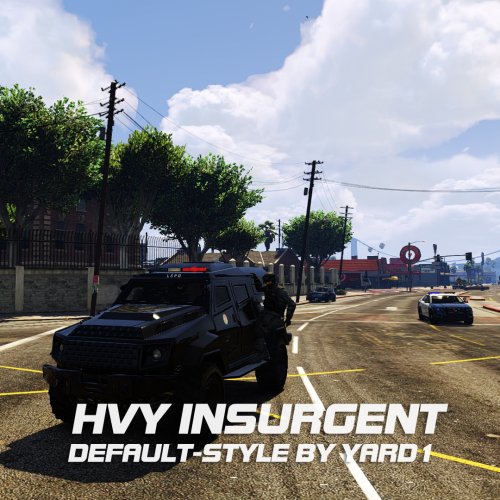 Was looking forward to playing with this but I can't get it to work. I have followed the install exactly but just crashes the game. Has anything been changed in the game for this to no longer work? Can you please look into it, I would really like to use this
- 27 comments
- 4 reviews
-
-
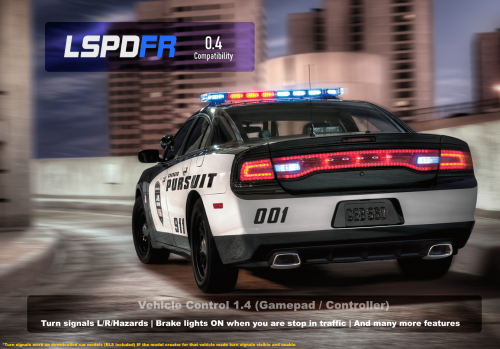 Anybody know of a workaround using the left turn signal as it still brings up the police computer. Holding [X] overrides all other controls but the computer.
- 26 comments
- 12 reviews
-
What was updated? The change log has said the same thing since February. Wondering if I need to update it or not?
- 26 comments
- 12 reviews
-
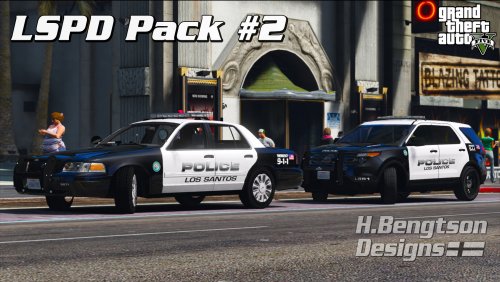 Nice skins! I love packs like this! Thanks for updating them as new vehicles come out!
- 42 comments
- 14 reviews
-
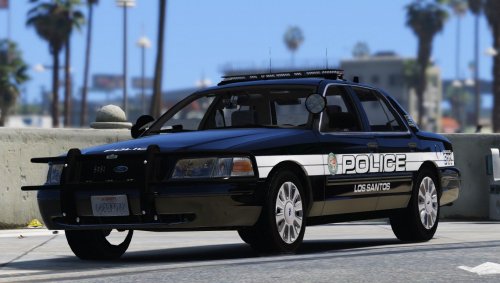 By far the best skins I have seen and use for all my vehicles! Hope to see more skins added for the new vehicles
- 33 comments
- 14 reviews
-
Is this a Trainer?
-
 Not yet, the current (Complete-update) download files seem to crash the game. I haven't tried the older downloads yet, they may work. I'm thinking if I install 1 vehicle at a time including car/veh files, I can figure out which one(s) is/are causing it. I just haven't had the time, but will look into it this week.
- 371 comments
- 38 reviews



.thumb.png.d4f6fb72f9574b0f95eb6cc9f99ce0df.png)