
Brad Philips Townley
Members
-
Joined
-
Last visited
Everything posted by Brad Philips Townley
-
If you use your mods folder it shouldn't update, but there was a routine update scheduled for today, so that may be why it's updating. If it installed the regularly scheduled update, then you'll have to delete your mods folder and start over.
-
Copy the two folders I said, and then install the vehicles (following the readme) but inside the mods folder. For example, if it says to put a vehicle in x64e, you're not going to just put it in x64e. You're going to go to the x64e inside your mods folder and put it in there. Am I clear?
-
-
You need to use a mods folder, and copy the folders "Update" and "X64e" in there.
-
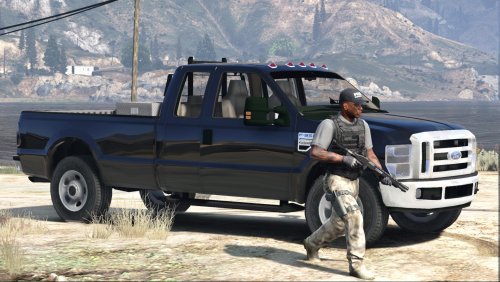 Interior isn't too good, but I don't play in 1st person most of the time, so the interior isn't taking away from this review. Very nice work.
- 15 comments
- 7 reviews
-
You may have to put it in Scripts or Plugins.
-
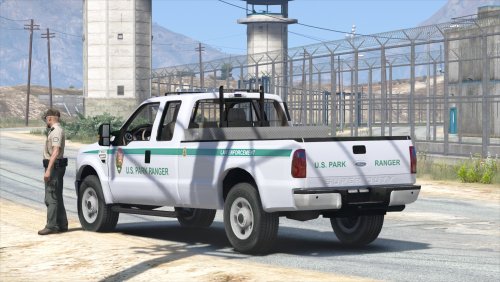 How can I get the big black brush guard from the silver version but also get the black grill??!! I'd really love that combo. Would I be able to use a .ytd and .yft from both versions?
- 29 comments
- 15 reviews
-
-
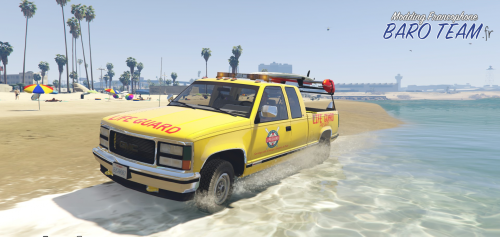
Is there a red lightbar texture that can be used with any or most vehicles? Or at least a red and blue texture for the GMC lifeguard?
-
There are several files on this site that can do that. Just search for "coronas" in the searchbar.
-
If you use Simple Trainer there is a setting.
-
That's odd. On my PC, it wouldn't work unless I installed Licences and SDK.
-
Try downloading Rage .46
-
Change your antivirus so that it ignores Rage and unblock all of GTA V/Rage's files.
-
I think it's the DOF lagging, not Post FX.
-
You did not use a mods folder. That's the error. You now have to reinstall your game, or put in backups if you made any.
-
Try replacing the vehicles.meta with a fresh one from the download.
-
Reinstall your game.
-
Hmm. Somewhere, somehow, you've completely f*cked something up. Try deleting your mods folder and seeing if the vanilla cars work.
-
Did you install any car mods by Bxbuggs?
-
You can only install so many skins on a car (a different number for each car). Afterwards, OpenIV gets a little b*tchy and runs out of memory.
-
You did not install carvariations.meta or vehicles.meta files.
-
It's fine. As far as the lights go, the package is not installing the .meta files correctly. I'm not sure why.
-
Probably some sort of .meta file needs to be written.
-
 I just saw a video by @FirstThirtyMinutes and the version in that video (that just came out) is different from this version. Was he sent a beta version of a new update.
- 2,341 comments
- 236 reviews