


deliberent
Members
-
Joined
-
Last visited
-
 Any advice for someone having issues? I've followed numerous video tutorials and after installing a ELS-enabled vehicle to mods folder, and then the ELS vcf file in the ELS folder, no matter what - upon trying to turn on my lights in game, they just don't turn on. My tail lights will flicker as if the car lights should be on, and i can open the ELS panel which reads they are in fact on, but the light bars all remain dark. (I have visual mods installed and have tried without, so it isn't a visual bug - there is something not working at all with my ELS - lights on non-els look great). I've tried with multiple els cars, and none of their lights work. Thanks in advance. (in response to above, my computer is restarted daily, it's had no effect on this)
- 2,698 comments
- 240 reviews
-
I'm also having this issue, it says the lights are on ELS vehicles, but the lightbars remain dark. Any find for a fix?
-
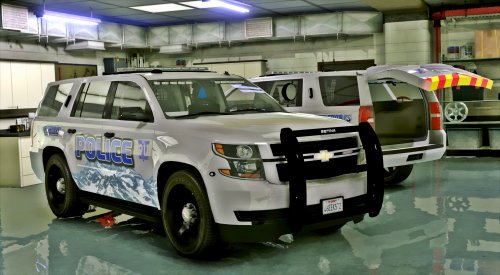 I just got back into GTA V with ELS for the first time, and installed ELS as it says - and downloaded your car according to the readme instructions as my first ELS vehicle. Upon entering the game, the lightbar has a super dim blue/red lit lightbar and some misc. lights, but the ELS controls (J, etc.) are not going anything, and the normal G (horn key) is only turning on the siren, no lights. Could you by chance tell me what I did wrong? I did not review this bad because i know it's simply something on my part. Thanks in advance! Also, for the "sheriff2" xml, i just put it into the pack_default folder under ELS folder. Thanks again.
- 29 comments
- 15 reviews
-
-
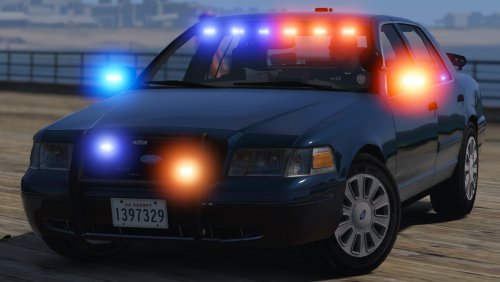 Can you tell me where to put which files if I want to use this as my fbi 1 car? Can't find where to put them.
- 70 comments
- 26 reviews
-
-
-
 Last version worked great but for some reason after updating (no other changes to my game) the only callouts that are loading are pursuits (pursuit in prog, purs of arm sus., and grand theft auto). EDIT: read thru your comments, looks like I need to update your other mods I have.
- 1,081 comments
- 166 reviews
-
-

- 2
-
-
-
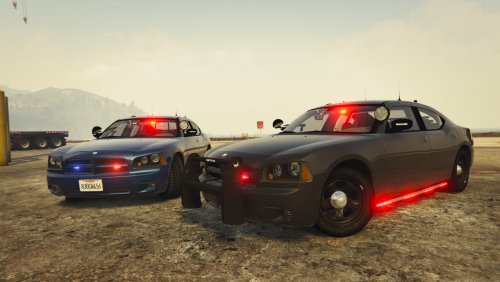 Thanks again! And the fbi vehicle files themselves go in x64e ..etc. etc. ? vehicles.rpf correct?
- 64 comments
- 16 reviews
-
Thankyou. And where do I place the fbi vehicle files? Not sure where to put those. Sorry for the questions.
- 64 comments
- 16 reviews
-
I wish the readme specified the exact file locations of the carvariations and carmeta to modify! :/ update: also can't find the fbi line in mpchristmas2 carvarations to replace. I know i'm a noob but usually they have exact locations in readme's and I can find everything. car looks great though, nice work.
- 64 comments
- 16 reviews
-
 My fbi2 files aren't located in the location that you specified in the readme but i dragged them into it anyway. I know I should know where to find them elsewhere, but I do not. As a result, the lights are also incredibly dim.
- 51 comments
- 21 reviews
-
-
- 1
-
-
Guys, thanks a lot for the replies. Not sure how I missed that Simple Trainer before. Works beautifully.
-
Hey everyone. I used to use the trainer that came with RPH, but ever since upgrading LSPD:FR to 0.3 (and, therefore RPH 34+) it no longer works for me. Does anybody have any trainers they can recommend that are simple to use and don't mess up LSPD:FR? (Such as unneccesary keybindings,etc.). Any help is appreciated!
-
-
I am by no means positive, but I had this issue repeatedly when I used to play GTA:IV & EFLC with modded cars. Certain cars that are high-poly (Complex structures, detailed interiors, etc.) put more stress on your game when it loads in textures and results in that popping. I'm sure you'll notice a trend of it whenever a certain model car is loaded in/etc. There really is no way to avoid this at GTA:IV was really, and in all honesty, just an unstable game and will nearly always end up that way if you mod it enough. GTA:V is much more stable. ALSO: Note I said stress on your game, not neccesarily your computer. I have a pretty good rig similar to yours and, while I maintained high fps always, the texture issues are game-side and unrelated to the performance of your fps.
-
Lol i've listened to them before. Not really because I enjoyed their music but because it was.... unique to say the least. Probably 2 of the most interesting rich people i've ever seen in my life.
-
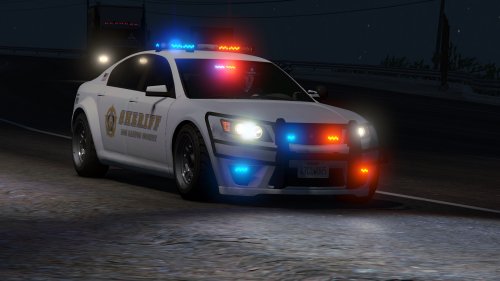 Cars look great, but like the user above - I already have add-on cars installed, so when/if you update with what lines to add into our meta files, etc - i'll be downloading!
- 47 comments
- 15 reviews
