


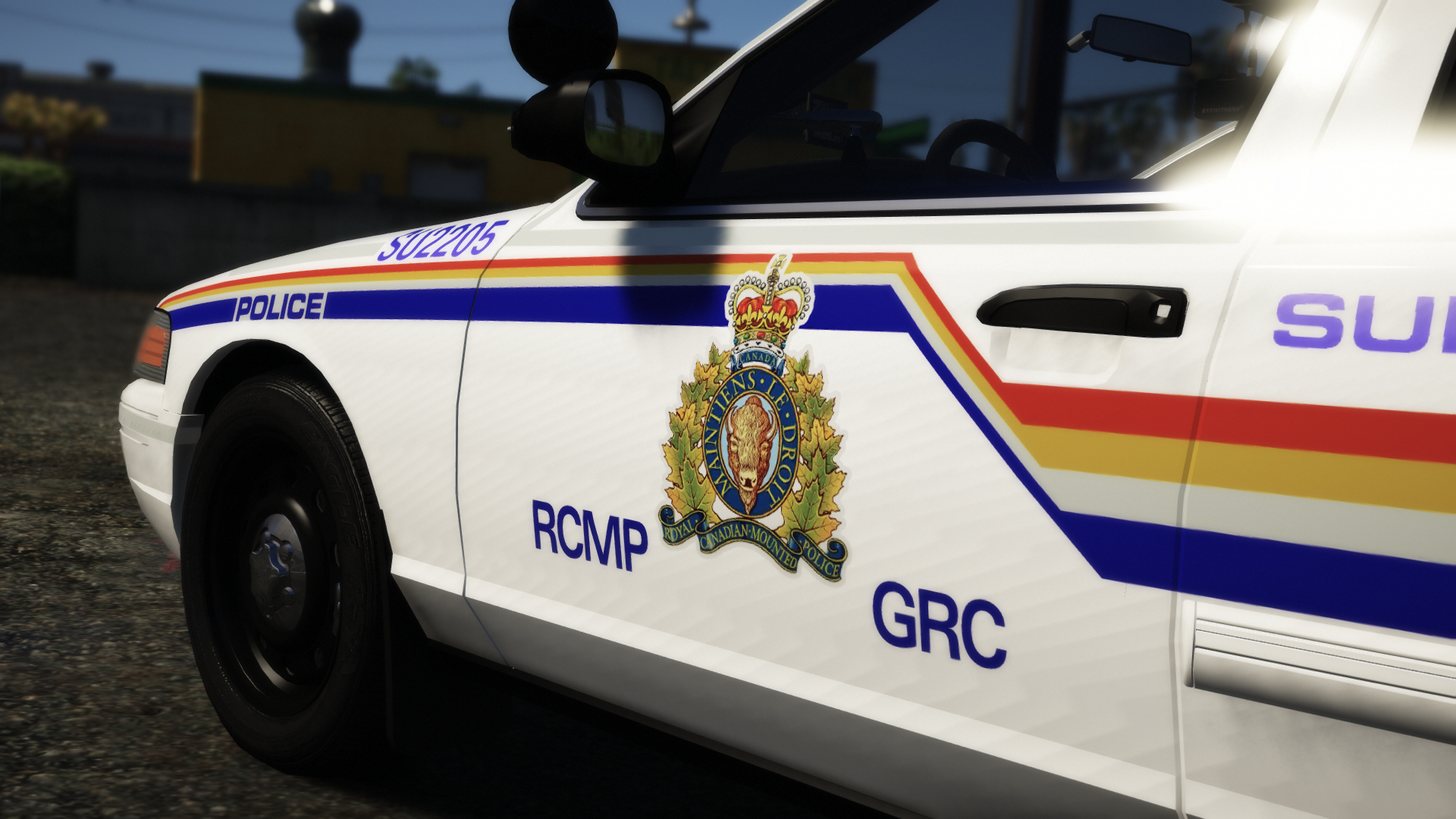

Walters
Members
-
Joined
-
Last visited
Everything posted by Walters
-
That is incorrect. Reflective liveries are not done by textures. The mesh needs to have a special material added to certain parts of the mesh. My only problem is that the vest does not move with the character.
-
-
-
-
No. That’s not what I’m doing at all. That whole video is some guy making a texture. Did you read the first post?
-
Nope, just want to replace the EUP vest with my edit and have it still work with EUP.
-
It's EUP clothes so all it is in the file is a vest.
-
I already did copied the weight earlier. Delete the old mesh? and it doesn't have a skeleton.
-
Okay I tried it and it didn't work. It's the same as the first pictures.I'll try this and I'll let you know if it worked.How do I apply weight?Me and @RogueThunder were working on a project awhile ago with a EUP vest. We were making a RCMP reflective vest which means I had to edit the original files. When I try it in game. Nothing works. No textures and the vest is in a T post not moving with the character. So I got two questions. How can I fix the vest so it moves with the character and how to get the vest to actually use the textures as the original EUP clothes have the textures embedded in the ydd file. Zmodeler3: Openiv: In game: I appreciate anyone's help as I'm very new to ped modeling. Thankyou!
![[NON-ELS][Stringer] Necessities](//s3-gallery.int-cdn.lcpdfrusercontent.com/monthly_2018_10/small.1184851634_QuantV2018-10-1517-15-51-850.png.c75bb746dcefafaa8e9f4c7e29d8cce5.png) Interesting.
Interesting. ooo. Where did you get that?So awhile ago I was uploading pictures and I noticed that there was a weird album popping up when I select choose existing album. Something called "Reto Pack" I thought it was a bug and it would be gone so I thought nothing of it and completely forgot about it. Now I come on again to put some more pictures up and now there is another album I am able to select that is also not mine. "Victoria Police / State Highway Patrol" I thought it was pretty weird and I thought I was the only person seeing this, but appears that others see it too. If anything can be done about it, that would be great as it's starting to become pretty annoying and well I just don't know why they are there in the first place.
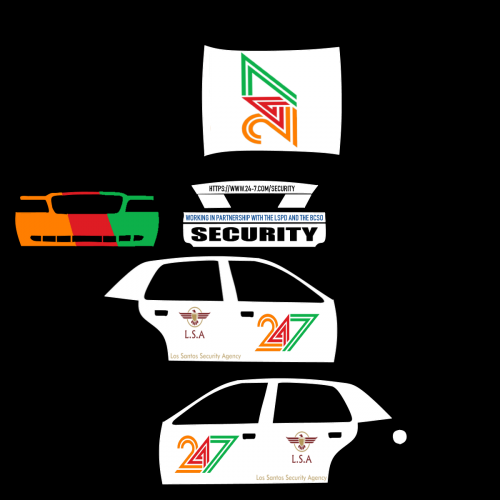 We didn't say anything about your mods. All we are asking you is to post some in-game pictures or even in openiv. If your computer can't run GTA I'm sure you could ask someone to get some pictures for you and why can't you post the link to model that this skin is made for and stop being so stuck up.
It would be helpful for anyone wanting to install it to post pictures of the skins on the vehicles and tell us what base this skin is made for.Is their a certain vehicle you are trying to edit in the vehicle.meta?Should be here Grand Theft Auto V\mods\update\x64\dlcpacks\mpchristmas2017\dlc.rpf\common\data\levels\gta5For Riot2?
We didn't say anything about your mods. All we are asking you is to post some in-game pictures or even in openiv. If your computer can't run GTA I'm sure you could ask someone to get some pictures for you and why can't you post the link to model that this skin is made for and stop being so stuck up.
It would be helpful for anyone wanting to install it to post pictures of the skins on the vehicles and tell us what base this skin is made for.Is their a certain vehicle you are trying to edit in the vehicle.meta?Should be here Grand Theft Auto V\mods\update\x64\dlcpacks\mpchristmas2017\dlc.rpf\common\data\levels\gta5For Riot2?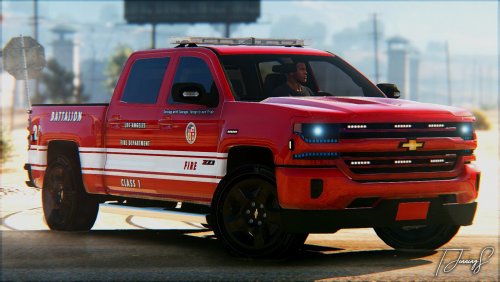 No openable doors, bonnet, boot (Picture show's exiting vehicle animation. Can clearly see the door isn't opening). This is some thin and wide Whelen Liberty 2 🤔 Some big damn Ions... Able to to drive through things and walk through center of truck. No interior equipment 🤔 Lot's of texture clipping on boot. Red license plates.
- 10 comments
- 12 reviews
-
-

- 6
-
I don’t think so.Of course you can.



![[NON-ELS][Stringer] Necessities](http://s3-gallery.int-cdn.lcpdfrusercontent.com/monthly_2018_10/small.1184851634_QuantV2018-10-1517-15-51-850.png.c75bb746dcefafaa8e9f4c7e29d8cce5.png)

