



ScottyTooHotty
Members
-
Joined
-
Last visited
Everything posted by ScottyTooHotty
-
@alexguirre Works pretty well man, only thing is that they seem to get a little confused sometimes haha. Especially in the middle of intersections.
-
Alright sweet, thanks buddy. Also, the driving styles, I'm looking for one similar to the VehicleDrivingFlags.Emergency but I don't know which to choose. Will it matter as if they're following the players vehicle then if they go through a red then so will the following vehicle?
-
@alexguirre What is it referring to when saying p7? Thanks.
-
@alexguirre I'll give that a shot too, thanks. The first vehicle in the convoy will be the player. :P
-
@Darkmyre Ah I see, thank you. I'll be giving all these a try and let you know how it goes
-
@Darkmyre Maybe not but it's still another option. What callout do you use it in?
-
@khorio Yeah, what I had is very similar from what I remember (I'm starting to redevelop the callout after a bit of time away from it). I'm probably going to write that section from the start again. Thank you.
-
I've tried that loop with the updating coords but the vehicles don't move :/
-
Trying to make a convoy of 4 vehicles for one of my WIP callouts but cannot for the life of me get them to follow each other other. I've tried a magnitude of things but nothing is working. So if anyone can help with how to make a vehicle follow me it would be greatly appreciated. Thanks in advance.
-
Hey, just a small thing, please don't copy and paste your entire logs. Just attach the files. Thanks :)
-
I can vouch for this. I like it. I like it a lot.
-
"Let's be careful out there" is from Hill Street Blues. I've never heard of "let's stay safe out there" though? Enlighten me.
-
Personally think it would be pretty logical to add this. It may be in the making or there may be some coding aspect holding them back, who knows! :S
-
3
-
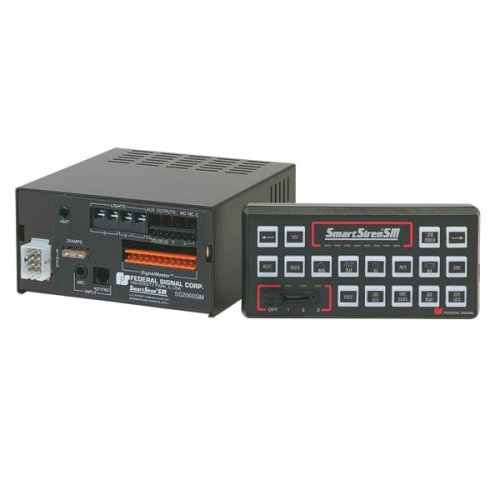 Yeah I understand but the PostFX really does not effect the performance or at it shouldn't really
- 16 comments
- 3 reviews
-
Nice sirens, just a little thing I spotted from your audio. Change your PostFX to Ultra in your graphics settings. I don't believe it is actually putting as much strain on your GPu as it claims so bump it up for better looking emergency lights :)
- 16 comments
- 3 reviews
-
2
-
 Fantastic stuff, absolutely love it! Gives a real feel of British policing to what is a very American feeling game! Good job.
- 203 comments
- 29 reviews
-
-

- 1
-
-
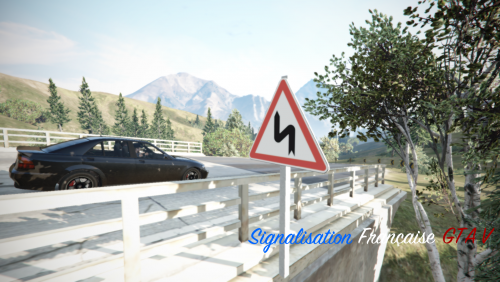 I really like it! Only thing I don't like is that you've done motorway signs and so has someone else now who's do I install haha :(
- 2 comments
- 3 reviews
-
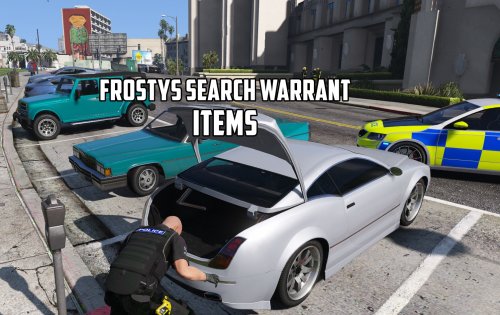 Love it and can't wait for more items to be added. Very quick after release of the main mode too, well done.
- 4 comments
- 4 reviews
-
-
- 1
-
-
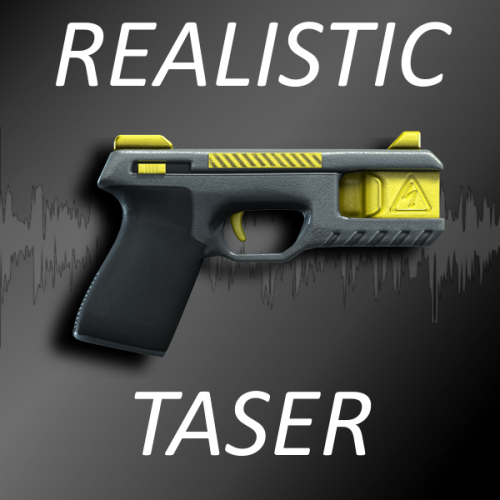 The sounds are high quality but you've said realistic and they don't seem to be that. For the taser specifically you've got the initially sort of clicking sound but the tasers don't have a recharge sound like in your audio. Only reason I'm giving 3 stars is because you've said realistic but they aren't really. Sorry :(
- 24 comments
- 13 reviews
-
-
Yes, you need to install the carvariations/vehicles.meta that comes with the vehicle.
-
If it isn't released this year I'll be quite annoyed and pissed off haha
-
 @markm It shouldn't crash on start up, maybe in a call but not on start up. Make sure you have all necessary files and everything is up to date.
- 329 comments
- 53 reviews

