ErikB26
Members
-
Joined
-
Last visited
Everything posted by ErikB26
-
 @OJdoesIt Responding to your comment on my review; I have the following plugins installed:
- 53 comments
- 14 reviews
-
The first low-rating review in here, and I will tell you why. First, it only includes one callout. That shouldn't be a problem, as long as it is an enjoyable one. But it is not. I can't perform an investigation or even asking for someone's driving license, without getting run down by other, seemingly impatient, drivers who are crashing into the back of the vehicle I'm questioning. I keep getting runned down, vehicles getting hit, and the cones flying around, making the scene a complete mess. You really need to improve the behavior of the AI.
- 53 comments
- 14 reviews
-
-

- 1
-
-
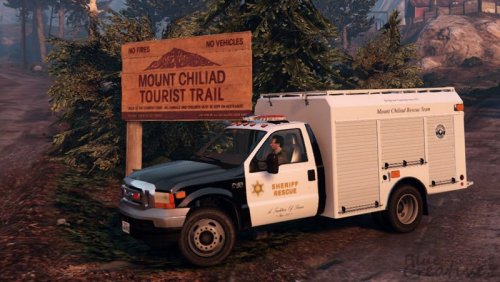 Damn! Such a nice vehicle! Pro's: - Very good lighting - Model looks amazing - LOD's Cons: - Handling is not the greatest
- 18 comments
- 16 reviews
-
 To be honest, I'm not that enthusiastic about this mod. It's fun to change the light pattern, but that's it. With all the new vehicles being released you are almost forced to use this mod, but it's crap. Okay, not completely, but it has some annoying bugs that ruins the gameplay. First, AI only has the priority siren. It's hella annoying. Please change that. Second, if you blip or change your siren behind a suspects vehicle, it just speeds off in a straight line until it crashes into something. I know you can fix this by disabling something in the INI, but please, why do WE have to fix that and not YOU? This mod is fun to use, it is, but there are some bugs which are known for a very long time, but just not being fixed. Fix it.
- 2,700 comments
- 240 reviews
-
-
- 3
-
-
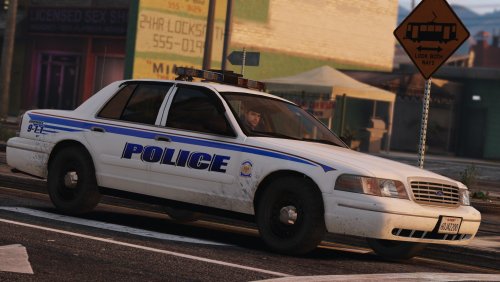 It's a nice vehicle, but since you have only done the ELS file, I'll only review the lights of the model. You could have done more to the vehcile lights. For example, the first time I press "J", nothing happens. No lights. Second time, only the two LED's in the front. Third time, all lights. You could have done: 1. Two led's in front, 2. The two red and blue wigwags in the lightbar, 3. All the lights. Especially an option with only the wigwags would I love to see. It would also be nice to be able to use the white front lights in the lightbar, for example when you're driving with high beam lights. But, since that's not ELS related, I'm not gonna judge you on that. But maybe you can pass that to Lundy.
- 31 comments
- 13 reviews
-
Ok... This is weird... Yesterday, I was able to use ELS in-game, but suddenly, today I tried to play again, and ELS suddenly doesn't work! In the logs it sais it has reconized the ELS vehicles, so ELS is active, but I can't get the control panel to pop-up anymore, and the J, K, L etc. keys also don't work anymore. And have nothing changed in my game folders.
- 2,700 comments
- 240 reviews
-
-
Btw, I also have a question: Using Bxbugs123 ELS cvpi: I can change my light patterns when my siren is off, but as soon as I turn my siren on, it goes back to the default pattern. When I turn my siren off, it goes back to my E-025 pattern. Don't know if this is a general ELS thing, or it's just with Bxbugs car, but maybe someone knows what to do?
- 2,700 comments
- 240 reviews
-
I'm experiencing the same problem as the people above me; fleeing suspects go crazy. Here is an example video, showing what happens: https://www.youtube.com/watch?v=i5WMtTvuVBo&feature=youtu.be&t=23m35s
- 2,700 comments
- 240 reviews
-
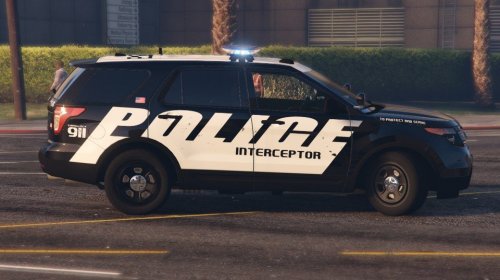 Love the skins! But, can you please explain to me, in wich area in the US are these vehicles used? And for what are they used? Is it used by a special department, or just for regual patrols?
- 10 comments
- 4 reviews
-
-
- 1
-
-
-
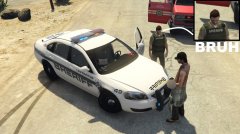
From the album: On Patrol
Love the Rednecks ambient effects! -
Me on patrols...
-
 @Hannibal88 1. Download the map editor here: https://www.gta5-mods.com/scripts/map-editor 2. Install the latest ScriptHookVDotNet (install instruction provided for that in the download of it) 3. Make a folder called "scripts" in your gta directory and place all contents from the map editor in there 4. Make a folder inside the "scripts" folder called: "maps" and place the XML in there. (you can also make a map called "autoloadmaps"or something like that , but instructions for that are probably inside the map editor readme, or on the map editor download page) 5. In-Game, hit F7 -> Load map -> File chooser -> and navigate to the XML file and hit enter to load it. That's it. That is how it should be. Doesn't work? Make sure you've read all readme's carefully!
- 10 comments
- 1 review
-
-
- 2
-
-
I'm so sorry Stealth. I should have said, but Alex has already helped me on Discord. Sorry!!
-
-
Hello! I want a ped to be cuffed, also when it's in a vehicle or walking. I've read online that is has something to do with animations, but can somebody please explain that a bit more? And especially the part that it's also cuffed when walking, and sitting as a passenger in a vehicle. If anybody could answer that question... That would be great! Regs, Erik
-
Revert back to RPH 0.42*. I saw on the RPH forum also a lot of people complaining about crashes after updating. There is no solution, other then waiting for a RPH update or reverting back to 0.42*.
-
May I ask... Do you have any experiences with LSPDFR/Rage modding at all? It sounds like a nice idea, but also like a very difficult project to script...
-
Your sirens are muted because the sound file became too big, thanks to the siren mod. Just place your back-up (or the original file wich is outside the mods folder) back and you should be fine.
-
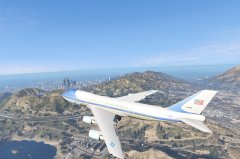
From the album: My vehicle's
-
Photo's from vehicles that I use in GTA 5.
-
Air Force One is airborne!
-
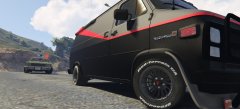 Hurry up! Get after him! The one who catches him keeps his rank!
-
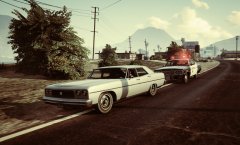 Pull it over!
-
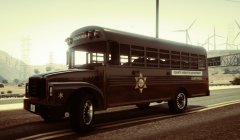 Blaine County's Prisonbus!
-
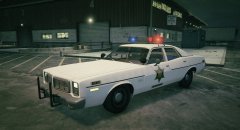 Chased an orange Dukes down into the terminal...
-
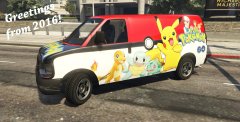 Greetings from 2016!
-
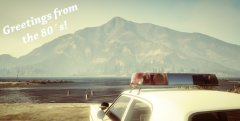 Greetings from the 80's!
-
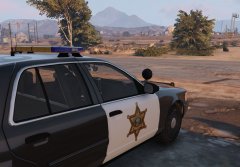 Blaine County Sheriff Car
-
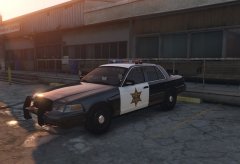 Blaine County Sheriff
-
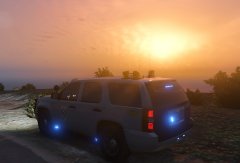 Andreas State Patrol at sunset
-
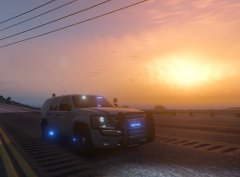 Andreas Highway Patrol
-
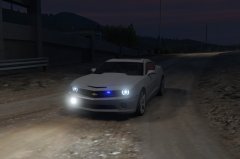 Hawaii Five-0 Danny's Camaro
-
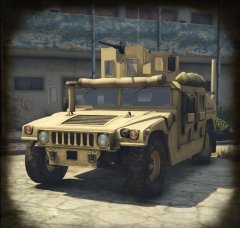 Militairy Patrol
-
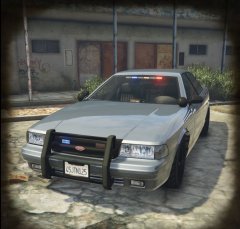 The standard police4 vehicle, but I love it
-
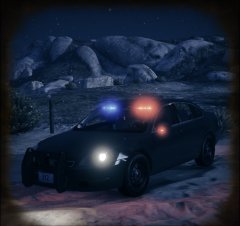 New FIB vehicle: Chevrolet Impala
-
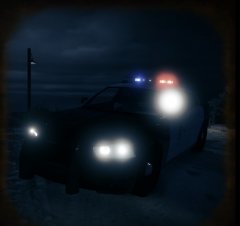 Dodge Charger
-
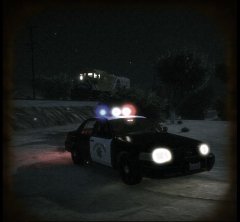 Highway Patrol patrolling
-
-
 I encouter frame drops as soon as I walk up to a stopped vehicle, and indeed @S0berDrunk I encouter also some framedrops when just playing with Albo's plugins installed, but not that noticable (only 4 or 5 fps)
- 1,178 comments
- 137 reviews
-
Same here on Firefox (windows) and Safari (macbook)
-
I saw the episode! It reminds me a bit of COPS! Copwatch is a great serie!