
winglesschip209
Members
-
Joined
-
Last visited
Everything posted by winglesschip209
-
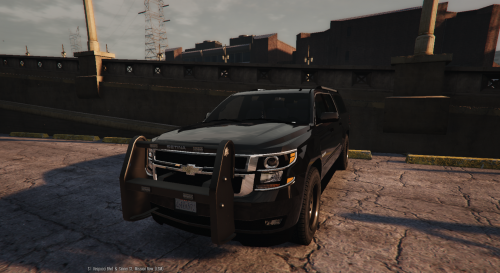
 What can i say F5544 took the time to upload a beautiful car for us the least i can do is wright a review. I like how it has two choices for the push bar also two choices light bar or slick top i love the new light bar the shape and how it has amber in the rear not just blue and red i cant wait till it gets steel wheels over all i give it a 10/10 I recommend this car to everyone.thanks F5544
- 159 comments
- 53 reviews
-
-

- 1
-
-
looks good keep up the good work thanks for sharing with the community.
-
i see thank you for responding i figured the only thing ive been able to do is make the colors darkers
-
Hello i was wondering if theirs a way to change my lights in the rear to all amber and still keep the front red and blue for example on the undercover CVPI V3.0
-
i think you should do something like a light bar and then a traffic advisor on your rear window havent seen that done in gta5
-
I would like to see in the future more control of the light bars customization for different situations example able to turn on traffic light bar by its self or all lights different light patters theirs a EVL beta but only works in one car i would also like to see more control of sirens and air horn example having two or three choices of sounds by pressing keys.
-
thats only the Arjent light bar?
-
how the explore comming along looks good so far. i think you should have your light bar work with EVL beta also would be nice if the the rear of the light bar would be a traffic light bar yellow
-
 Nice like the detail and the color combo thank you
 -
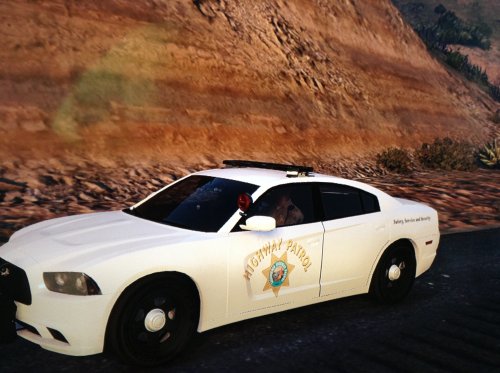 Not made for realism as LSPDFR is just a simulator thank you for your feed back.
 -
-
I dnt have GTA 5 in steam. I have the game but i haven't figured out how to take pictures.
-
Changed to "2011"
-
This is just an all white texture for charger its my first skin it was made by jordix in black and white i basically converted it white and gave me permission to upload for you guys to enjoy. Open your .ytd files using Open IV and update your car skin with this one.
-
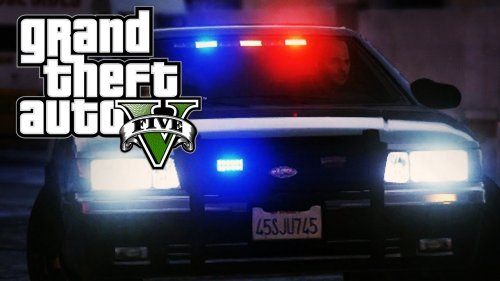 i actually skipped this mod all the time i down loaded it and i actually like it i set the brightness down to 3 sense in real life u cant see strobe lights during the day 3 i think is perfect u can see it at night but not during the day and if you turn your high lights on itl light up like a 10 i like the mod i think is kool just need to update it wear the lights actually blink like the rear lights but other than that this is a very good mod and is funny because i always skiped it and was not interested till today i decided to give it a try and i love it thank you Qwerasdxc
- 44 comments
- 11 reviews
-
 what can i say this car kicks but ive had it for a while i update it all the time and every time it gets beter i love the darker colors on the lights i love this car thanks FCVP71
- 139 comments
- 38 reviews
-
-
- 2
-
-
-
-
nice job like it
-
the CHP on the last video is that one the undercover car?
-
 R.i.p.
 -
-
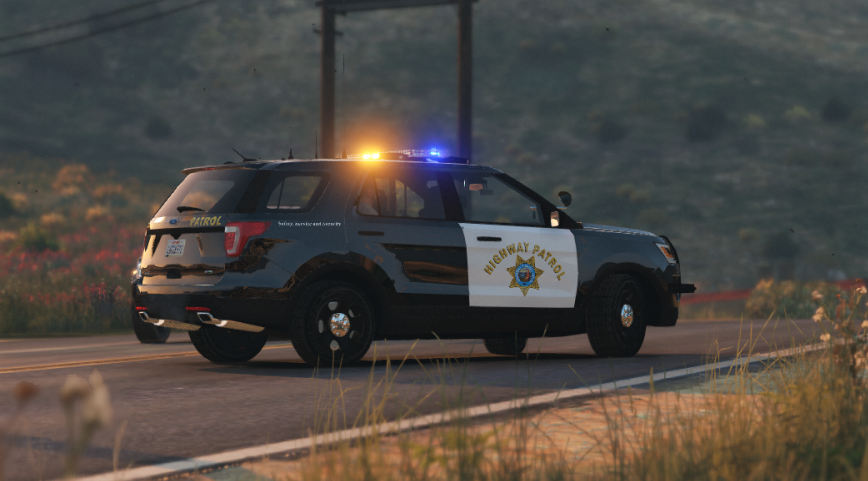
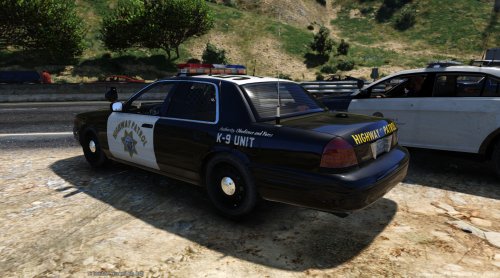 thank you for the textures i completed my CHP fleet whites and blacks crown vic and ford explore. on the white one can you add the highway patrol on the trunk like the real one plz?y did a very good job
- 8 comments
- 1 review
-
-
i tried making a skin and it was not nice lol im new still learning also just started plaing on PC i had a guy make me a skin for my crown vic it came out good is my local sheriff i was looking or if someone can direct me to someone that can help me do a skin for the ford explore of my local sheriff department . thank you guys