BlueLine Vibes
Members
-
Joined
-
Last visited
Everything posted by BlueLine Vibes
-
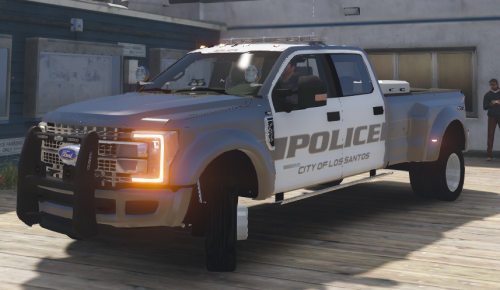 Love this vehicle. Overall a very fine Super Duty F450. Few small things that can be worked on, for example had to set the window tint to none to get lighting system to show, also the computers on the inside are perfectly bright enough to not set off the entire vehicles like other problems with vehicles with ELS.
- 68 comments
- 13 reviews
-
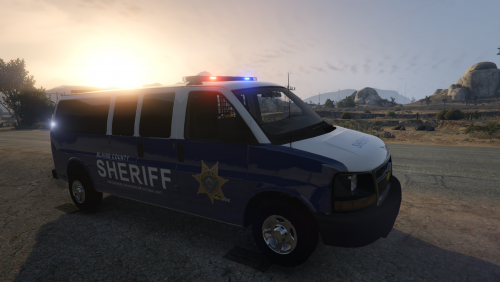 Is it possible to get an official link for this van please. Appears the link you provided is not working anymore. Or can you guys take time out from bickering to post a proper link.
- 11 comments
- 1 review
-
-

- 2
-
-
-
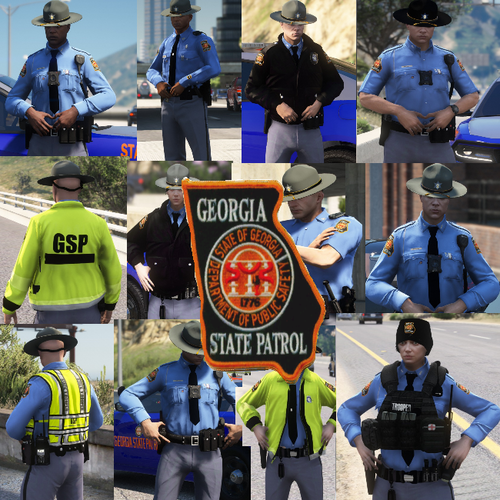 Personally I think the uniforms look bad ass. Most of you are being too damn harsh with your reviews. You can make constructive criticisms without being a dick.
- 34 comments
- 12 reviews
-
-
- 1
-
-
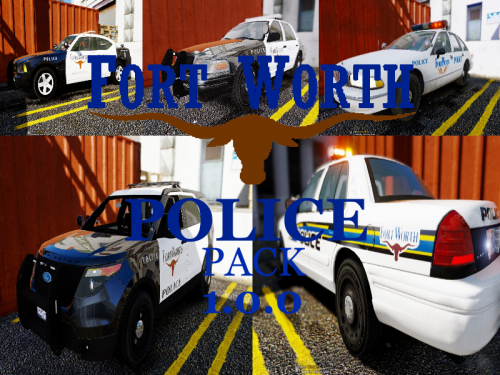 I am going to literally give you 5 stars. I pass by these vehicles every day to work. I can tell you put a lot of work into this pack and I along with many other LSPDFR players appreciate your hard work and will not be as critical about lettering being off a bit on some of the vehicles. Keep up the great work. Video to follow this review.
- 6 comments
- 2 reviews
-
-
- 1
-
-
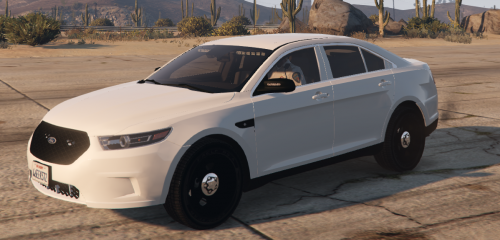 Looks great for undercover or any agent style work. ELS is great in this vehicle. 5/5
- 11 comments
- 10 reviews
-
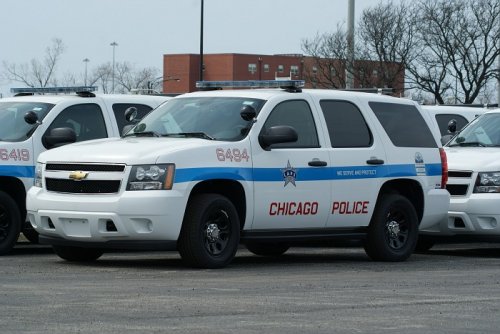 Sound is spot on for Chicago PD. The siren tones are perfectly loud enough as well. Not too damn loud and not quiet at all. 5/5 for sure
- 43 comments
- 10 reviews
-
-
- 1
-
-
 Plugin does what it says it does. Easy to install, easy to manipulate the ini. Well done! 5/5
- 75 comments
- 33 reviews
-
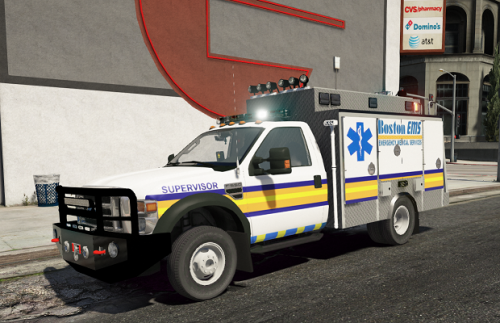 Damn Candice. Love this vehicle. Spot on and the lights look great. Love all the liveries as well! Great job 5/5
- 24 comments
- 7 reviews
-
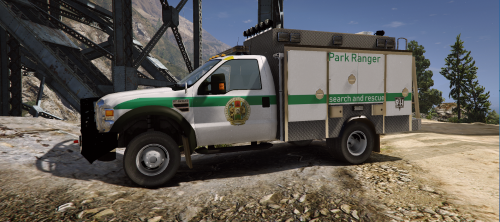 I can officially say that this skin is great! Works very well with the 2008 Ford ESU Truck Police-Fire-EMS by Candice. I will be uploading a video with this skin later this week and will post video in the review section. So far I really like the skin! 5/5
- 1 review
-
-
- 1
-
-
-
 Very nice indeed. Can see this going into a future episode this week. Look great with a nice video card as well :)
- 154 comments
- 46 reviews
-
-
- 2
-
-
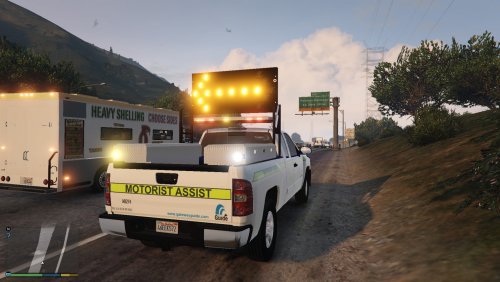 Vehicle works great. Good job on this one. Love the Lights and it makes the roleplay even better, playing as SADOT 5/5
- 18 comments
- 6 reviews
-
-
- 2
-
-
-
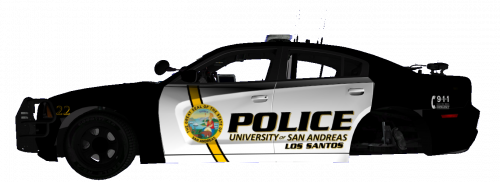 Texture looks great for a University Campus Patrol 5/5
 -
 Great looking pack. However, I always find it awkward how modders have the sheriff vehicles in police slots. So basically you have All BCSO all in the city. Yep you can rename I get it, but it shouldn't have to be that way.
- 60 comments
- 44 reviews
-
-
- 2
-
-
-
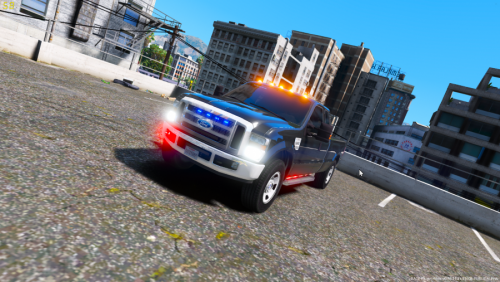 Fantastic Vehicle! Love the lights and the model came out super Sexy. In the video below I must appolgize as I mentioned a different modders name which I thought did this model. Either way, I made sure to link to this model and give the credit in description of the YouTube video 5/5
- 15 comments
- 3 reviews
-
-
-
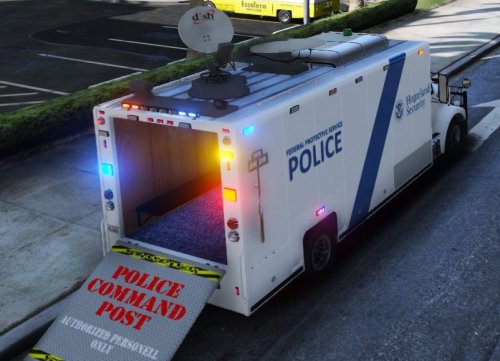 Great job Candice. Enjoyed this vehicle very much from the livery to the ELS lighting. Great job! 5/5
- 11 comments
- 9 reviews
-
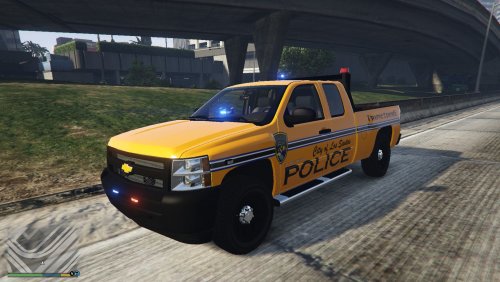 I enjoyed this vehicle very much. Love the work you put into this and love the customization of the arrow for traffic. 5/5 Video of vehicle in action
- 6 comments
- 2 reviews
-
-
-
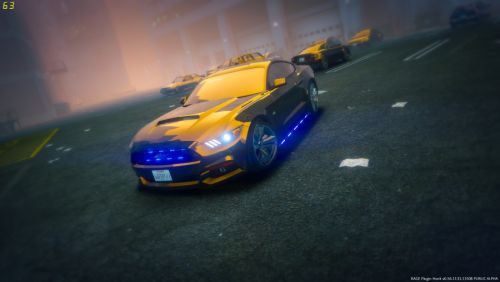 Enjoyed this vehicle a ton. Love the ELS lighting pattern. Looks great in the video as well 5/5
- 36 comments
- 8 reviews
-
-
- 1
-

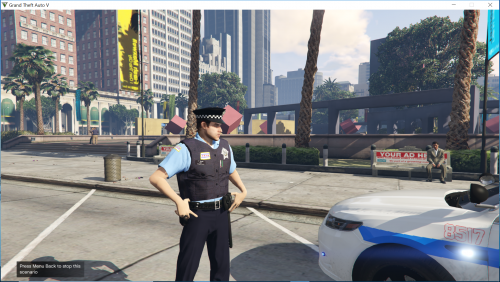

Folder.thumb.png.783e9e441b3e874bcfedd22c5efca01a.png)