BlueLine Vibes
Members
-
Joined
-
Last visited
Everything posted by BlueLine Vibes
-
-
Hey @Yasd would there be a way to increase the amount of time that the ambient traffic stops occur by chance? It seems that most are always finishing the traffic stop. Or perhaps the frequency in which they would occur?
-
-
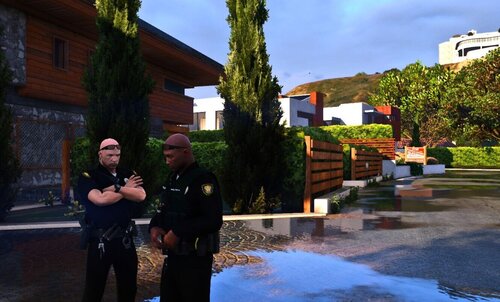 Doesn't look like the author replies to comments on his own upload 😆
 -
.thumb.png.d94fe18c87da266b497cfffc4dce6d56.png) I am from Fort Worth area and I do not recall the pants that color. Nice patch though.
I am from Fort Worth area and I do not recall the pants that color. Nice patch though. -
 Great plugin, but it will not remember the proper preset when attaching the bike back on car
 -
 Alright cool, ya just wasn't sure if you had two mentions of pug for example if it would cause issues. Also wasn't sure if just modifying the probability would do anything if I set it to 0 Cool idea actually, something so simple can make a big difference.
 -
Question: If we change the shepherd to another dog, for example A_C_Pug would it not already be listed there in that pathway? Essentially, you would have two ambient spawns with the same breed. Does this cause conflict, potential crashing issues? Would it be easier to just set the <Probability value="1.000000" /> to <Probability value="0.000000" /> ? Legit question, as I have no idea and never tested it.
-
 Off to a great start - looking forward to any updates in the future.
 -
-
-
-
-
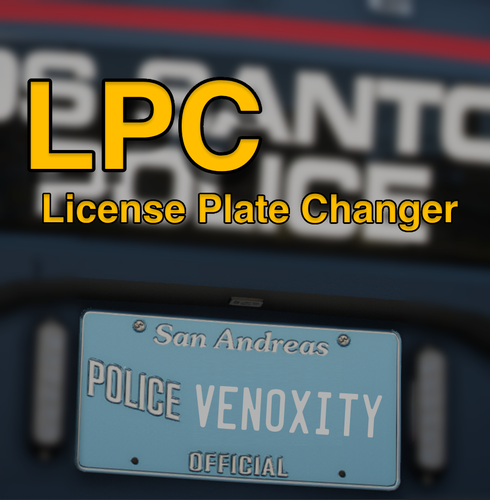 Ya that mod is the same as License Plate Randomizer, just randomizes the plates. This Script here by Venoxity has better plate formatting and I still have Zero issues with the script.
- 55 comments
- 8 reviews
-
-

- 1
-
-
 Yep, Shift will affect the majority of people wanting to use this mod. Good thing about configs, the users can change it on their own and not suggest the mod author to change the default keybind for everyone else 😆
 -
Just added a new vid here if anyone wants to see what it looks like it game.
-
Whichever it is, I'm sure the website here will stay the same LCPDFR LSPDFR VCPDFR - they will all redirect to lcpdfr.com 😉
-
-
-
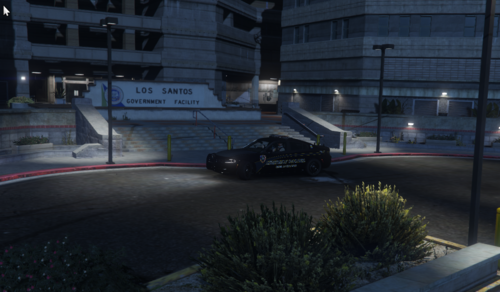 Good choice for that station. Question: Do you happen to know where this sign might be located within OpenIV by chance?
- 10 comments
- 1 review
-
-

- 1
-
-
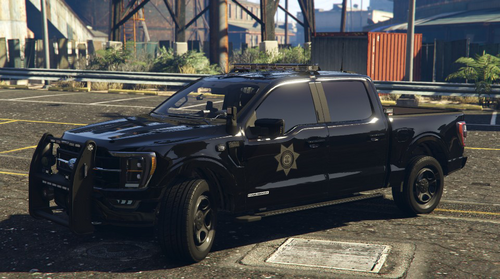 Great looking vehicle!
 -
-
Definitely going to give 5 stars on this. It did take a bit to get use to the formatting, especially when adding in special units like EMS / FIRE. Thanks to @Venoxity for his help on the proper formatting, I have learned new things. I like how you have more control yourself of what the plate numbers / letters will look like on different classes of vehicles. It makes it extremely easy to read the plates and when you have been playing this mod for as long as I have, it is indeed a welcome luxury. I have my law enforcement as LEO-4525 <--- as an example the LEO will be the same for all LEO vehicles and the numbers will vary per car. I have my Ambulance as EMS-6243 <--- example as mentioned above - All Ambulances will be EMS and numbers will vary I have my Fire Department as FIRE-928 <--- another example I have my Blaine County Sheriff units as BLAINE32 <--- yes I have no imagination 🥸 I have my Gang Unit Under cover Vehicles as IM UNDRCVR <--- okay maybe not, but you get my point 😆
- 55 comments
- 8 reviews
-
-
-
- 2
-
-
 Hey @Tom3k. I appreciate your hard work on the configs, it does not go unnoticed. Question: Will this config work with the EUP 9.9 beta version?
- 358 comments
- 17 reviews
-
I can DM you a Demo video link - Don't want to list it here as to take away from Venoxity's Plate Mod.
- 55 comments
- 8 reviews
-
-
- 1
-



.thumb.png.d94fe18c87da266b497cfffc4dce6d56.png)