Skip to content
View in the app

A better way to browse. Learn more.

LCPDFR.com

A full-screen app on your home screen with push notifications, badges and more.

To install this app on iOS and iPadOS
  1. Tap the Share icon in Safari
  2. Scroll the menu and tap Add to Home Screen.
  3. Tap Add in the top-right corner.
To install this app on Android
  1. Tap the 3-dot menu (⋮) in the top-right corner of the browser.
  2. Tap Add to Home screen or Install app.
  3. Confirm by tapping Install.

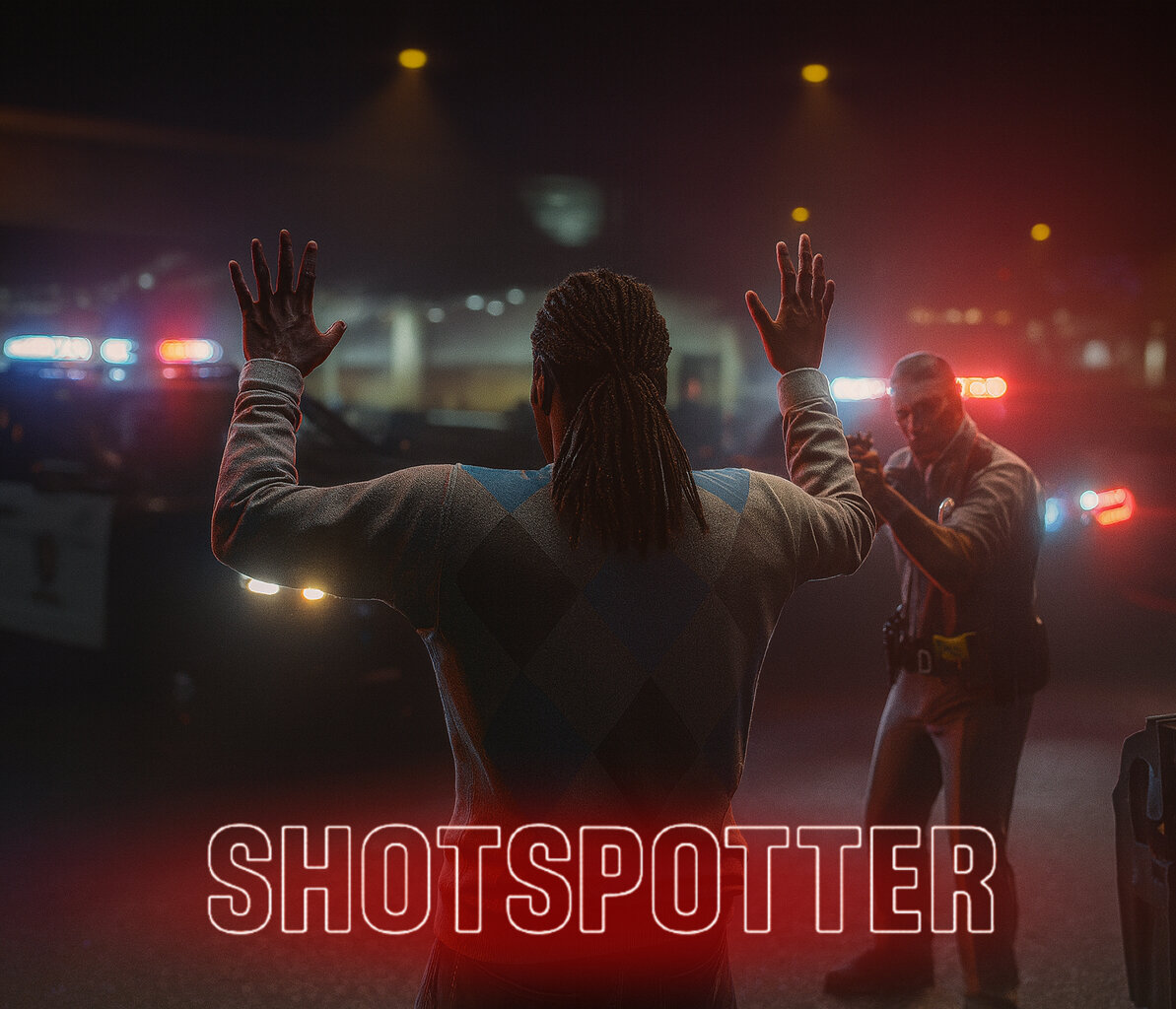
ShotSpotter Callouts 2.0

(2 reviews)

2 Screenshots

Hello everyone,

This is my first official LSPDFR callout, adapted from a FiveM concept to bring the realism of ShotSpotter technology to single-player patrols. The ShotSpotter system uses acoustic sensors to detect and triangulate gunfire locations across the city, dispatching officers to investigate possible shootings.

When responding to a ShotSpotter alert, you will arrive in a defined search area where shots were detected. The outcome of each call is randomized for a more dynamic and unpredictable patrol experience.


Features

Each ShotSpotter activation can result in one of the following outcomes:

  • Flee on Arrival – The suspect flees immediately upon your arrival.

  • Engage on Arrival – The suspect begins firing as soon as you approach.

  • Fired in the Air – The suspect is located and has discharged a firearm into the air.

  • Shoot Player then Flee – The suspect engages briefly, then runs from the scene.

  • False Alarm – No suspect is located, indicating a false detection or someone who fled prior to your arrival.


INI Configuration

An included .ini file allows full customization of callout behavior, including:

  • Adjusting the probability of each possible outcome.

  • Forcing specific outcomes for testing or preference.

  • Modifying search radius, scene timing, and other response settings.

Edited by virxuis
Updated Desc.

What's New in Version 2.0

Released

Version 2.0 Updates

  • Refined suspect AI and weapon-handling behavior.

  • Reworked all scenarios

  • Included LSPDFR dispatch sound (not sure why I didn't initially...)

  • Enhanced callout flow and end conditions for cleaner transitions.

  • Reworked blip logic for improved accuracy and responsiveness.

  • Added .ini customization for outcome probability and scenario control.

  • General stability improvements and performance adjustments.


Short Description

Pinpoint Gunshots, Make Your City Safe

User Feedback

Recommended Comments

JM Modifications

Insiders

Looking forward to this. Any way possible to add an ini file so we can enable and disable callouts if needed? Thanks. Congrats on the release! 

virxuis

Members Author

7 hours ago, JonJonGamesOfficial said:

Looking forward to this. Any way possible to add an ini file so we can enable and disable callouts if needed? Thanks. Congrats on the release! 

Yes! I was thinking of adding a probability feature too, to see how many actually resulted in a shootout vs how many were false alarms, any other suggestions? I want a good amount before I push out another update. 

This pack. I use version 2.0

53 minutes ago, ThatGuySens said:

Big w. What gun sound you using in video?


Nemesisx101

Members

17 hours ago, virxuis said:

Yes! I was thinking of adding a probability feature too, to see how many actually resulted in a shootout vs how many were false alarms, any other suggestions? I want a good amount before I push out another update. 

This pack. I use version 2.0


Probably officer involved shootout (already on-scene and under fire) scenario.

DarKKlusteR

Members

Honestly this does look like it has potential. Though one thing is kind of bothering me. Is the fact that there's only one file... Like it's not a big issue and it works. But for those who may not know how to install callouts, or are used to more than one file... maybe add a ReadMe at the very least? 

Mathox

Members

I was thinking that would be nice to add a chance rate between the 4 possible outcomes

0pheIia

Members

Please update this after installing 2 callout packs the shot spotter dosen't work. I haven't gotten a shotspotter callout in forever

Not working for me but will try it again next shift.. 😎

virxuis

Members Author

On 3/16/2025 at 11:05 AM, JM Modifications said:

Looking forward to this. Any way possible to add an ini file so we can enable and disable callouts if needed? Thanks. Congrats on the release! 

After a long break... I was able to work on it as asked! Enjoy 2.0.

On 6/1/2025 at 6:10 PM, Mathox said:

I was thinking that would be nice to add a chance rate between the 4 possible outcomes

Done! Enjoy 2.0

5 hours ago, virxuis said:

After a long break... I was able to work on it as asked! Enjoy 2.0.

Done! Enjoy 2.0

Hope it works this time! Thanks for the update 

nova2727

Members

Next update add ambient events and maybe domestic home assault where one of the parties are holding a gun and arguing also a gas station theft of gas with a gun

On 10/25/2025 at 4:01 PM, Michael21107 said:

Hey, could you please integrate the Callout Interface?

Haven’t received any callouts as I am usually doing code 5 or 6. Sometimes out my patrol zone since the 2.0 update. I’m unaware of ur situation but I’ll Lyn if I find anything after playing more. Based on the pictures above posted by the author/creator, she/he already integrated the plugin into the callout interface for us via 911 dispatch. I would just make sure you’re on duty and in your patrol zone and you should be green!

On 10/19/2025 at 7:38 PM, 2 Girls 1 Cop Police GTA said:

Hope it works this time! Thanks for the update 

Works this time; especially having the conf. Went through rph like a charm. However, I need to get in my patrol zone and see if 911 dispatch ambiently integrates into the callout interface. 


Simulator Liam

Members

Love this callout pack. Check out the video I made on it. 


Create an account or sign in to comment

Account

Navigation

Search

Search

Configure browser push notifications

Chrome (Android)
  1. Tap the lock icon next to the address bar.
  2. Tap Permissions → Notifications.
  3. Adjust your preference.
Chrome (Desktop)
  1. Click the padlock icon in the address bar.
  2. Select Site settings.
  3. Find Notifications and adjust your preference.



