BlueLine Vibes
Insiders
-
Joined
-
Last visited
Everything posted by BlueLine Vibes
-
-
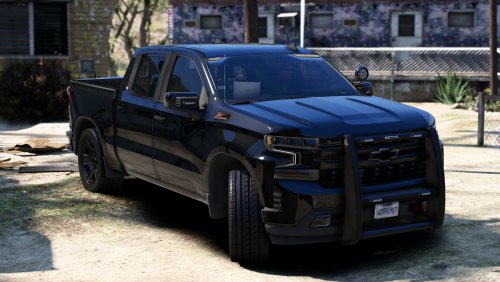 Since no one will see my reason for 3 stars - Your SuperFix Handling does nothing for keeping this vehicle from flipping. It needs a proper handling meta. Which is NOT included in this download. Shame as the vehicle looks rather nice, but is 100% undriveable.
 -
Would need more information, like your Rage Plugin Hook log found in your main game directory.
-
It could be due to a story mode progression true. However, if you have Simple Trainer installed, you might have Keybinds Enabled.
-
-
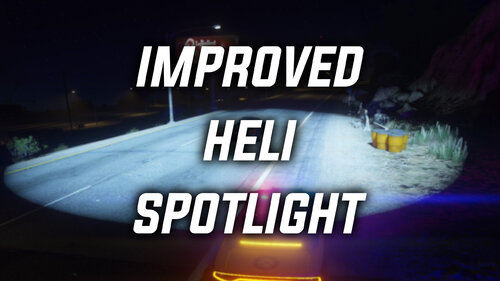 Thanks @Echooo looks great! For those of you that have NVE installed - these values set by Echooo are working great! Should also look very nice even if you do not have NVE installed. Also leave a review of your own, these modders are taking the time to help us out, it is the least you can do. Stop being lazy.
- 2 comments
- 8 reviews
-
-

- 3
-
-
-
 Enjoyed it, look forward to any other scenarios that might occur in future updates.
- 234 comments
- 32 reviews
-
-
- 1
-
-
-
 Works as intended and makes patrols more realistic.
 -
.thumb.png.7b018185db2ef152e68c330015b2bf39.png) Great mod that brings more realism to your patrol. No more spray and pray as the rifle was not meant for that. Also the safety lock is an added bonus. Over 2k downloads and 4 reviews? Gotta love the LSPDFR community with all of the support whether positive or negative. Give me, Give me, but never give back eh?
Great mod that brings more realism to your patrol. No more spray and pray as the rifle was not meant for that. Also the safety lock is an added bonus. Over 2k downloads and 4 reviews? Gotta love the LSPDFR community with all of the support whether positive or negative. Give me, Give me, but never give back eh? -
-
-
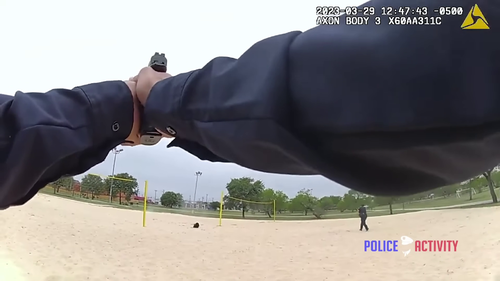 I have used over 20 Glock Sounds and other Weapon Sound packs for the past 8 years. I must say that yours is the best authentic sounding one out there. Big props! 5/5
- 28 comments
- 5 reviews
-
-
- 1
-
-
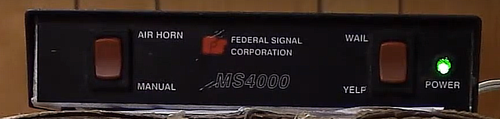 My bad, yes it does show the siren, my lazy ass did not notice that as the first half of the demo was the pistol sounds. So disregard please.
 -
To expand on what Will mentioned, double check that your Keybinds are not enabled on Simple Trainer. Play the game a bit until you are off of a mission and no cinematic cut scenes. When you are on free roam, that is the best opportunity to pull up your cell phone and make a save point. The game will load from that last save point.
-
Well you would need to elaborate on what these "few mods" are as it would help diagnose the problem a bit. Might be an outdated RageNativeUi for example if you are having Rage Hook load certain plugins during bootup. Or possibly ScriptHookVDotNet as it tends to crash with Rage Hook occasionally.
-
Is this a replace model or an addon? Is the vehicle installed into a proper patchday and also named sheriff or sheriff2? If it is just a replacement, you can just copy over your original vehicle.meta file and start fresh, safer that way. Shouldn't really need to make changes to be honest. However, the handling ID, would need to be changed to police2 or buffalo would work. That's all you really need to change, unless you want to add audiohashes for a better engine sound.
-
OpenIV can do this on occasion. Drag the downloaded folder from Zip/Rar File to desktop first. Then drag to OpenIV.
-
Few things could be happening here. What other plugins do you have inside in just your plugins folder. For example, I can tell you have LSPD First Response installed. However, do you have other plugins in there? Could be an outdated RageNativeUi.dll Also your scripts folder, the Mission Maker folder should be inside your scripts folder. Do you have the latest ScriptHookVDotNet?
-
You might be lacking something that is required on your PC. Might look into Visual C++ Redistributable do a Google Search for that from a reputable web page and after installing it, reboot PC and perhaps you might need to reinstall LSPDFR manually and try again.
-
It appears that your LSPDFR is not installed correctly. Can you show which folders you have installed it to?
-
-
-
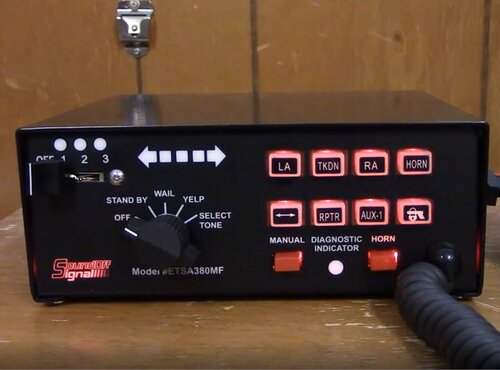
I guess I am missing something here. I thought this might be an in game demo of the siren Federal Signal MS4000.








.thumb.png.7b018185db2ef152e68c330015b2bf39.png)