


HvyMetal
-
Joined
-
Last visited
File Comments posted by HvyMetal
-
-

-
-
-
-
Edited by HvyMetal
Any ideas what would be causing this error when launching the troubleshooter? No it's NOT installed in the same folder where GTA V is installed.

Or is nothing to be concerned with. Thanks
Here is the outcome of the scan.
-
-
Edited by HvyMetal
11 hours ago, LowRid3R said:Hi all
@PNWParksFan , I have BlockPermanentEvents on all Peds, this should not happen, but i will add relationshipgroups to sort this out. Maybe this was one of the first versions, there i hadn´t implemented the BlockPermanentEvent...
@HvyMetal With the next update ( which will take a little bit of time ), Callouts will be extended to San Andreas, so Sheriffs Department will have something to do :)
@S1lentKn1ght You´re the first one that reports an error with LPC Editor. Can you please check i you have access rights? Maybe run Rage with admin rights and try again. Also you can check if the config file is existing by simple press Windows+R and enter %localappdata%, then navigate to LPCalllouts folder and open the xml file with notepad. You can contact me directly if you need help.
If anyone else if having issues with the LPC Editor the please let me know.
BR
Thanks. However.
1. Are the call outs based on map location I'm at?
2. Out of the 12(I'm guessing. I counted the dots on the map) or so call outs, I'm only getting two. They are always the same call outs.
3. When changing the Division, Unit Type, and Beat. It doesn't change it in the game.

-
-
-
-
First of all. Great mod!
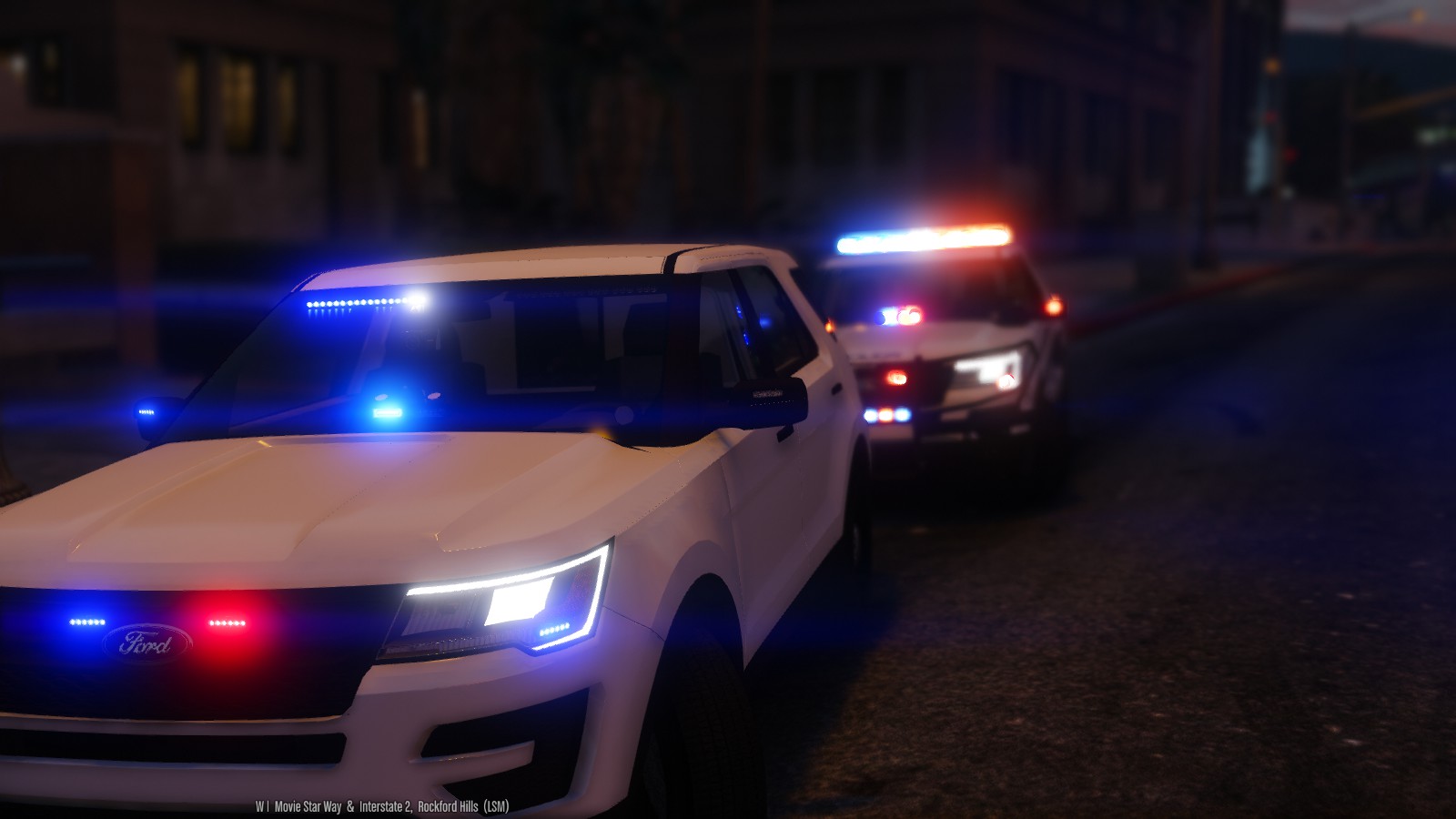
The only issue I have it the emergency lights don't seem to be as bright and sharp. Like all the other police cars shown here https://youtu.be/5Zu3DGLzv18
I do have the Radiance V.
-
-
-
11 hours ago, wheelybod said:
Spotted a nasty little bug you may not be aware of, whenever I used the Pgup PgDn keys to either force a suspect to pull over or manipulate one of the speed radars it would spawn a red cheetah occupied 2 times with gang members carrying heavy weapons who'd automatically open fire as an ambient event, so it wouldn't get picked up by LSPDFR directly. at first I thought it was an ambient event but then 5 or 6 of them spawned when I was just trying to shoot radar on the Highway or get a DUI to pull into a parking lot, needless to say both times me, my partner and the suspect(s) ended up wasted
Simple Trainer for GTA V V4.0 does offer the option to unable key binding.
Hope this helps.


-
-
-
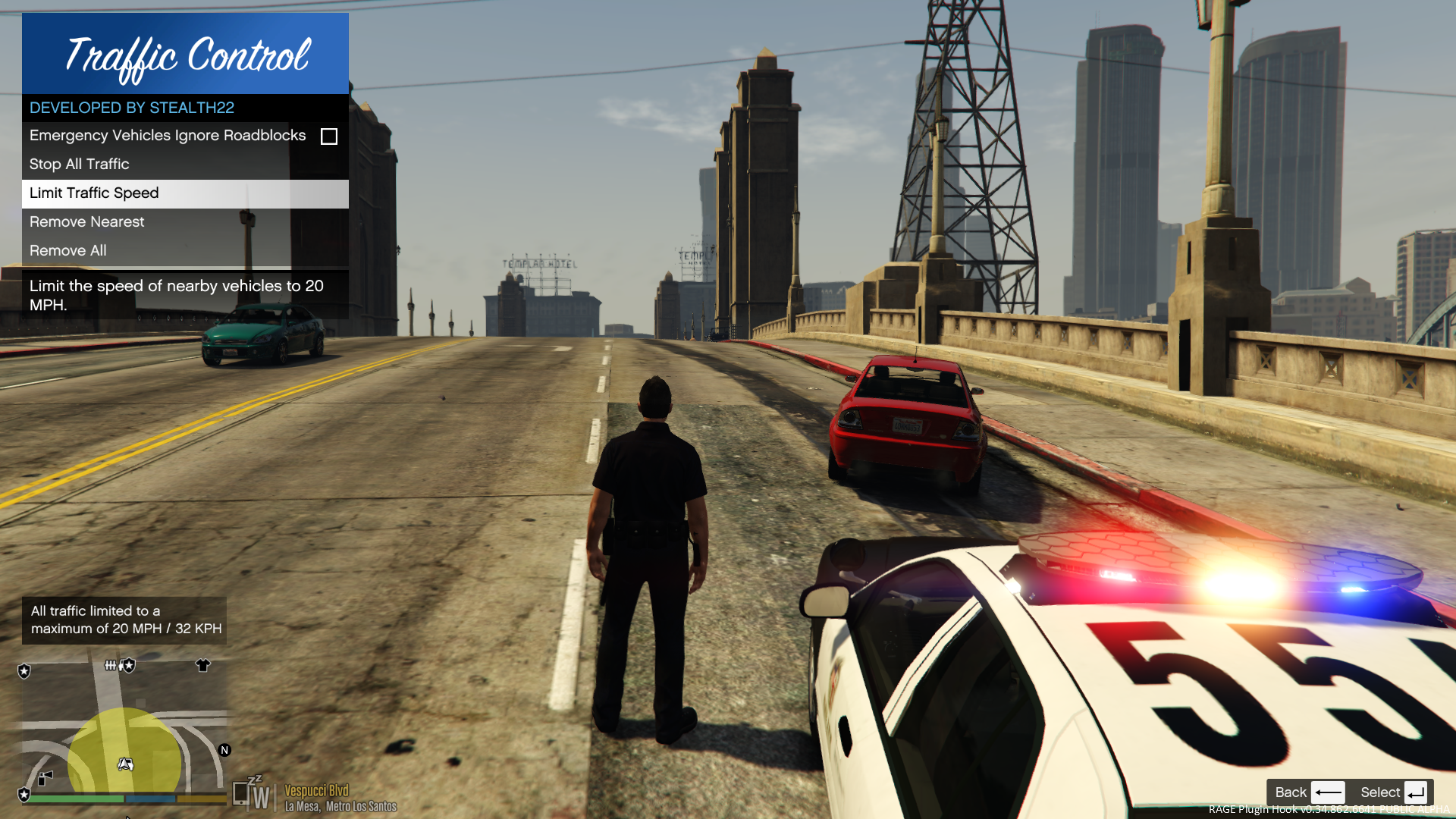 4 minutes ago, Stealth22 said:
Just use the newest version of everything. If you install the newest Code 3 Callouts over top of Traffic Control, you'll be good.
I've answered this question multiple times before. The answer is yes...99% of the time, newer versions of RPH are backwards compatible with plugins that were compiled against an older version.
But even if you're not sure, you can just try running the plugin against whatever the newest version of RPH is. If is properly installed, still doesn't work, the problem resides with my plugin, and update will be released. Its certainly faster than posting this as a question, and waiting 2 days for me to answer.
I don't know what to tell you...the error is being thrown by RAGENativeUI, not by my code.
Sorry my bad. I know what was causing it. I jumped the gun. Sorry for the inconvenience.

Still a great mod.
-
It's crashing on screen loading. Not in the on duty mode yet. I did try loading the plugin after GTA V has loaded. Get the same.


It was working fine for awhile. I haven done any changes or added anything.
Everything is kept current including RPH.
-
-
This gives everyone a better understating how awesome this mod really is. Enjoy!
Some people were killed in the making of this video.
-
20 hours ago, Stealth22 said:
Maybe try loading the plugin after GTA V is fully loaded, instead of during startup. I just want to see if the error still comes up.
I'm not having any issues any more at this time.
Thanks
-
1 hour ago, Stealth22 said:
Make sure you guys are running v1.4.1.0 of RAGENativeUI.

Yep
-
-
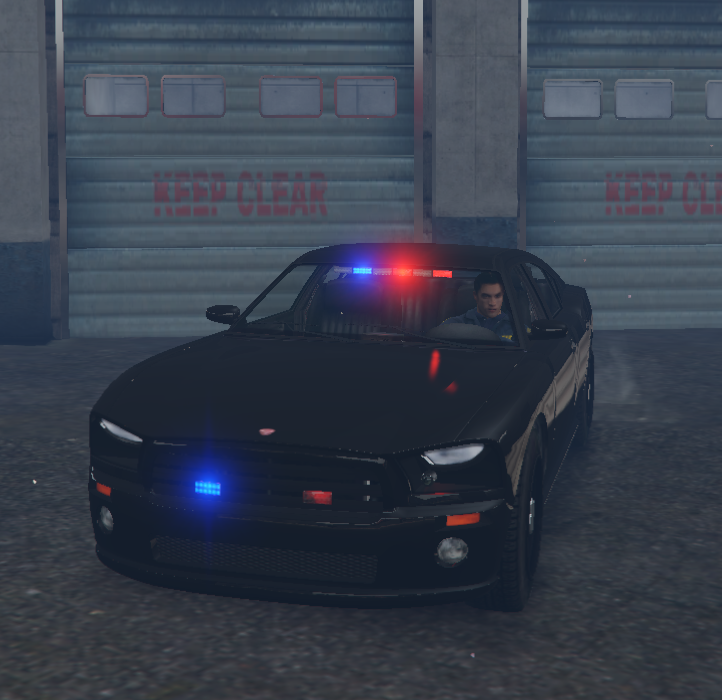








RADIANCE V
in Visuals & Data File Modifications
Things are looking too much blue at night.