


HvyMetal
Members
-
Joined
-
Last visited
Everything posted by HvyMetal
-
Thank you so much for pointing out the obvious. Works great!
-
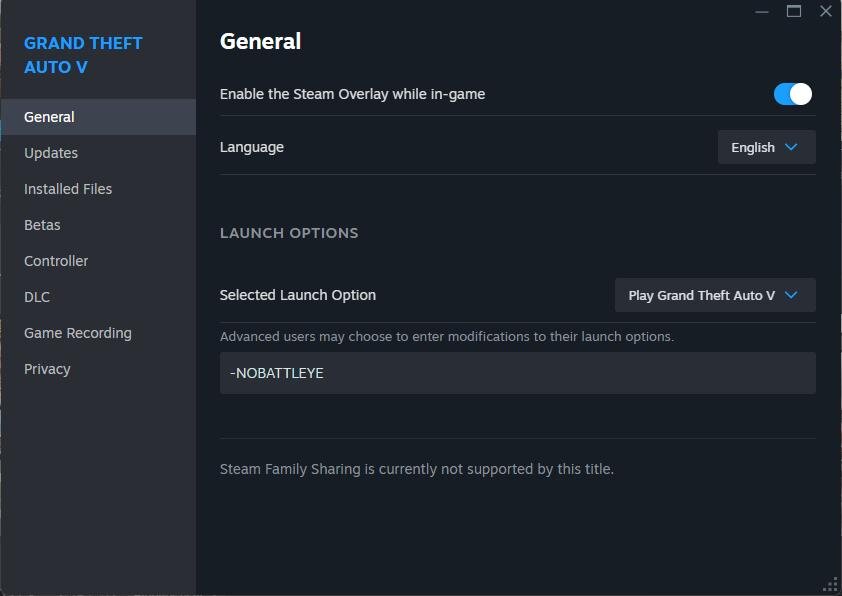
I have already attempted that method as indicated in the second screenshot below. However, it has proven ineffective. Thanks.
-
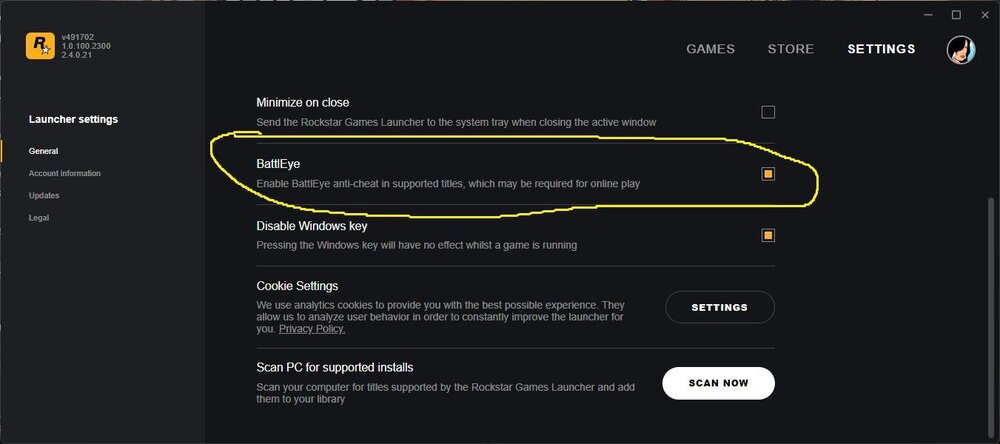
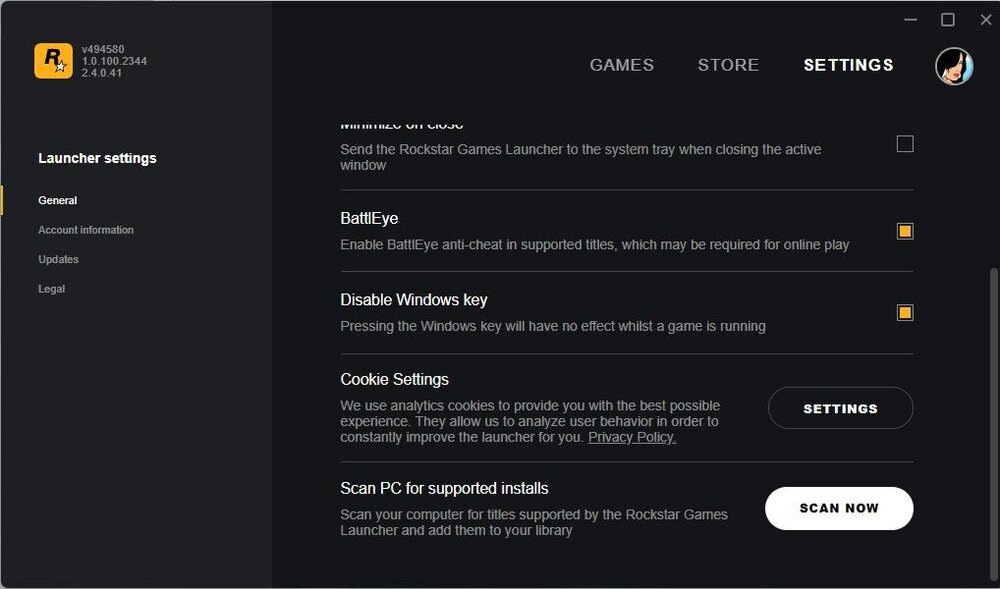
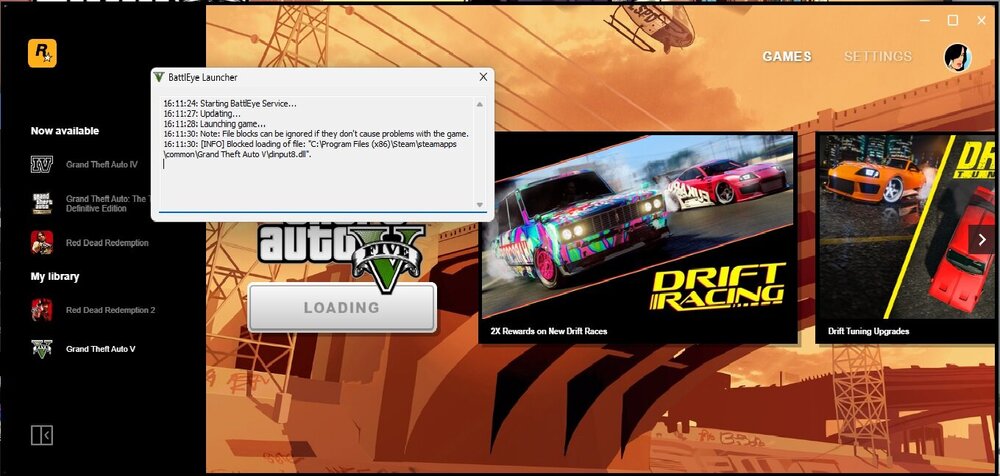
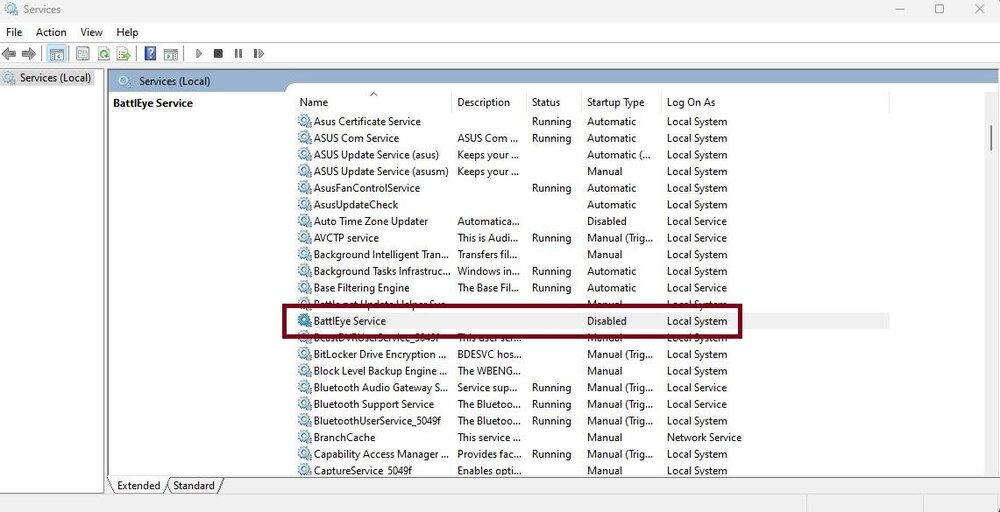
Hello Has there been any resolution to the issue that prevents Battleye from bypassing the installation of mods? Consequently, will GTAV launch in story mode? I have tried this in Steam. This does not work. Rockstar Games Launcher. Does not work I have even disabled Battleye in service No luck. Unless I am overlooking a crucial aspect, I believe I have exhausted all available options. I am currently operating the game on either Stame or Epic Games. Thanks
-
Any ideas what is causing this error. I'm aware of the trainer. I just don't know what's causing the error to rectify it. Here is the SCV log file ScriptHookV.log If this is not correctly submitted in the correct forums area. My apologies. Thanks

-
OK so we know the importance OpenIV is/was to GTAV and LSPDFR. Hopefully it will continue that way for many years. However. Don't Script Hook V have just as much importance as Open IV? This may not be the time and place to mention this. This is not intended to start any rumors or cause any bickering. I just don't understand how SHV has no impact on the LSPRFR community? Maybe because SHV is it's own entity and no one really cares until it effects them directly. My opinion. I'm surprised of no mention of Script Hook V. Keeping people in the dark is a good thing(sarcastic voice). Without SHV GTAV (resent update) Granted everyone should know by now to keep a back up of GTAV for scenarios such as this. For those that haven't they are stuck where they can't even play the game. This all being conjecture on my part. Have a good day. PS. I really did enjoy playing LSPDFR. Peace out!
-
What gets me is that everyone seems to forget the importance of Script Hook V has just as much as Open IV is/was/did. If they were to keep people better informed. I doubt their would be as much whining and crying etc on get the update for SHV. When people are left in the dark, they cry. This my opinion.
-
Guess I wasn't specific enough when I meant "impact" it would have. Meaning will it force stop halt close be done with the end of a eara kill the site the modding of this site? Thus having to drive generic cars? So to speak. To answer the question. Of course not. But that's really what I wasn't asking. Only time will tell.
-
It's sad that this has to happen. Doom has hit the modding community hard. It's only a madder of time before Script Hook V gets shut down, if it hasn't happen already. The real question here is. What impact will this have with LCPDFR?
-
-
 OK. So what files are necessary to replace? .dll and .ini? Or the whole file? Thanks!
- 1,743 comments
- 172 reviews
I'm confused then. Thanks Any ideas what would be causing this error when launching the troubleshooter? No it's NOT installed in the same folder where GTA V is installed. Or is nothing to be concerned with. Thanks Here is the outcome of the scan. LSPDFRTroubleshooterByAlbo125.log
- 379 comments
- 113 reviews
When you say recopying the entire modes folder are you talking about this folder? Witch contains update>x64 and update.rpf>dlcpacks>patchday3ng and patchday5ng. If so where are you recopying it from? Thanks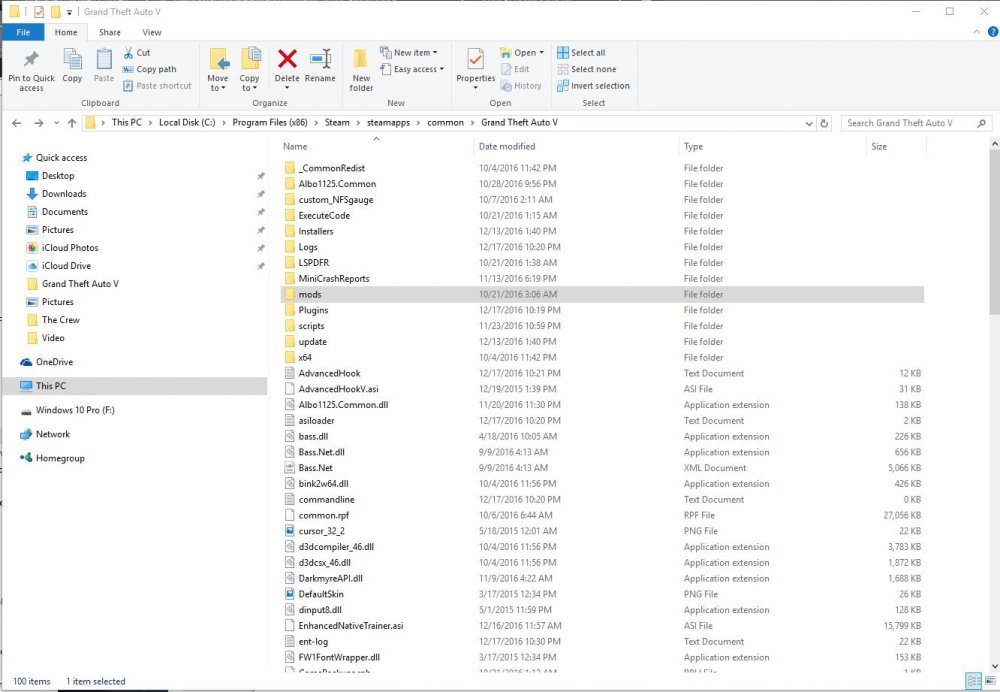 Copy that. Thanks for the heads up. I just downloaded it. Unfortunately it's still not working either by stating through steam story mode or through the updated version of RPH. Everything is updated accordingly as it has came out. Otherwise I have not idea whats going on. Thanks for everyone help.Unfortunately I am running updated version of the game(thanks to Steam and their forced updating) Updated version(10.944.2) of Script Hook V was released on 12-15. I have updated that. I'm aware that RPH is not updated yet. I don't run it until it does get updated. I can wait to play LSPDFR until it or if it gets updated. Right now my focus is getting the single player(story mode) game to run. I suspect that nothing will get updated until after the holidays. Witch is fine. I can wait. Would you know who does the update for the ScriptHookVDotNet? I have noticed it has not been updated since October. Thanks for your information.Good to know I wasn't as disorganized as I thought . LOL I don't play online as much any more. The clan(if that what you want to call it) abandoned GTA V all together. I was getting tied of all the hackers also. So single player is more my choice. With the LSPDFR makes it more enjoyable. For me anyway. Now if RS would just live things alone. Thanks for the help.Copy that. I'll give that a go. Thanks for the information. Here is my GTA V directory.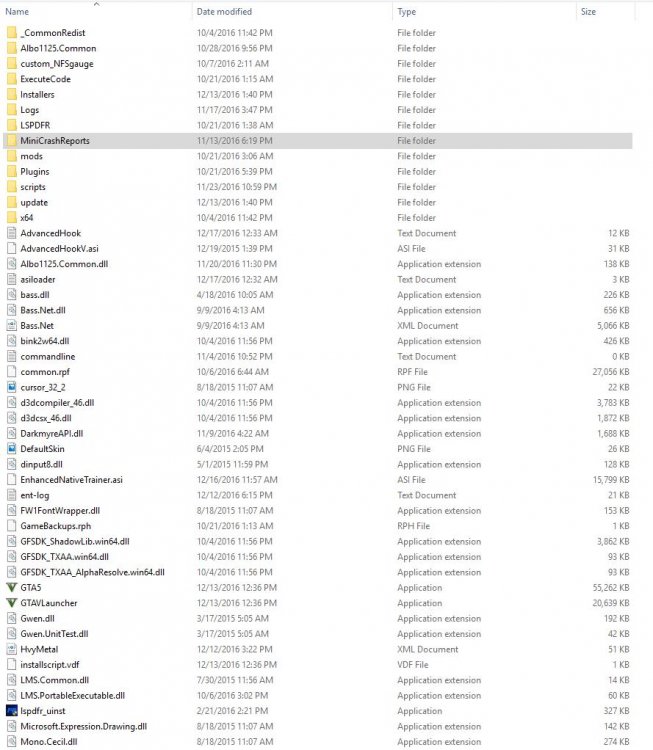
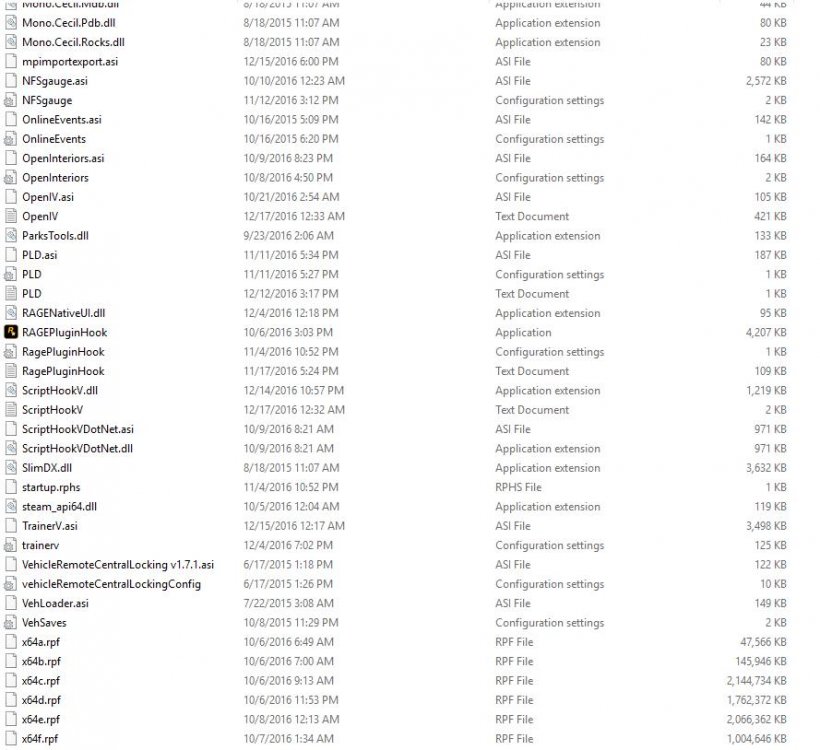 @SeaHawk14 Thanks for the info. So a trial and error type of deal. Reading the Script Hook V page on GTA 5 mods. Many other are having the same issue. Not sure if it's related or not. Again Thanks for the info. I'll start removing mods.I've updated the recent script hook and other mods that were recently updated as well. I must be the unfortunate one. The game starts fine. It's when loading story mode is when I get this message: It's probably something I'm not seeing. Any suggestions? Thanks
 Thanks. However. 1. Are the call outs based on map location I'm at? 2. Out of the 12(I'm guessing. I counted the dots on the map) or so call outs, I'm only getting two. They are always the same call outs. 3. When changing the Division, Unit Type, and Beat. It doesn't change it in the game.
- 166 comments
- 75 reviews












