
adam enforcers
Members
-
Joined
-
Last visited
Everything posted by adam enforcers
-
-
 Well I look forward to them! And wish you all the best in what you have in store!😁
 -
@jguti I know we already touched on it already but about 2020 fpiu I mean the base quality is not bad to me and of course your good on the updates, the base is just as good as your first one. the federal signal valor version is the same setup as the gang unit and then it now has an alpr version now. I mean It looked like in wip section it was almost done. As a suggestion that could be your next release im just saying, but that's up to you of course. 😉 https://www.instagram.com/p/CTBc_GyrSyO/?utm_medium=copy_link
-
 Ok I understand, but the car in question never made it to patrol it was an introduction type car and to this very day the car is with one spotlight and with hybrid on it. 🙂
- 11 comments
- 1 review
-
-
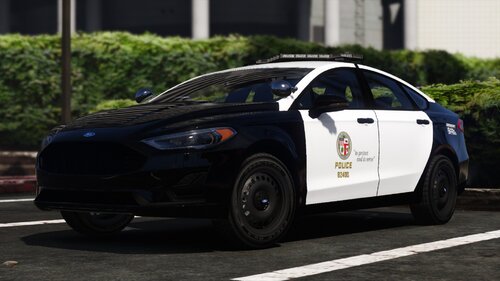
@dream Modificationsexcellent job! but the real life model comes with one spotlight not two. https://www.dailynews.com/2017/04/10/lapd-says-new-hybrids-will-catch-pursuit-suspects-and-save-gas-too
- 11 comments
- 1 review
-
Good! How about rim styles too? By the way last I saw your projects I saw you have federal signal valor 2020 fpiu in development?
-
@jgutiwill there be different variations to this next project?😁
-
 @jguti keep up the great work!
 -
-
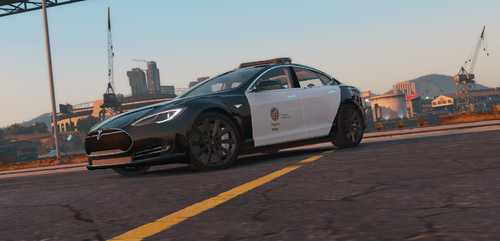 Do you think you could do the ford fusion LAPD has? Blue ghost's base is good for it!😁
 -
-
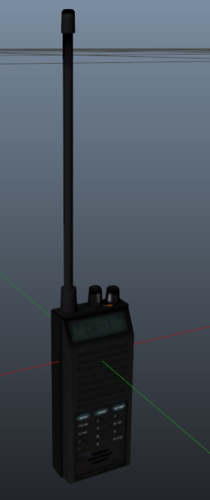 They should implement that in stop the ped and lspdfr, is there anyway you can do that on your own?
 -
 @jgutiwhen is this going to be released? 😄
 -
 @KLE0 do you have plans to do the 2020 fpiu? :D
 -
 Thank you! not to push the envelope but the kind of wrap around i was referring to was the one similar to bhpd but that's up to you.😄
- 58 comments
- 4 reviews
-
@Big G 069 Ok i had two suggestions, one could you add the 2020 fpiu in these current configurations with the wrap around bar? and secondly in the fashion of the tahoe i know you already have a silverado model in it but could you add the 2016 version in it with the wheels of 2020?
- 58 comments
- 4 reviews
-
-

- 1
-
-
-
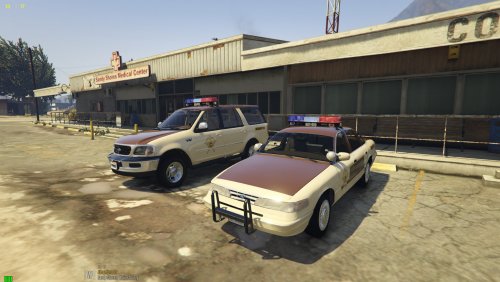 @apoundofapples hi do you think you could add an mx7000 version to the lapd tahoe and put spotlights on it?
- 92 comments
- 4 reviews
-
ok remove the pov file as well try that first. the only thing left i can suggest is to backup the mods folder your lspdfr files and just reinstall the directory with verify integrity of game cache.
-
 @ziipzaaapM16A4 This mod has a great concept however there are a few things i wanted to comment on. When attaching myself to an AI call i responded to the fight callout i subdued both suspects but when i was going to proceed with the investigation the peds and the officers despawned, the same case with the accident call. a few comments i wanted to make on that was when one of the accidents i attached to went 10-8 the drivers got back in there vehicles when they were not drivable. also on another accident the officers left the vehicles there without towing them and the damaged vehicles vanished. also there should be a code 2 and code 3 variation depending on what it is, on the warrant callout officers went code 3. not really realistic to show up like that and spook the suspect.
- 344 comments
- 42 reviews
-
-
- 1
-
-
https://drive.google.com/file/d/1MMVqZHKfBEqvsIj2ev1OScPUnIy_Zr4N/view?usp=sharing well use mine then.
-
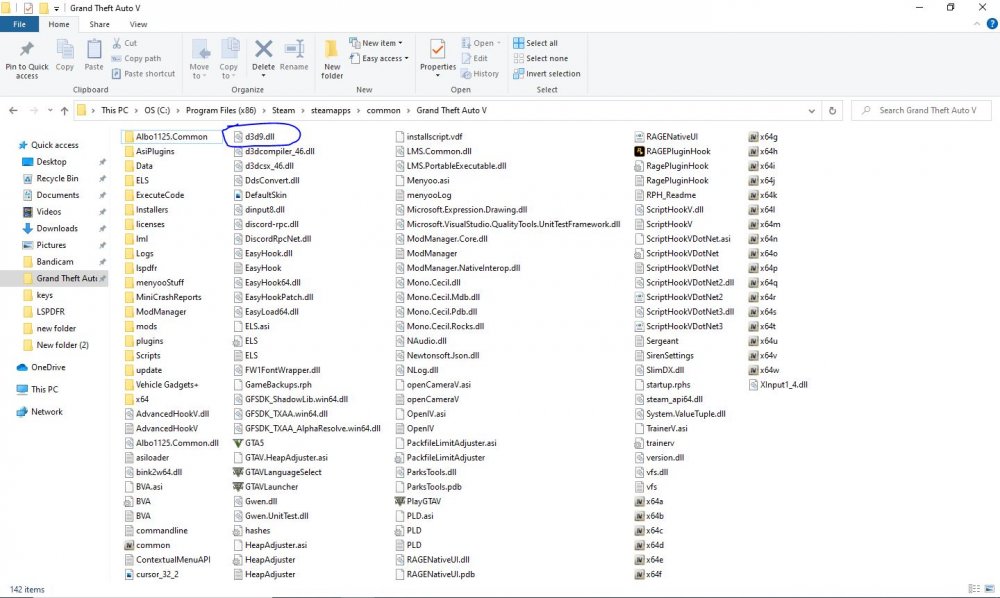
oh ok well i think the d3d9 file will fix it, its best you get rid of those reshade files. try that first, everything associated with the enb or reshade has to go.
-
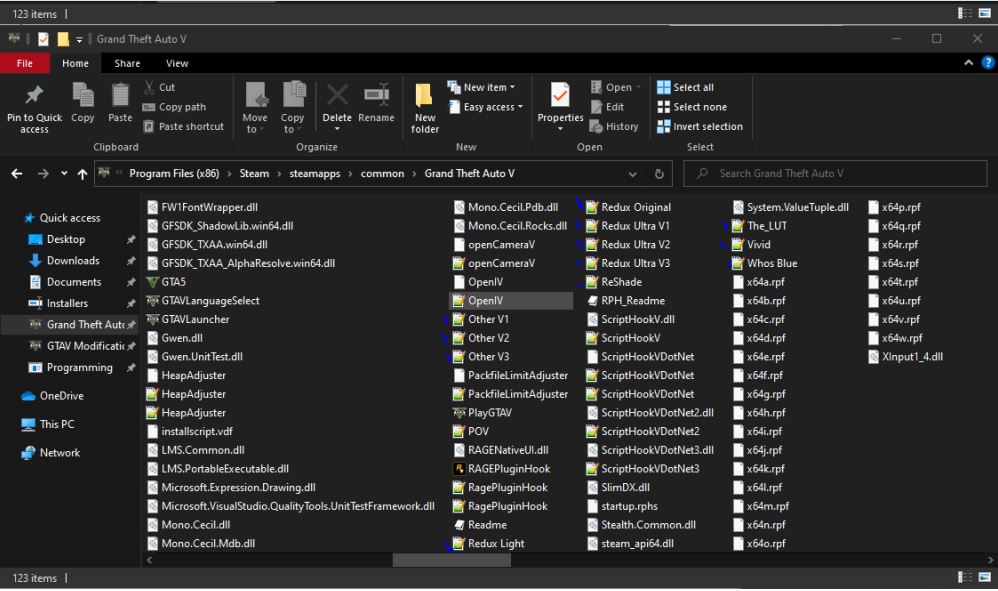
so on capture 29 remove those by the blue checkmarks. also it seems like your missing the d3d9.dll that is also needed to run the game. go to steam verify cache and see if it brings it back. if not ill just send you mine.
-
Then that should have done it. I would need to see the rest of that directory to the right.
-
I suggest removing the launcher with the red x and files associated with it. Also show the rest of the folder going to the right.

.thumb.jpg.99cb3a6cc6b7b83827e5834dc6ecf813.jpg)