



adam enforcers
Members
-
Joined
-
Last visited
Everything posted by adam enforcers
-
-
 @Sparky81hello! As a suggestion for the ultimate backup / special units portion of the mod could you add the use of trailers for ai backup? Because I'm trying to get tiller ladder trucks to respond for fire and EMS and under BJ 's system nobody knew how to add it. Thanks!
 -
 I have a question how exactly would you use the information that you get in the siren setting ini? Could I add the number generated to replace a siren settings ID already in a vehicles carcols file?
- 333 comments
- 15 reviews
-
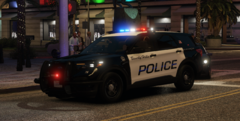 @Bing Chilling Who made this?
 -
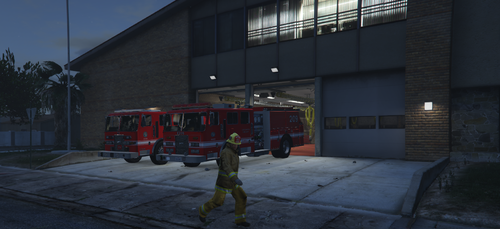 Excellent job but the only suggestion I would make is to the have two of the LED lights on the front underneath the turn signals on each side make them red and the ones to the right white so it makes a good resemblance of the real life rig. And also add red LED's on each side the bumper.
 -
 A suggestion I'd like to make is, Wrong way driver. And road rage! In car and out of the car!😁👍
- 297 comments
- 17 reviews
-
-

- 1
-
-
 @opus49 what key do you use to turn on the mouse to click on the different tabs on the callout interface terminal?
- 1,347 comments
- 82 reviews
-
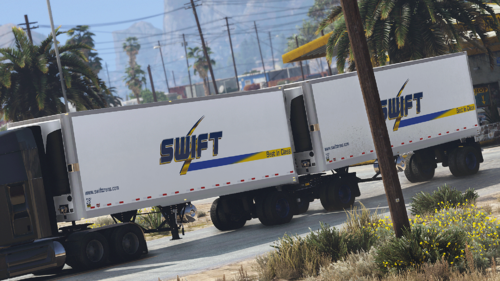 Could this work for ultimate backup?
 -
 I was really hoping to enjoy this call-out pack but after enduring several on duty lspdfr crashes I've determined it's your call-out pack causing it. Everytime it would crash on this call-out pack or anything else the log would cite lore callouts as a culprit saying "rage Ispartial is invalid". after removing it the crashes stopped. Hopefully you can fix i would really like to give it another try. RagePluginHook.log
- 201 comments
- 18 reviews
-
- rph
- lspdfr callout
- legacy
- rph
-
Tagged with:
-
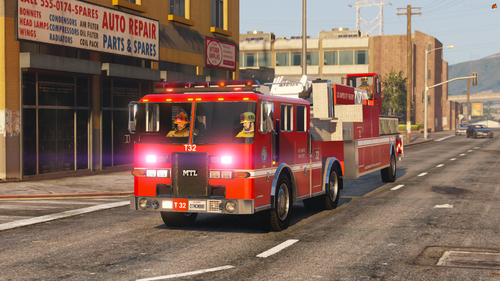 How about trying to make it respond with ultimate backup?
 -
-
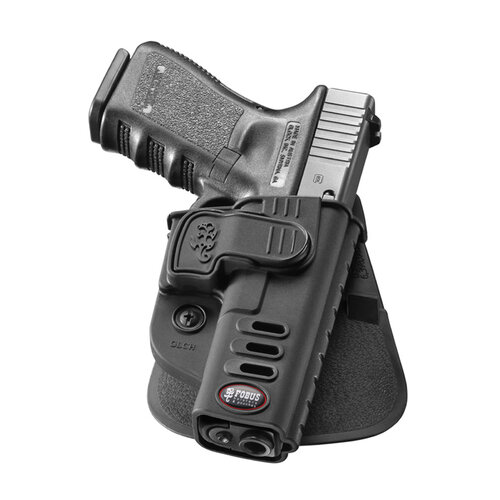 I second that!
 -
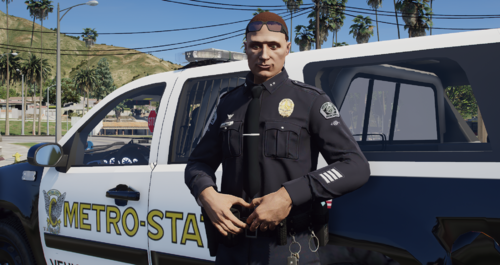 "IM A CERTIFIED STATE AGENT!!!" Don't make me laugh! I got enough quacks to chase around in lspdfr!🤣🤣🤣🤣
 -
Nope it still works, you just need to load it in RPH when you get in game not on startup.
- 333 comments
- 15 reviews
-
 If I could make one suggestion you need to add to the suspects information probation checks and past citations and criminal convictions. Also one more thing with the vehicle checks there should be flags like hit & run or evaded officers etc. Just wanted to put that out there because this looks like an excellent replacement for computer plus.
- 707 comments
- 33 reviews
-
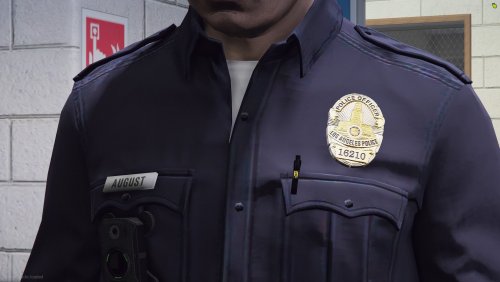 And will there be a female version too?😁
 -
 What about the gun not going back into the holster? It's still happening even after this fix on my end.
- 560 comments
- 97 reviews
-
-
 That could be a callout that's maybe not optimized for callout manager. Does it happen with any other callouts you got?
- 446 comments
- 46 reviews
-
Well if you can that would be great! I still have 8.0 uniform but I'm not sure this would fit.👍
-
Well what I mean is when the latest EUP came out it replaced the 8.0 neck collar that was more realistic with that ribbed necked collar it has now. I was saying to really pull this badge off I was wondering if you could make the 8.0 version shirt? Because it's more realistic to real life like I showed you in the above picture. 👍
-
@ItsElwood hi this a great addition to the community but I was wondering if I could make a request? The current EUP uniform is not accurate to real life LAPD short sleeve or long sleeve so I was wondering if you could make a shirt like this for both male and female like those two officers in the center? Not sure if EUP shirts was your field but it didn't hurt to ask. Thanks! 😀
-
-
![[W.I.P.] Pierce Arrow XT Engine](//s3-gallery.int-cdn.lcpdfrusercontent.com/monthly_2022_05/small.2022-05-16_17-54-57.png.e97c3e2cacbba176fa65dfa30c9a4579.png) @DANZgreat work! Can a flat roof version of this truck be made?
@DANZgreat work! Can a flat roof version of this truck be made? -



![[W.I.P.] Pierce Arrow XT Engine](http://s3-gallery.int-cdn.lcpdfrusercontent.com/monthly_2022_05/small.2022-05-16_17-54-57.png.e97c3e2cacbba176fa65dfa30c9a4579.png)
.thumb.png.97a6e6db2e9042dc6dc2fd0f1580b672.png)