


11john11
Members
-
Joined
-
Last visited
Everything posted by 11john11
-
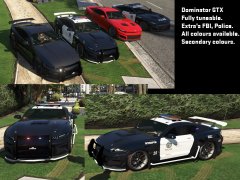 Pretty cool and unique, you don't see something interesting like this everyday in the seas of CVPIs, Explorers and Chargers. I think maybe you could place the LSPD sign on your skin more in the middle of the door though, and maybe the real life equipment could be replaced with stuff more fitting for a lore vehicle, but that's your decision, looks quite good anyway.
 -
-
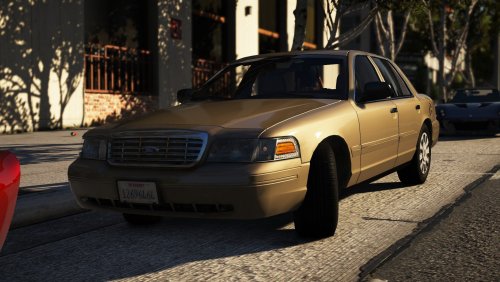 It's based on unmarked police cars of the LAPD, adding more lights would make it inaccurate
- 11 comments
- 14 reviews
-
-

- 2
-
-
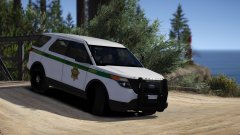 Not a fan of real vehicles but It's nice to see the San Fran sheriff liveries getting some love, I always liked them, good job!
 -
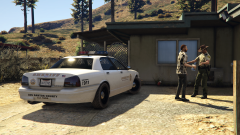
From the album: John's Pics
-
-
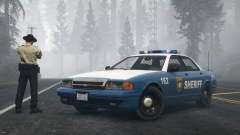
From the album: John's Pics
mod by Fenton https://www.gta5-mods.com/vehicles/grimes-county-sheriff-s-department-add-on -
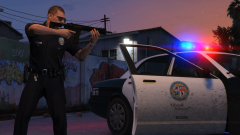
From the album: John's Pics
-
It's definetly McAfee, friend had the exact same problem and it was caused by it, disable McAfee when you play LSPDFR
-
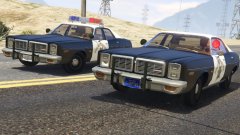 idk, he probably wasn't happy with the quality of the model.
 -
The model was released by Lundy earlier but it's taken down from all modding sites already.
-
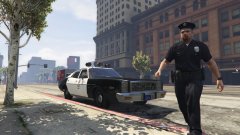 The car in the pic is a Fury not a Monaco, here is the link: https://www.gta5-mods.com/vehicles/1978-plymouth-fury-lapd-add-on-version
 -
-
-
-
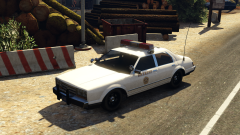
From the album: John's Workshop
-
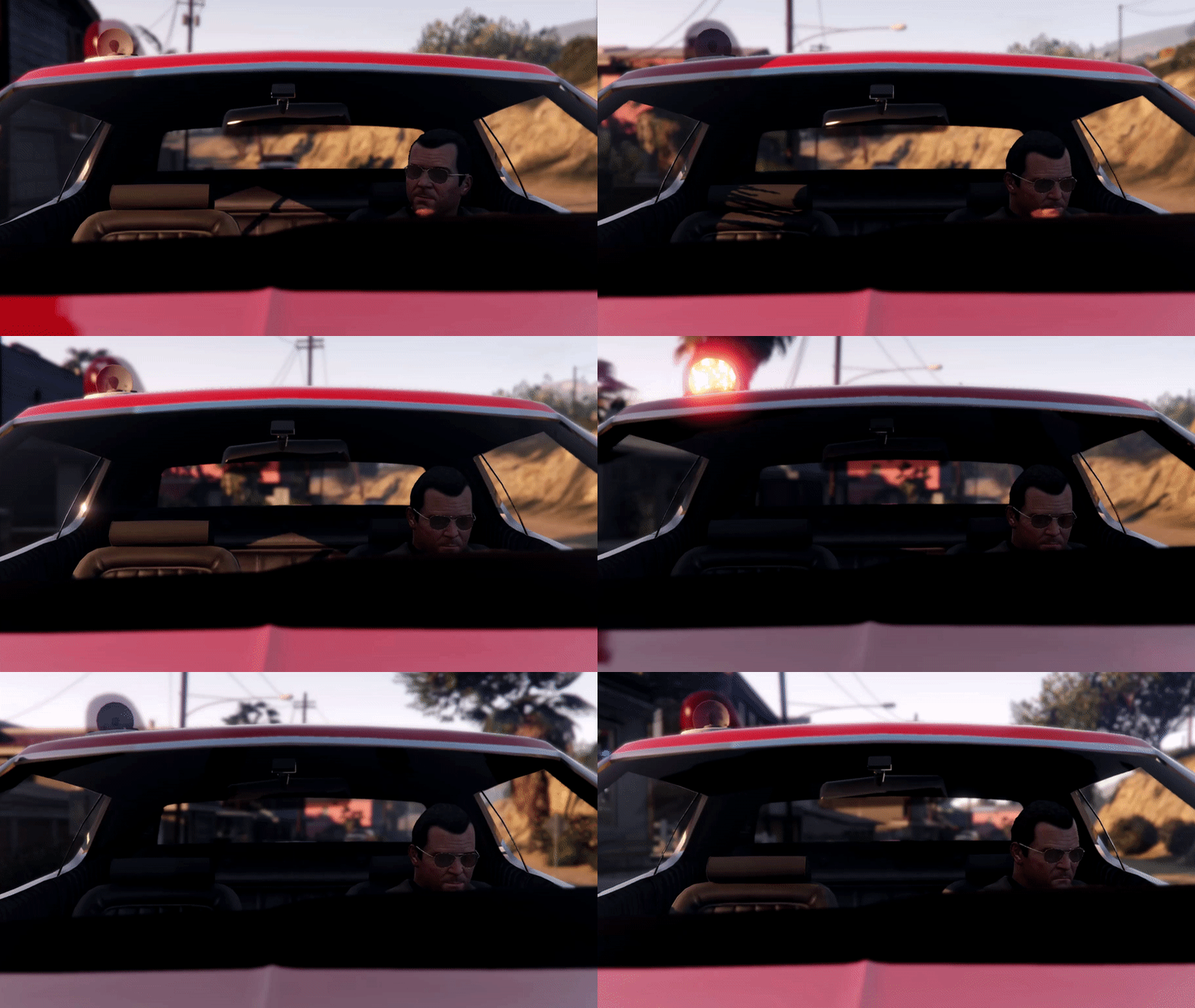 What happened with the rotor light?
 -
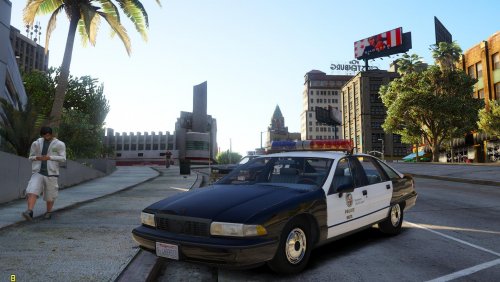 The car in the picture is a 1992 Caprice, look at the rear wheels, they have the cover
- 26 comments
- 6 reviews
-
 I do have it but it's sadly not playable atm, one day it hopefully will be
 -
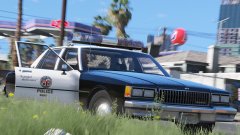 Here is a pic of a 1986 LAPD Caprice
 -
Looks good, but Is that a divider in there? I think they were first introduced in the very late 80s and early 90s in the LAPD
-
-
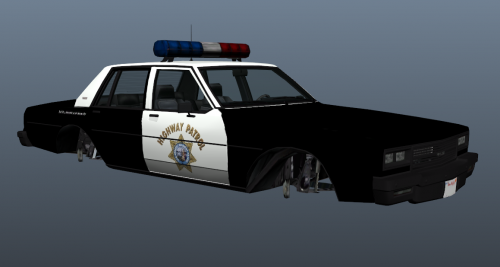 Hey, nice work! Don't worry, the full SAHP Merit Classic will come soon together with some other retro SAHP models.
- 7 comments
- 1 review
-
-


