


11john11
Members
-
Joined
-
Last visited
Everything posted by 11john11
-
Found a color version of that black & white photo of the CHP Caprice with the Edge lightbar, apparently they tested it in 1989-1990 along with some other lightbars before the Vision was choosen as a main lightbar in 91'. A MX7000 lightbar can be seen on a car in the background too.
-
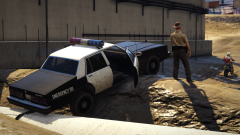 Yes, having some problems on the model right now though, so I will put that model on hold until I have time to fix it and continue working with the Merit Classic for now.
 -
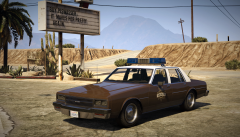
From the album: John's Workshop
-
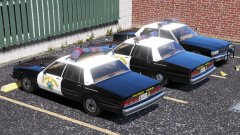 Ah, I see
 -
Did they really use Vectors on the 80s caprice? I know that they briefly used the Edge for test purposes on them but this is new to me.
-
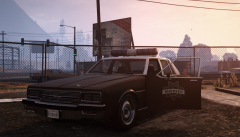
From the album: John's Workshop
-
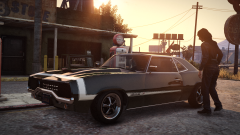
From the album: John's Pics
Grab the mod from here: https://www.gta5-mods.com/vehicles/declasse-vigero-rumbler-pack-add-on-template -
-
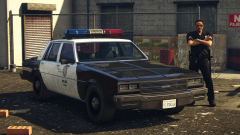 I'm actually doing this at the moment, already adapted new mirrors that look like the lvpd car ones, made some changes to the bumpers (which now both have a black line around them, just like in SA) and some other misc. stuff
 -
-
From the album: John's Workshop
-
-
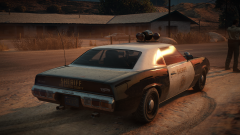
From the album: John's Pics
Part of this this awesome pack by Voit Turyv, grab it from here: -
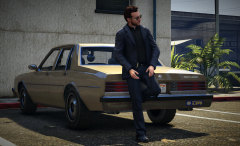
From the album: John's Workshop
-
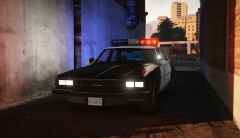
From the album: John's Workshop
-
Nice, looking forward to what you will create for V!
-
LSPDFR forces pistols on all officers called for backup for some reason, it's really annoying, wanted my cops to use revolvers but well... not possible. We'll most likely have to wait for an LSPDFR update to fix this.
-
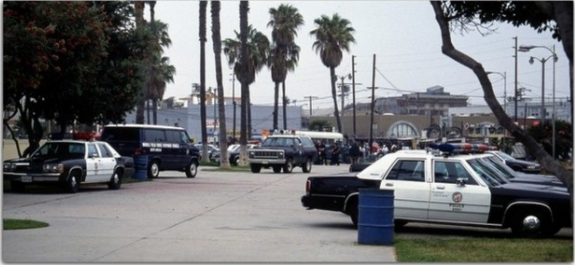
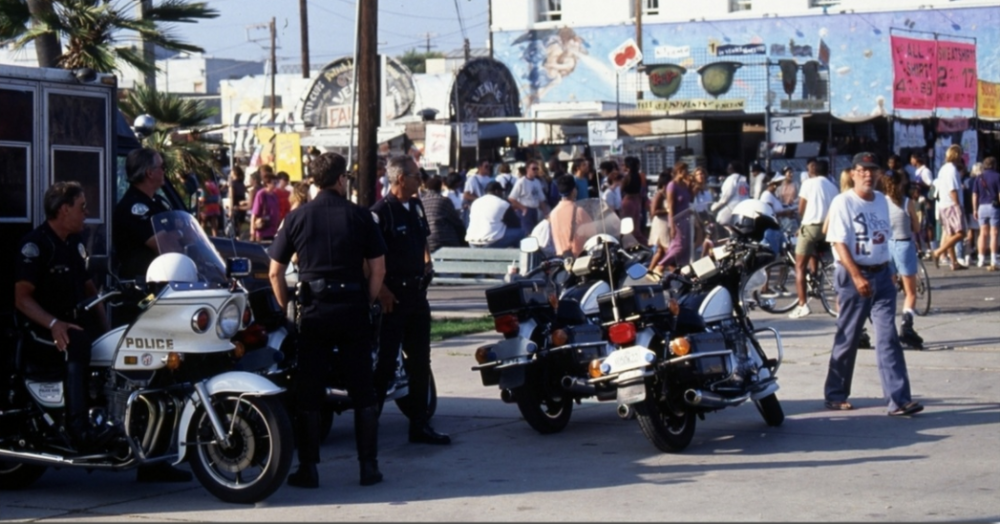
Some interesting pics from Venice Beach taken around 1994 That Caprice is pretty unique I think, I never saw those hubcaps on any LAPD Caprice before

-
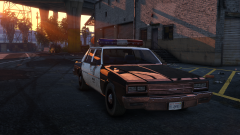 This isn't even the "RDE LAPD" livery on my car, It's basicly just the beta LSPD livery, with the numbers added under it, still 6 digit like on the vanilla cars. RDE liveries look too real for me and non beta vanilla liveries look too dumb, so I choose to do this for my personal projects.
 -
Thanks for the suggestions, I'll keep those things in mind. Adding spotlights and the old lightbar again will maybe help making it look less like the real LAPD Impalas and a bit more fictional, which is something I do would like. Will probably keep the wheels and the rest of the base model stuff since I want it to stay true to the original Declasse Merit Classic by G.C.T for now,. Maybe I will edit the base model in the future to look slightly less like a copy of the Impala
-
From the album: John's Workshop
-
I was going for a simplified look so it doesn't look too real and still like something R* could do, but maybe if I do it I'll integrate them in the side of the lightbar, LAPD Aerodynics often had it in the 80s like this.
-
From the album: John's Workshop
Declasse Merit Classic by G.C.T Get the civilian version converted to V by Dani02 here; https://www.gta5-mods.com/vehicles/declasse-merit-classic -
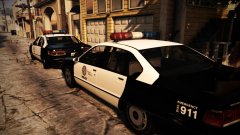 Nice pic, I should upload the default Premier Classic with my LSPD setup soon.
 -
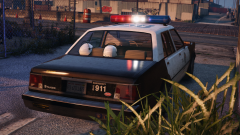
From the album: John's Workshop




