




ISPfan12
Members
-
Joined
-
Last visited
Everything posted by ISPfan12
-
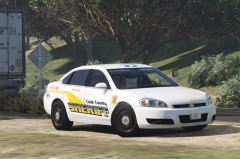
 Its one I just put together using thehurks Dev model
 -
From the album: The WIP's
-
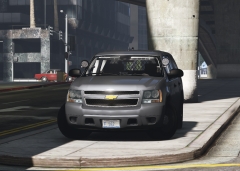
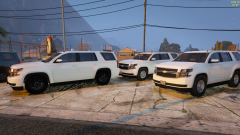 exactly! Ive wanted to use thehurks Tahoe for a while but the PPV wheels are waaaaayyyyy too big lol
 -
The PPV wheels and tires need some work. The ones you have so far work for the SSV but the PPV tires are a little smaller and wider.
-
OK I will do that. Thanks a bunch man!
-
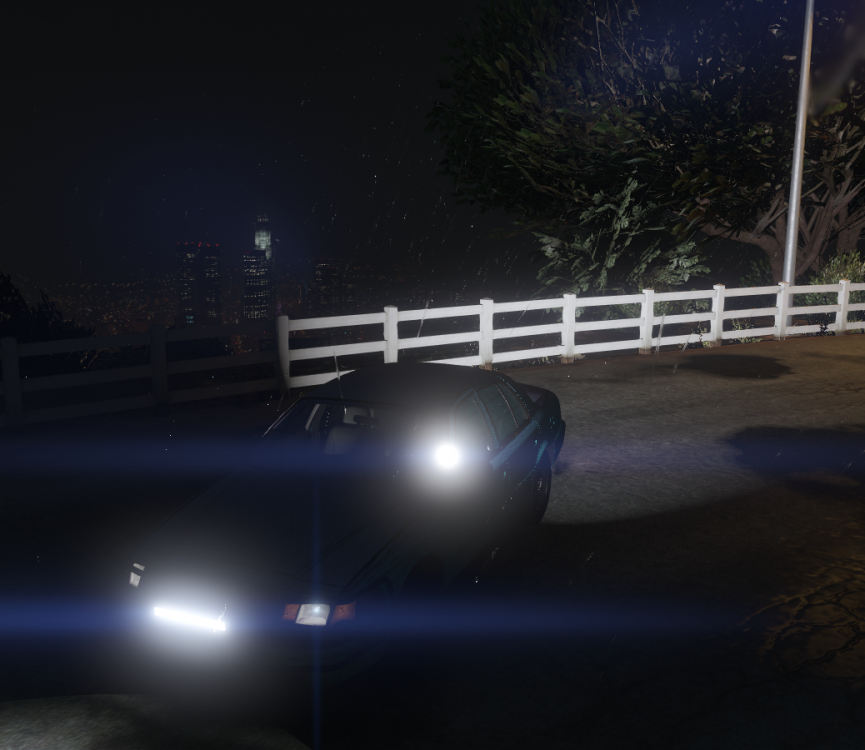
I have done everything I can think of and this thing will not display out the front. the blue z axis is facing the rear and so is the ambient light. I don't get it!
-
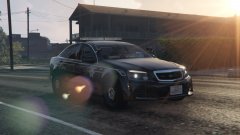 I know it will never happen but I want this DEV model soooooooooooooooooooooooooooooooooooooo bad!!!!!!!!!!!!!!!!!!!!!!!!!!!!!!!!!
 -
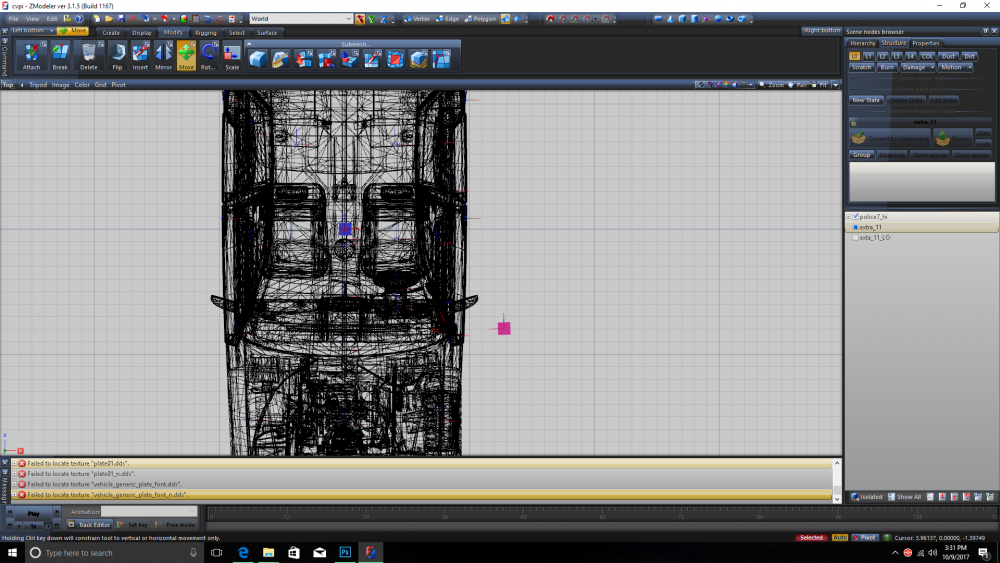
so this is what ive got the blue z axis is facing the rear of the car
-
The setup for the takedowns and scene lighting is the same method right?
-
OK. I'll try that. Thanks.
-
If its not do I select the entire car and rotate it 180?
-
OK I think I understand what your saying. If I put it in top view the z axis should point to the rear right?
-
What do you mean by blue arrow?
-
OK, thanks man
-
I believe I have visual installed but the downloaded vehicles I have installed work fine. I'm just not figuring out how to setup the scene lights. There has to be something I'm missing but I cant figure it out. the only thing that changed it is when I rotated the dummy and accidently rotated the emissive parts and the faced the rear. When I did that the environmental light was facing forward. so its like in zmodeler something is not set right telling it which direction its facing.
-
how do I fix this? I'm using a proven vcf file that works on another vehicle with scene lights. I have flip flopped the dummy every which way with no change. here is my vcf setup <EOVERRIDE> <Extra01 IsElsControlled="true" AllowEnvLight="true" Color="blue" OffsetX="-0.70" OffsetY="-0.20" OffsetZ="0.50" /> <Extra02 IsElsControlled="true" AllowEnvLight="true" Color="blue" OffsetX="-0.25" OffsetY="-0.20" OffsetZ="0.50" /> <Extra03 IsElsControlled="true" AllowEnvLight="true" Color="blue" OffsetX="0.25" OffsetY="-0.20" OffsetZ="0.50" /> <Extra04 IsElsControlled="true" AllowEnvLight="true" Color="blue" OffsetX="0.70" OffsetY="-0.20" OffsetZ="0.50" /> <Extra05 IsElsControlled="true" AllowEnvLight="true" Color="blue" OffsetX="-0.70" OffsetY="-0.20" OffsetZ="0.50" /> <Extra06 IsElsControlled="true" AllowEnvLight="true" Color="blue" OffsetX="0.70" OffsetY="-0.20" OffsetZ="0.50" /> <Extra07 IsElsControlled="true" AllowEnvLight="true" Color="blue" OffsetX="-0.40" OffsetY="-0.80" OffsetZ="0.40" /> <Extra08 IsElsControlled="false" AllowEnvLight="true" Color="amber" OffsetX="0.00" OffsetY="-0.80" OffsetZ="0.40" /> <Extra09 IsElsControlled="true" AllowEnvLight="true" Color="blue" OffsetX="0.40" OffsetY="-0.80" OffsetZ="0.40" /> <Extra10 IsElsControlled="false" /> <Extra11 IsElsControlled="true" AllowEnvLight="true" Color="white" OffsetX="0.70" OffsetY="-0.20" OffsetZ="-0.50" /> <Extra12 IsElsControlled="false" /> </EOVERRIDE> <!-- MISC --> <MISC> <VehicleIsSlicktop>false</VehicleIsSlicktop> <ArrowboardType>off</ArrowboardType> <UseSteadyBurnLights>false</UseSteadyBurnLights> <DfltSirenLtsActivateAtLstg>3</DfltSirenLtsActivateAtLstg> <Takedowns AllowUse="true" Mirrored="true" /> <SceneLights AllowUse="false" IlluminateSidesOnly="true" />
-
From the album: The WIP's
-
-
From the album: The WIP's
-
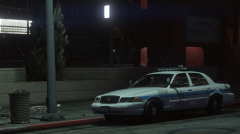
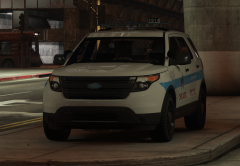 every time ive been to Chicago they are parked on the median downtown on Michigan Ave so it seemed like a proper place lol
 -
From the album: The WIP's
-
-
-
 ok I will do that, thanks!
 -
that's the only trim that TheHurk put with the model. He included the SAP trim but I guess he forgot the door handles




