frienno
Members
-
Joined
-
Last visited
Everything posted by frienno
-
Pics from the patrol
-
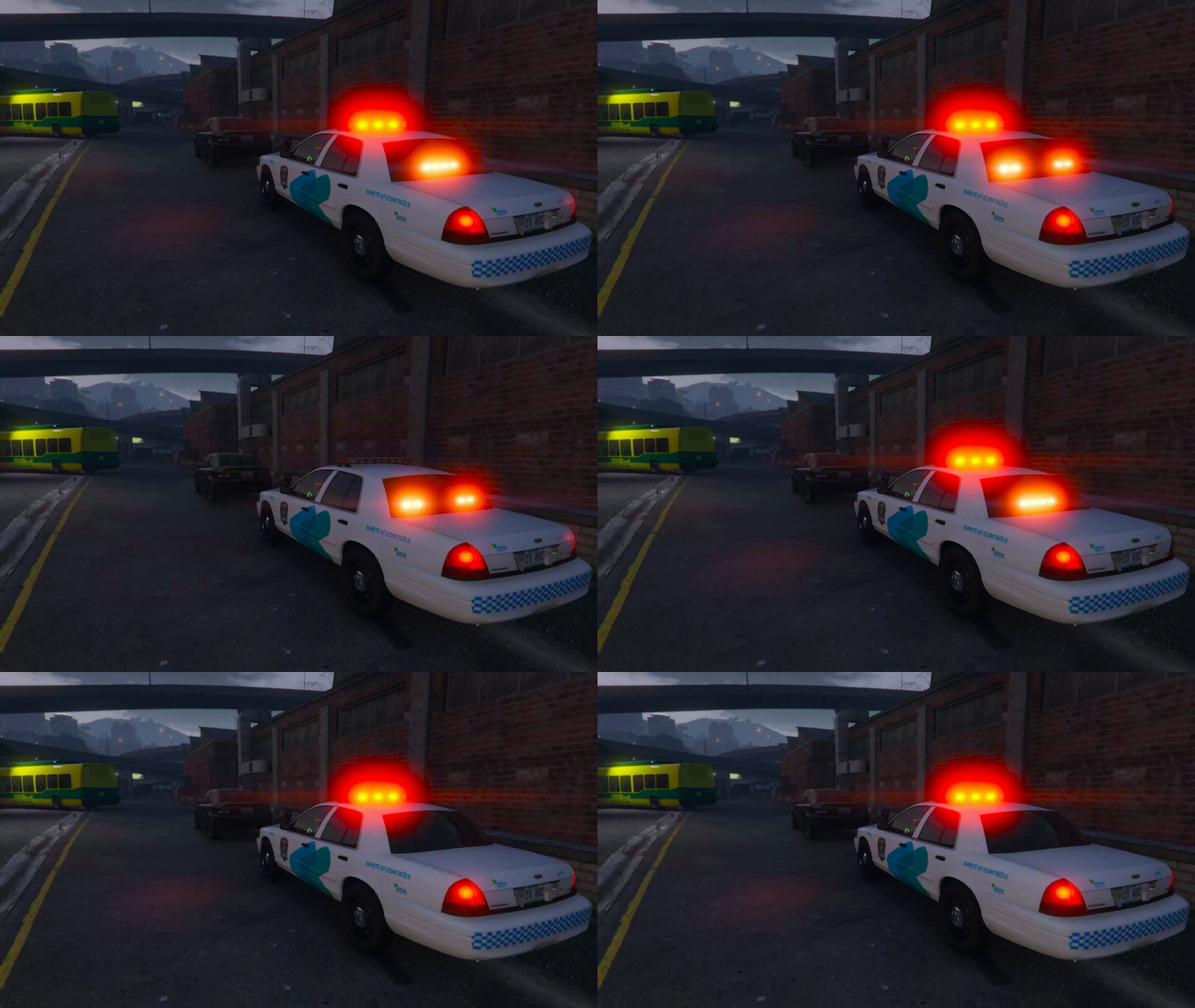
From the album: Patrolling
"Can't you read the sign? It says bus traffic only!. Now get out of here before you get a ticket." STM Transit Inspector. -
From the album: Patrolling
Provincial police receives a call for assistance from a regional police officer on the side of the highway. -
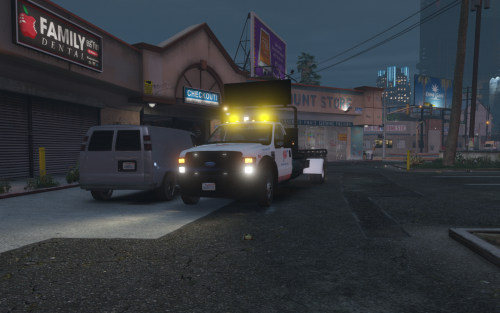 To enable ai usage when using arrest manager, you must change the following. Using open iv navigate to /mods/update/update.rpf/x64/data/carvariations.ymt . Enable edit mode and edit the file. Find the entry for the FLATBED model and change its sirensettings from 0 to 1.
- 45 comments
- 12 reviews
-
-

- 1
-
-
Just putting my obviously non biased opinion about my favorite PD which just happens to be the SPVM. (Another Canadian) The new Charger A CVPI A dodge grand Caravan An impala with the weird looking Traffic Advisor Also gotta love the new CVPI for transit security
-
So there is this show here in Montreal called Just for Laughs where they secretly film peoples reaction to pranks (with their consent of course) and make a tv show out of it. My favorite pranks of course involve police officers (Yes they got permits to do their pranks and all). Here are a couple of them and there are a ton more on there channel. http://www.youtube.com/watch?v=Lvsy21Aijnk http://www.youtube.com/watch?v=BZVf5pjn0QY http://www.youtube.com/watch?v=bQwwxx6rJwI http://www.youtube.com/watch?v=UnvPJtJf6uo
-
Looks like someone leaked some gameplay of the beta. http://www.youtube.com/watch?v=xkD-9js6KI4
-
http://www.mediafire.com/?a0icg7e6qbgc24d Here is the link for the car I'm working on. It's pretty much ready to go, except for one problem. I've tested it ingame and the handling seems a bit "stiff" . I can't really explain it. It's not like it's the bouncy car bug, but it's close. I'm hoping it is a problem with the handling line, i'm currently using and not a problem with the model itself. The model is a combo of and I have resized the lightbar due to it being too small. I've also copied siren4 from the hierarchy 4 times and renamed them (siren5, siren6 siren7 and siren8) and placed 2 of them on the headlights and 2 on the reverse lights. Since I guess this can be interpreted as releasing a mod, here are the Creds. Model is original Ford Crown Victoria by Driver SF, modified for and converted to GTAIV by F5544. Lightbar made by: F5544, Textures by Lt.Caine. Police equipment made by: Rockstar Games modified to it's current form by F5544. Main Skin textures are made by: F5544/Lt.Caine. Ripping From Driver SF: RacingFreak I'll officially release it if it's good to go and maybe include a handling line in the readme
-
I'm a brony and I wish this is the most we will talk about bronies on this site. I came here for police related things and games not for ponies.
-
-
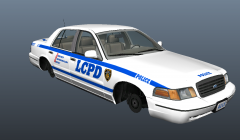 Just wondering whats the size of the .wft of the car compared to the other CVPI's
 -
It works the same way as PPM so they didn't need to change much to convert it to an EMS mod.
-
Yes, just run the installer and the game as an admin (right click, run as admin) even if you are an admin.
-
I don't think, even under the perfect circumstances, your machine has what it takes to run GTA IV.
-
thanks for the great find
-
http://www.lcpdfr.co...ead-this-first/ also with or without any mods
-
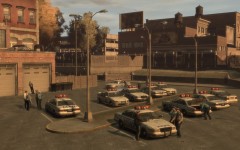 nice picture miss Cheerilee
 -
Its not suppose to go in the vehicles.dat, its supposed to go in the handling.dat
-
Don't you need windows xp service pack 3 to run gta 4?
-
Why hasn't anyone redirected him to this? http://www.lcpdfr.com/forum-20/announcement-5-need-support-read-this-first/
-
All I know is that it is spamming to comment section of a lot of youtube videos.
-
http://www.lcpdfr.com/forum-20/announcement-5-need-support-read-this-first/
-
-
I play on a laptop
-