




Skin Works
Members
-
Joined
-
Last visited
Everything posted by Skin Works
-
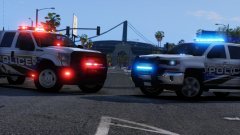 NO! Don't ask that. He will take longer. It looks awesome. I am still itching to get my hands on these.
 -
 "Revue"
 -
Fantastic work with all your packs you just put out man! Thanks so much for sharing it as well. That is a lot of to do just to give away. I know I speak for a lot of people when I say thank you. If its not to soon, I'd love to know what you're going to tackle next! Cheers man.
-
From the album: Skin Works Designs
© Skin Works
-
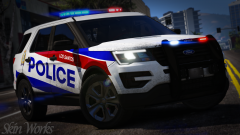 Off road. Yeah. Pretty much.
 -
Nope. Canada.
-
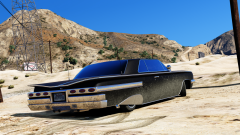
From the album: The Challenge
© Skin Works
-
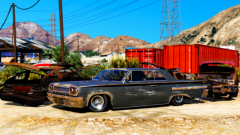
From the album: The Challenge
© Skin Works
-
From the album: Skin Works Designs
© Skin Works
-
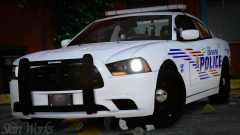
From the album: Skin Works Designs
© Skin Works
-
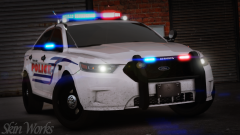
From the album: Skin Works Designs
© Skin Works
-
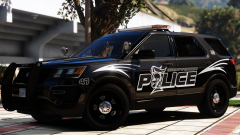 Really love that. Very slick!
 -
Hey everyone, I have only noticed recently that when I startup my game that the ENB overlay saying it loaded no longer appears. However I do still have the ReShade overlay and loading all the effects. Not sure if this means that the ENB is loaded with this or not. If anyone has any idea or needs more information to help pinpoint the problem let me know. Thanks
-
 I just changed the textures to solid instead of the little LED's. I personally like this look better than the individual dots.
- 4 comments
- 5 reviews
-
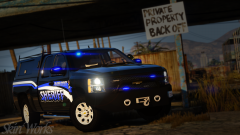
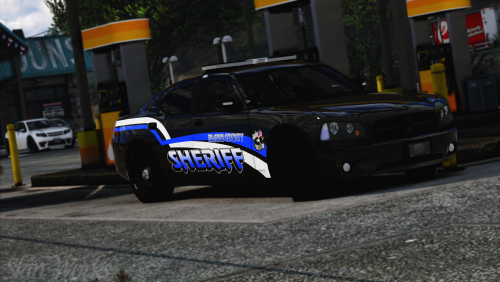
Blaine County Sheriff OK, County Based Well, I kinda did a skin of this a while ago and just never did anything with it. I looked through some old files and came across them and decided I should do a pack. Glad I did as I really like the colours on the all black. Please enjoy and have fun. My skins are going to be a very slow from now on as IRL isn't great and am having a hard time justifying doing these skins. As usual this pack may be updated with more models once those models are out and whether or not they are worth putting the skins on. Otherwise please enjoy this pack and have fun. This is as always the simple install of finding the .ytd folder of the vehicle you want to use, then importing all the skins then save. Notice any issues or have suggestions please share in the comments section. Let me know if I missed anything. Please respect the amount of time taken and do not re-upload or rip off. Please, feel free to make a donation if you like, any amount is more than appreciated! Thanks Everyone Vehicles used in pictures but not limited to(some models may not be linked due to not being around anymore however will work on most other models):
- 4 comments
- 5 reviews
-
-

- 13
-
-
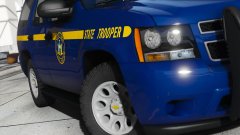 Damn! Must have quite the rig.
 -
Hey man. Just wondering what graphics mods you are using? Cheers.
-
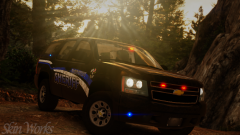
From the album: Skin Works Designs
© Skin Works
-
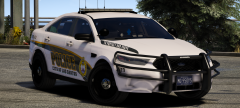 Damn! Loving the look of this.
 -
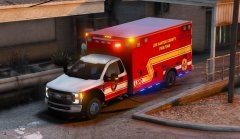 Yes please.
 -
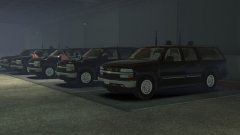 Yes! Yes! A thousand times yes! Maybe not so much secret service for me but the potential for a 03 Suburban! However they do look great.
 -
 I think it might be that but I do all my textures in 3840X3840. This normally is high enough quality without it being to big or running into this problem.
- 58 comments
- 37 reviews
-
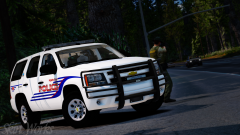
From the album: Skin Works Designs
© Skin Works
-
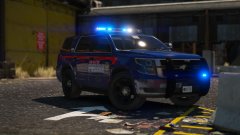 Meh. They look okay.
 -
Hey man, love this pack and all your work as you may know. I seem to be having an issue with the CVPI's in your latest packs. I can spawn them and load them in game no problem as they are, however if I try to change the skins the car doesn't show up. Nothing crashes or says anything is wrong, in fact it will even say that the model has been spawned but nothing appears. Cheers man.
- 58 comments
- 37 reviews
-
-
- 1
-

