Skin Works
Members
-
Joined
-
Last visited
Everything posted by Skin Works
-
From the album: Skin Works Designs
© Skin Works
-
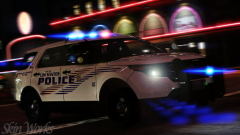
From the album: Skin Works Designs
© Skin Works
-
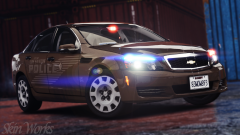
From the album: Skin Works Designs
© Skin Works
-
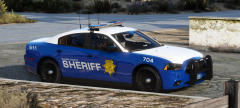 These are looking great.
 -
 I swear, if this means we now have to wait longer for this pack. I'm just going to have stop and wait for all these and their templates come out.
 -
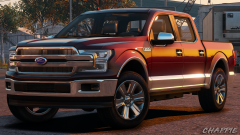 Well, I can honestly say that I'm interested in that ENB.
 -
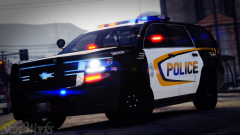 I liked it a lot on the original charger version of this skin but, not so sure now.
 -
From the album: Skin Works Designs
© Skin Works
-
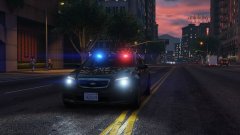 Ugh! Well, I can wait for quality. Just love the Caprice.
 -
-
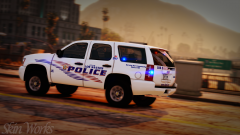
YES! YES! YES! Now!
-
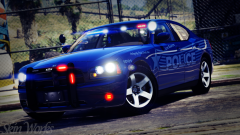
-
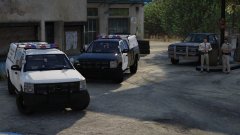 Hell yeah!
 -
-
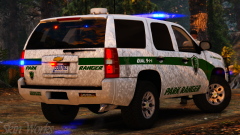
From the album: Skin Works Designs
© Skin Works
-
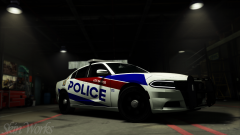
From the album: Skin Works Designs
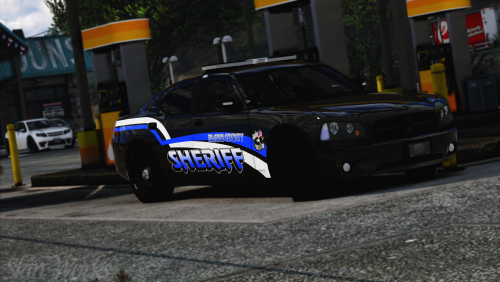
This Charger is used by the actual police force I'm basing this pack on and they paint scheme is also used on the force. Just not together. However I kinda dig it so will be including this.© Skin Works
-
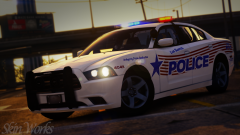 Agreed. I was going to go for a red white and blue theme but haven't figured out how to incorporate the blue yet. This is based off no one, that I know of. I just made it up.
 -
-
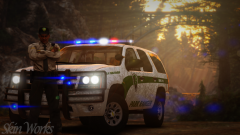
-
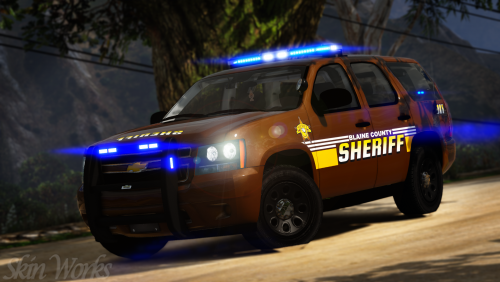 Blaine County Sheriff's Office Pack This is a pack created by myself and in collaboration with @Jedahdiah. This was created with input from him and myself, going for a little bit old style and different setup. Brown, yellow and white are the main colours this helps it stand out we feel. I thin this is all this pack needs to be explained. Otherwise please enjoy this pack and have fun. This is as always the simple install of finding the .ytd folder of the vehicle you want to use, then importing all the skins then save. Notice any issues or have suggestions please share in the comments section. Let me know if I missed anything. Please respect the amount of time taken and do not re-upload or rip off. Please, feel free to make a donation if you like, any amount is more than appreciated! Thanks Everyone Vehicles used in pictures but not limited to(some models may not be linked due to not being around anymore however will work on most other models):
- 4 comments
- 3 reviews
-
-

- 8
-
-
-
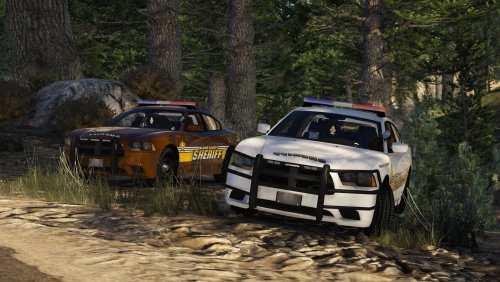 Damn! Didn't know you were done! Will try and get my part of this collab out tomorrow.
- 26 comments
- 22 reviews
-
-
- 1
-
-
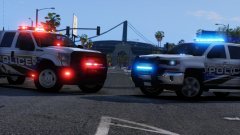 Don't think I can complain about that.
 -
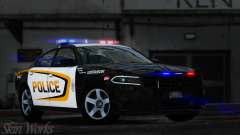
From the album: Skin Works Designs
© Skin Works
-