Skin Works
Members
-
Joined
-
Last visited
Everything posted by Skin Works
-
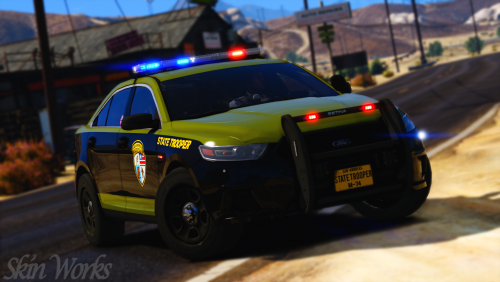 I lifted the colour straight from one of the real life cars. It could just be some visual settings as well at play. Tough colour to get right as it changes depending on the lighting. Thanks man.
- 15 comments
- 3 reviews
-
-
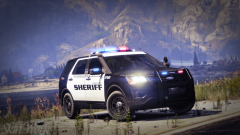
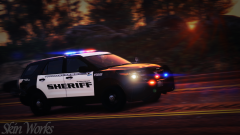
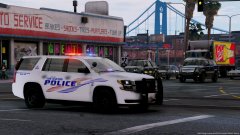 God the 2015+ Tahoes look great as police vehicles.
 -
-
-
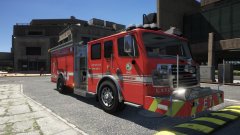 I thought you meant you had created a new template for the model along with the two skins. I can't stand the templates, only thing keeping me from skinning that whole pack.
 -
Those are just two liveries.
-
Wait, did you update the template or create skins?
-
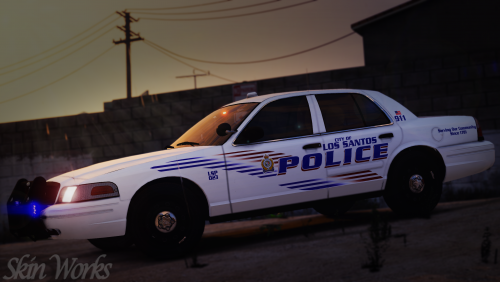 Unfortunately unreleased model by RangerRick. I am currently replacing that model with a released one so I am not teasing. However the skin works on basically any 2013 Tahoe as most use the same base model.
- 4 comments
- 5 reviews
-
-

- 1
-
-
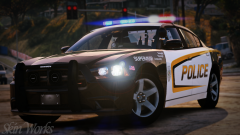 Photoshop. However I do have a reshade and enb. Currently I think I use SugarBloom Reshade and NVR ENB. I think. Next photo I post will include the unedited version on the pic.
 -
From the album: Skin Works Designs
© Skin Works
-
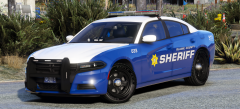 Looking amazing man!
 -
Los Santos Police Department Kingston Based I did a teaser of this skin way back now and finally got around to doing a full pack. Now technically a couple are not 100% true to life but I liked it and so I went with it, besides, its lore friendly so really can't complain about authentic. This pack has some stealth skins and some supervisor skins to hopefully appease more people and to give even more variety overall. As usual this pack may be updated with more models once those models are out and whether or not they are worth putting the skins on. Otherwise please enjoy this pack and have fun. This is as always the simple install of finding the .ytd folder of the vehicle you want to use, then importing all the skins for the corresponding vehicle then save. Notice any issues or have suggestions please share in the comments section. Let me know if I missed anything. Please respect the amount of time taken and do not re-upload or rip off. Please, feel free to make a donation if you like, any amount is more than appreciated! Thanks Everyone Remember everyone, I base my skin packs off of base model templates NOT for any one specific vehicle pack. Because the templates don't really change, skins can be applied to basically any pack of your choice so long as the base models used are the same as the ones I have used. I do try to use the most common base models so they should cover the bulk of the vehicle packs available. Vehicles used in pictures but not limited to(some models may not be linked due to not being around anymore however will work on most other models):
- 4 comments
- 5 reviews
-
-
- 9
-
-
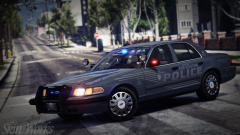
From the album: Skin Works Designs
© Skin Works
-
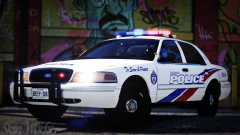
From the album: Skin Works Designs
So many things I am trying to do and so little time.© Skin Works
-
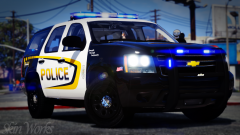
From the album: Skin Works Designs
© Skin Works
-
-
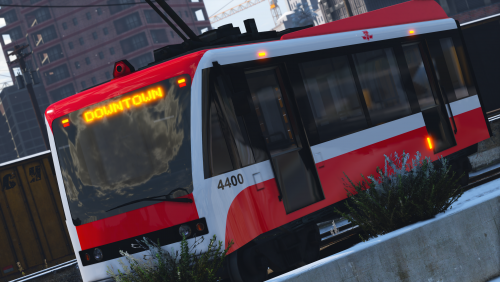 Ah... A GO Transit... Have to think of something to replace the GO with thats lore friendly.
- 10 comments
- 2 reviews
-
-
-
-
-
-
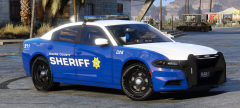 Soooo, 2015 Hoe? Not that I'm planning on fully outfitting my sheriffs with this pack.
 -
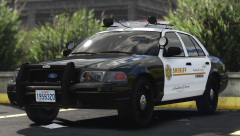 NOOOO! I hate the Ajent. Just my opinion. Your work is always amazing and I'm sure this one will be as well. I especially like the little Vinewood logo on the back door.