Skin Works
Members
-
Joined
-
Last visited
Everything posted by Skin Works
-
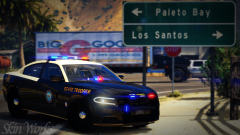 Welp, I don't want to take to long. Week or two maybe. It is a pretty simple scheme so we will see.
 -
Yes. I don't tease so trust this pack will be out. Thanks?
-
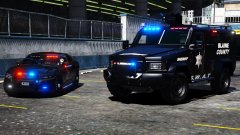 Soooo... Now? Looks awesome man.
 -
-
From the album: Skin Works Designs
© Skin Works
-
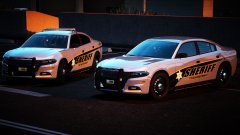 Looking good man. Been waiting for another pack of yours.
 -
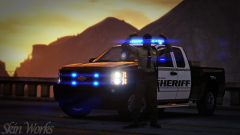
From the album: Skin Works Designs
© Skin Works
-
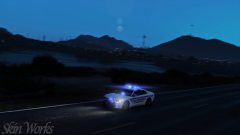
From the album: Skin Works Designs
© Skin Works
-
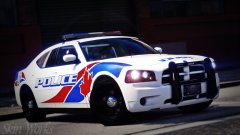
From the album: Skin Works Designs
© Skin Works
-
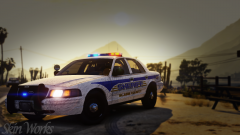
From the album: Skin Works Designs
Hey so big thanks to @DasReich for pointing out I had two counties mixed together here. I had realised this a while ago and then completely forgot to correct my error. However this does mean two full separate packs for all of you. One El Paso County (COL) Based and one El Paso County (TEX) Based. Hopefully will have the Colorado based ones fully up tomorrow, if not, later this week.© Skin Works
-
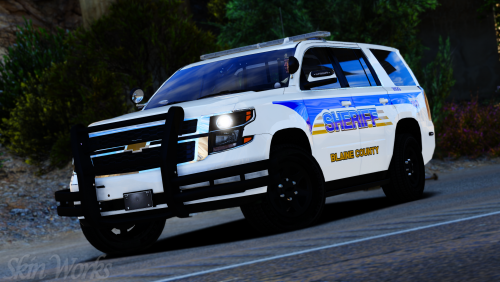 SHIT! I knew something was wrong! I noticed this issue a while ago and forgot to correct it. Thanks. Will re-upload both as separate packs. Thanks.
- 14 comments
- 7 reviews
-
-

- 1
-
-
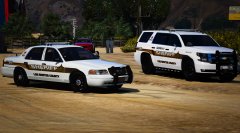
Blaine County Sheriff El Paso County, COL Based I stumbled across this scheme a while ago and really liked the yellow and blue and white. I think I have this pack correct now and for those who are missing the black and white skins that were wrongfully included in this pack keep your eyes open for that pack in the coming days. Hope everyone enjoys still! This pack has some stealth skins and some supervisor skins to hopefully appease more people and to give even more variety overall. As usual this pack may be updated with more models once those models are out and whether or not they are worth putting the skins on. Otherwise please enjoy this pack and have fun. This is as always the simple install of finding the .ytd folder of the vehicle you want to use, then importing all the skins for the corresponding vehicle then save. Notice any issues or have suggestions please share in the comments section. Let me know if I missed anything. Please respect the amount of time taken and do not re-upload or rip off. Please, feel free to make a donation if you like, any amount is more than appreciated! Thanks Everyone Remember everyone, I base my skin packs off of base model templates NOT for any one specific vehicle pack. Because the templates don't really change, skins can be applied to basically any pack of your choice so long as the base models used are the same as the ones I have used. I do try to use the most common base models so they should cover the bulk of the vehicle packs available. Vehicles used in pictures but not limited to(some models may not be linked due to not being around anymore however will work on most other models): Again a massive thanks to @DasReich for pointing out my massive stupid mistake.
- 14 comments
- 7 reviews
-
-
- 8
-
-
-
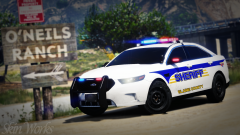
From the album: Skin Works Designs
© Skin Works
-
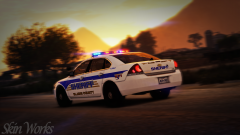
From the album: Skin Works Designs
© Skin Works
-
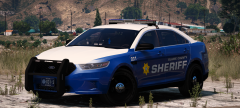 Ready and waiting for this pack. Looks awesome man.
 -
-
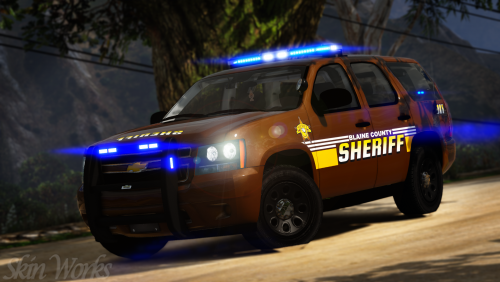 You could try one skin at a time. Sometimes I think this is a memory issue. Not really sure as I haven't had this issue in a while.
- 4 comments
- 3 reviews
-
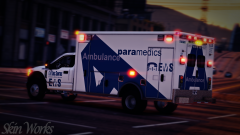
From the album: Skin Works Designs
© Skin Works
-
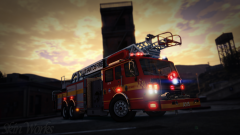
From the album: Skin Works Designs
© Skin Works
-
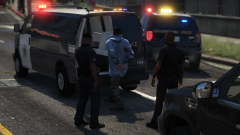 Finally some decent vans! Looks great man.
 -
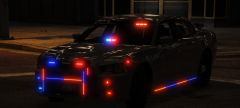 love it!
 -
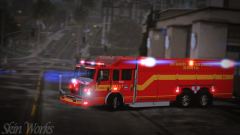
From the album: Skin Works Designs
© Skin Works
-
 Looking great.
 -
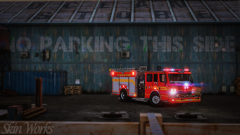
From the album: Skin Works Designs
© Skin Works