


GreenAid
Members
-
Joined
-
Last visited
Everything posted by GreenAid
-
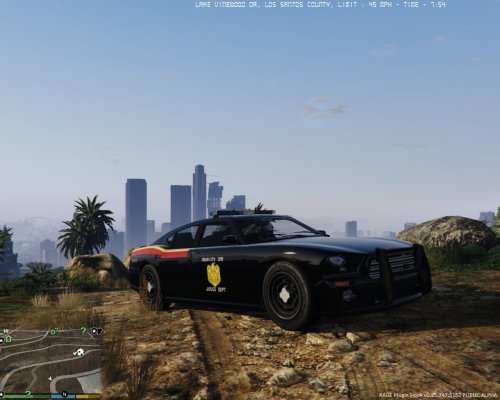 It says JUSICE tho.
 -
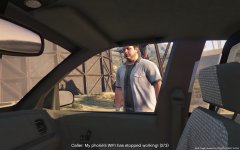 Must have been an iFruit.
 -
Drove 15 Minutes Code 3 Into Vinewood Hills For This......
© Armys Image
-
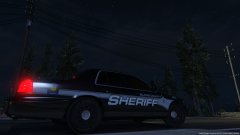 Nice.
Nice. -
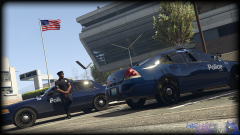 Can I ask if you plan to make the doors' normals more smooth? The ways thy reflect in game......bugs me out.
 -
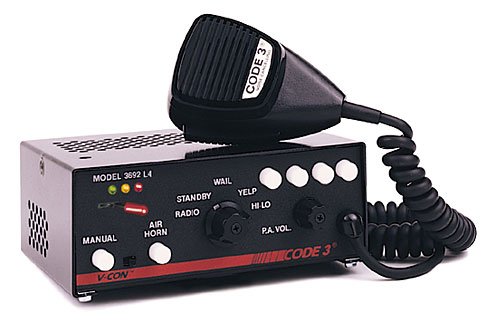 Yes I'm asking that. Will the sounds of policecars or ambos be affected too?
 -
So think leaves the other police's sirens untouched?
-
 The c*****d game is only one update behind (Ill-Gotten Gains) so you shouldn't have any problem with it. PS: ***** stands for custard ;D
- 22 comments
- 10 reviews
-
-

- 1
-
-
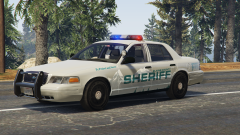 Damn that's a livery! Why don't you leave the background transparent so it can be made of different colours ingame? (when ymt are unlocked)
 -
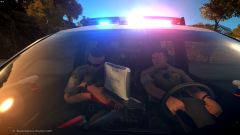 Punch 2 holes thru the steering wheel!
 -
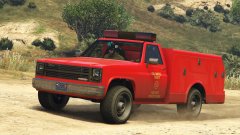 Damn nice! Maybe try experimenting with different wheels?
 -
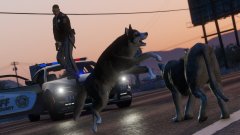 ... While I'm standing on the rambar. :p
 -
-
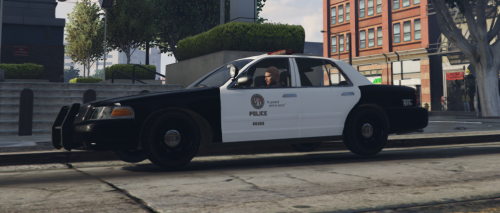 Hmm I don't see you crediting Lt. Caine, for making the original skin for his Vapid Interceptor that you very simply patched to fit the Vic's template. And then you people wonder why modders complain? Well, here's an example.
- 15 comments
- 2 reviews
-
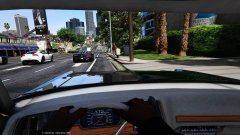 Needa fix the normals too?
 -
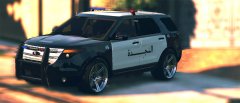 Define "a bit"?
 -
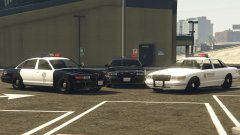 V's atmosphere haha!
 -
-
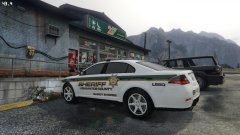 ^ I agree, and the rims go very well with the white!
 -
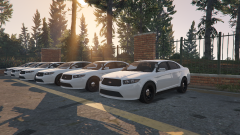 Good rims yay!
 -
-
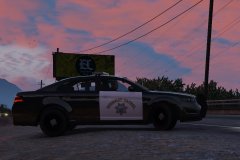 Only wish the wheels were changed too haha. The Stanier one's are way better.
 -
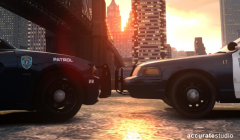 Old - Charger, new - Vic Rite?
 -
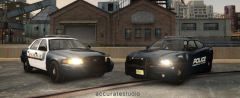 Holy shet Nice all!
 -
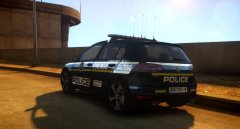 Veri sekrit.


