




ScrimpyData
Members
-
Joined
-
Last visited
Everything posted by ScrimpyData
-
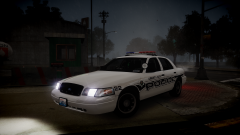 Looks sharp :P
 -
'?do=embed' frameborder='0' data-embedContent>> This mod should get rid of the taxi bug :)
-
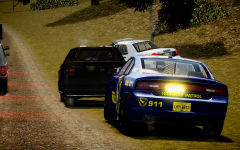 Indeed, luckily the officer driving the car is still alive, so he can risk is life many more times at the LCPD :P
 -
I currently use Prophet's ENB, and it is amazing :D
-
From the album: Scrimps Pics
The suspect escaped after one of the cruisers was involved in a car accident. -
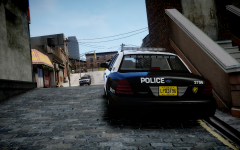
From the album: Scrimps Mods
And not only on my pack :D -
![Liberty Police - [SKIN]](//s3-gallery.int-cdn.lcpdfrusercontent.com/gallery/album_2741/sml_gallery_148413_2741_39105.jpg) That looks amazing! btw, I'd surely think those pictures are taken IRL ;)
That looks amazing! btw, I'd surely think those pictures are taken IRL ;) -
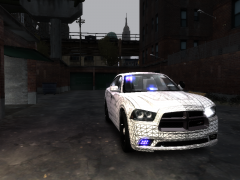 Glad you like it :)
 -
Thanks :D
-
From the album: Scrimps Mods
P.S Expect some better quality pics soon :) -
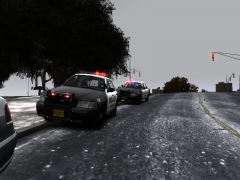
From the album: Scrimps Mods
My 2 CVPI's in a traffic stop -
-
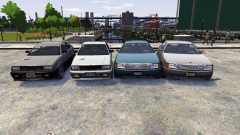 That is one of the best projects ever! :D
 -
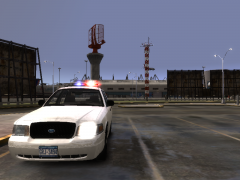 Glad you like it :D
 -
From the album: Scrimps Mods
-
^This one happened in the middle of a pursuit :/
-
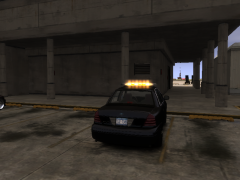 Thanks :D
 -
From the album: Scrimps Mods
So now my CVPI doesn't need a separate T.A. -
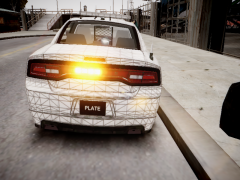 Thanks :D
 -
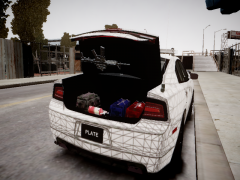 Thanks! :D
 -
I've put it under the glass afaik
-
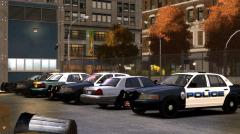 Nice picture! :D
 -
Look in the spoiler: Anyways, some really cool pictures in here! I'll take some more when I have the time :D
-
From the album: Scrimps Mods
As suggested by GreenAid (only the left part of the TA is on, it still is a bit bigger) -
From the album: Scrimps Mods
Some improvements on the Charger

![Liberty Police - [SKIN]](http://s3-gallery.int-cdn.lcpdfrusercontent.com/gallery/album_2741/sml_gallery_148413_2741_39105.jpg)

